TL:DR - After comparing Collabora Online (both with and without the built in server app) and ONLYOFFICE (with an ONLYOFFICE server) - I have a conundrum: I really prefer the Collabora software/UI better as it’s more faithful to GD and MSO, but Collabora seems to have an inherant latency while typing that annoys me. OPENOFFICE does not have this latency, but I don’t like it’s UI. Is there anything I can look at to improve the typing lag with Collabora? I’ve tried it both with the Built In Collabora server app and with MassiveGrid’s server and it’s the same, but the lag is not there on OPENOFFICE (using the NextCloud OPENOFFICE app and my own OPENO server.).
More details:
I have a fully managed hosted version of Nextcloud Hub that I’m configuring. I do not have acccess to the actual server information, as I’m using a fully managed Nextcloud install at MassiveGrid. (I do not have access to the webserver, only the NextCloud admin panel and some account management with MassiveGrid, but no actual Linux or cPanel or anything).
I know if I was hosting this on a webserver myself there would be tuning and config things I could look at but I don’t have access to that here - Just wondering if Collabora is just inherently like that or if I can do something to improve it?
Nice! Well, I have confirmed it x3. It happens on dedicated hosting, and 2 separate managed hosting setups (different hosts) on clean installs. OK_Know, below, also confirms.
Of course not. I came to the available discussion forum to investigate a situation which may or may not be a flaw, and is clearly not a hosting company’s responsibility. Besides the fact that they would likely tell me exactly that if I get a response at all, I always explore all other avenues before opening tickets and GitHub issues.
As far as I know, Collabora is very dependent on reactive servers. The main part is executed on the server and streamed to the browser. In comparison, OnlyOffice does more on the browser side (but a server is also necessary for communication). If you want to debug this, I would start with the server and your connection from client to server.
A few starting points:
Does your server need more RAM? (View utilization and swap)
Does your server need more CPU power? (Check the load)
What does a ping from client to server look like?
And then it depends on how you set up Collabora. If you are using the built-in version (php_exec executes a binary and proxies it through php), I would advise against it and set up a proper Collabora. Personally, I haven’t noticed any lag. I use Collabora 1-2x per week
of course you are right, not having a fully hosted solution personally, that was an incorrect assumption on my side.
depending on whether your hosting contract includes collabora services. if yes, then it would certainly be the hosting company’s responsibility and support could be expected?
if collabora services are not included in your hosting contract, your hosting provider should confirm that upon request? if support response from your provider is an issue, then that is nothing we can change right?
as for the “me too” comment by @Ok_Know we have no knowledge of his setup, neither do we know if he has the same hosting provider and if yes, then all the more reason to request support from that hosting provider.
like @mritzmann, who also spends a great deal of time on the forum handling issues and providing solutions, there have been no issues mentioning a potential flaw in collabora lately, thus “nope, cannot confirm…”
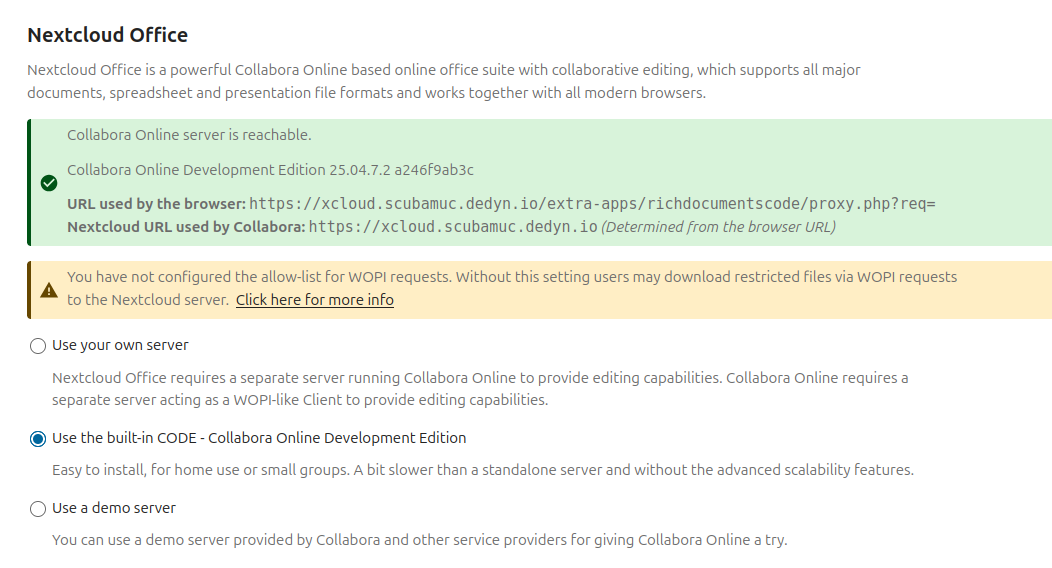
It happens both with the “Built in” Collabora app, as well as using a dedicated Collabora server provided by my host.
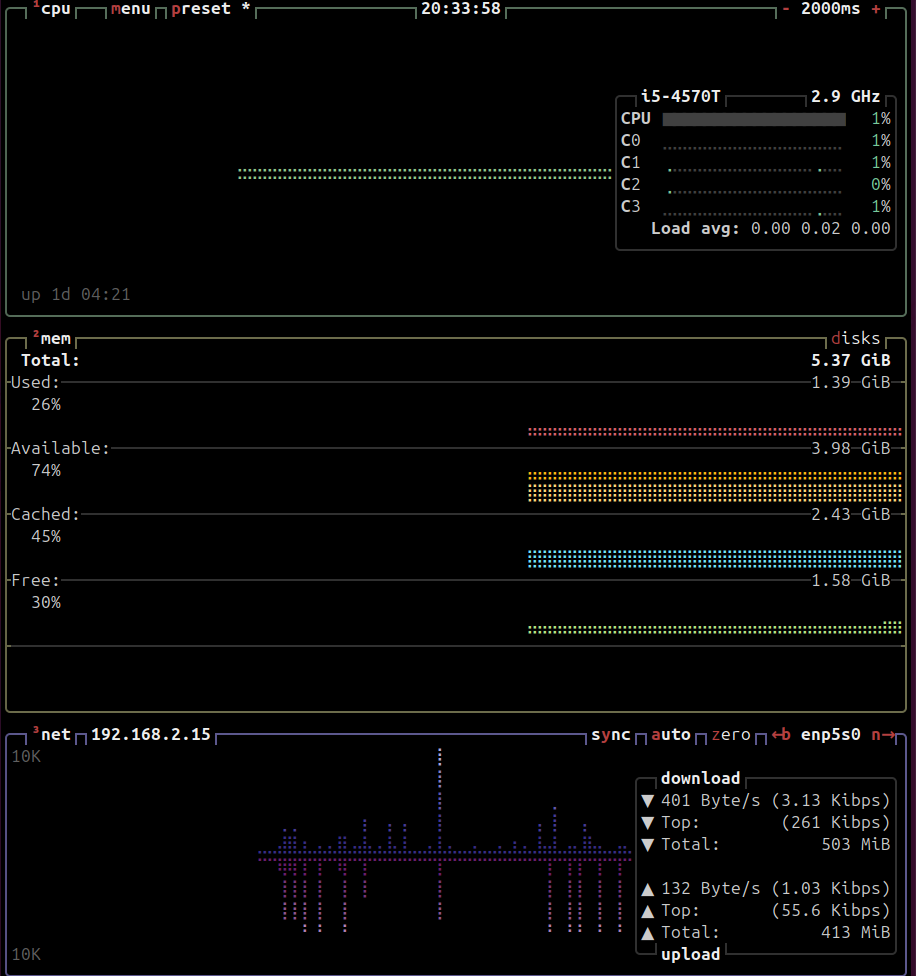
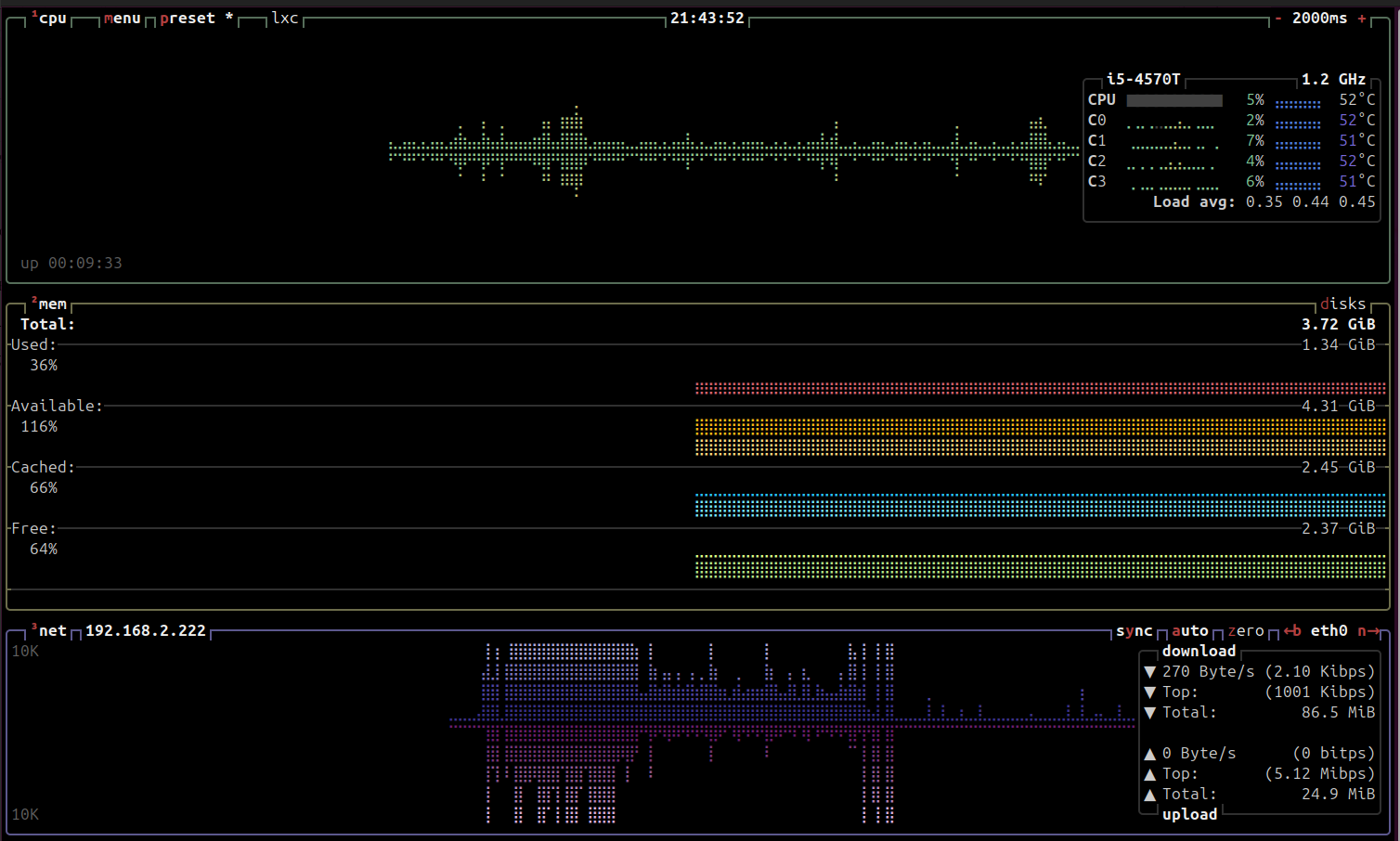
Monitoring the load and memory, it seems fine
CPU hovers around 15-20% and can go up to 30% while I’m navigating around, and typing in a document with Collabora.
Memory use is consistently about 48%
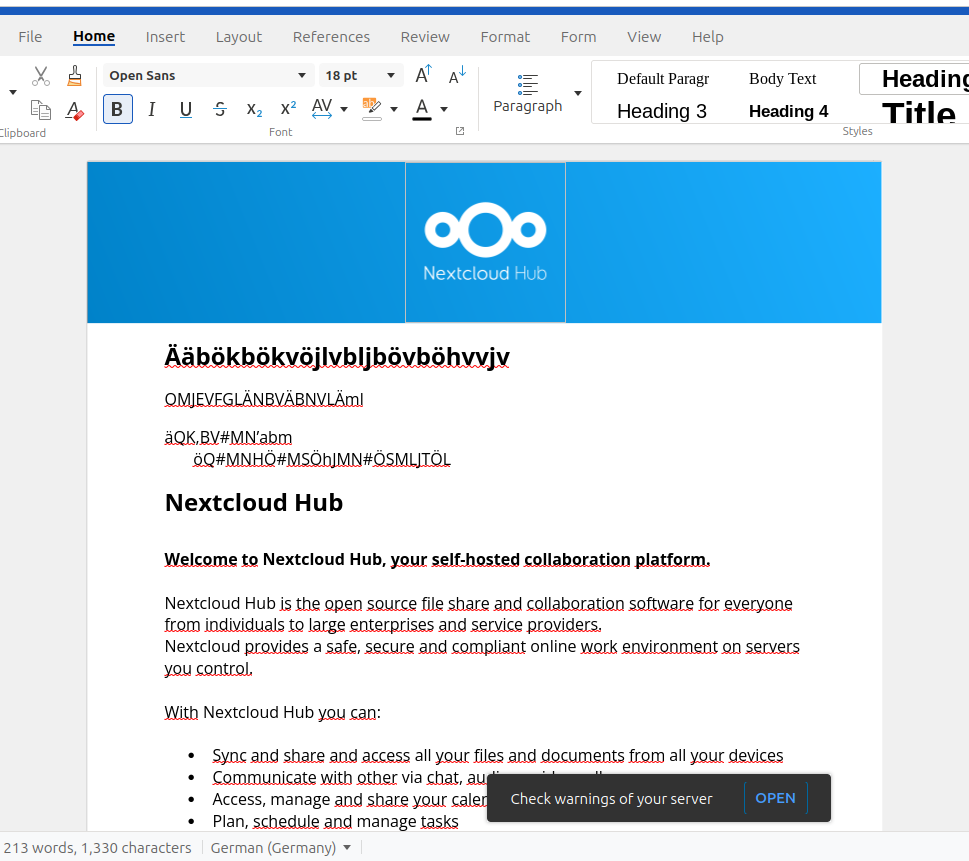
Another observation: The rest of NextCloud and navigation is working well without any performance issues I can detect. It’s only while typing in a document or spreadsheet using Collabora.
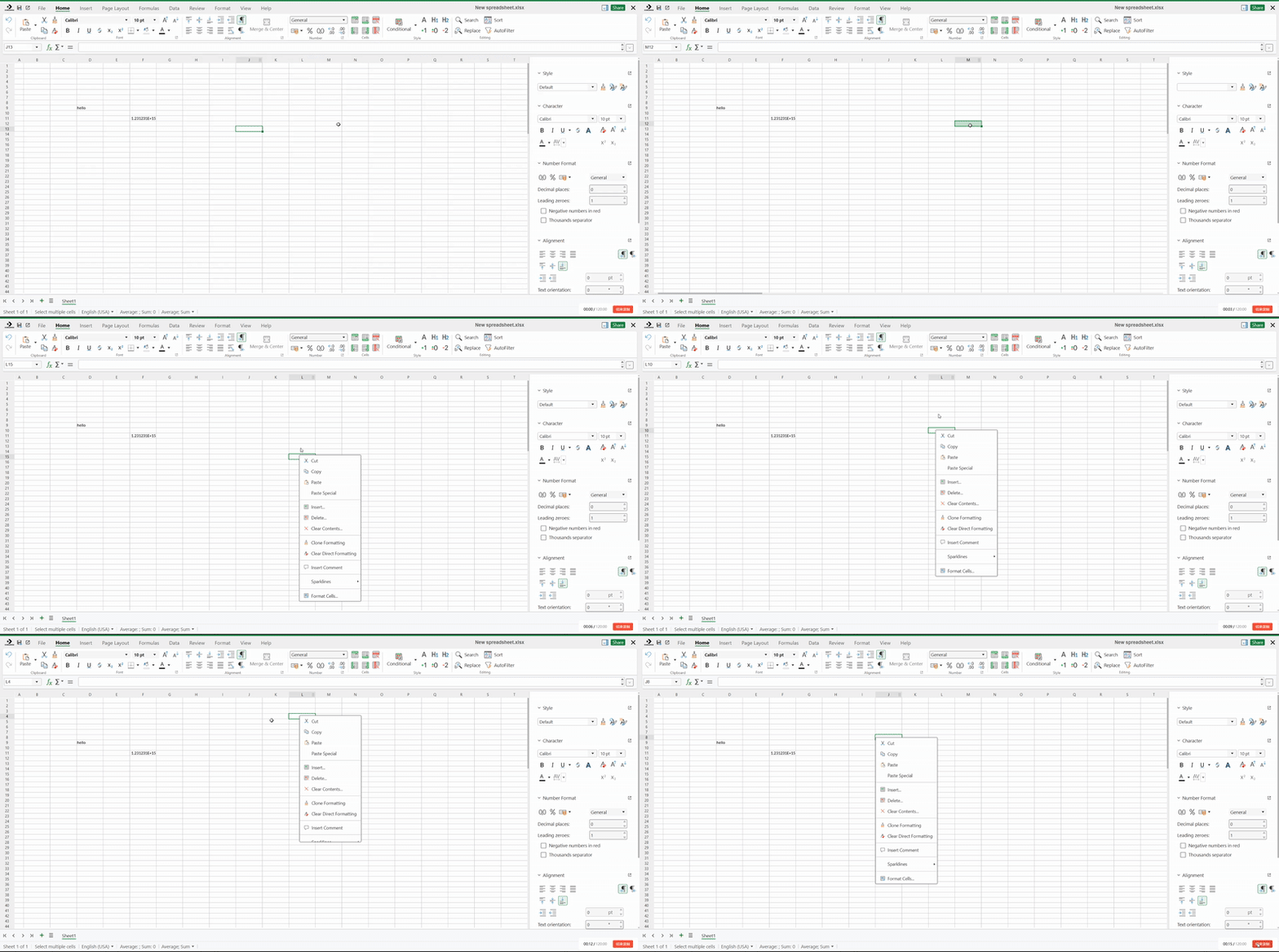
The text editing function works correctly, but there is a delay when right-clicking the mouse; the menu appears after about 0.5 seconds. I can also provide the reverse proxy parameters if needed, and I have already set the parameters very high in the coolwsd.xml file.
that slight lag upon opening the context menu after right click on a spreadsheet can be confirmed… not sure if its 0,5 seconds, but yes there is a lag and something is happening on the network graph… but its ever so slight. other resources don’t budge and my system is no resource monster
Yes, this delay is noticeable to the human eye, and it’s clearly different from the immediate menu that pops up when you right-click on a document locally. Thank you for using such professional data to prove that I wasn’t lying. I only know how to record videos and convert them to GIFs.
Your video is interesting! I can’t detect any generally lag, except in the context menu. There I also notice a slight delay. I can even reproduce this with the new Collabora Desktop, i.e. with Collabora where client and server are local (which eliminates the network problem).
And indeed, there is already a new bug report regarding this:
Thank you, this confirms that it’s not due to a configuration error on my part, as this function is frequently used in daily document editing, and this delay significantly impacts the user experience.

 The text editing function works correctly, but there is a delay when right-clicking the mouse; the menu appears after about 0.5 seconds. I can also provide the reverse proxy parameters if needed, and I have already set the parameters very high in the coolwsd.xml file.