I have no support/technical question and have seen the support category. (Be aware that direct support questions will be deleted.)
on
Which general topic do you have
hello
is it possible with, a link, to open only the files.
my point is that if i only want to see my files (home, company files, team files) to have a link on the desktop which opens only the website with fileexplorer. nothing else.
would be nice
any tips ?
greetings and thx
Hello @pille,
welcome to the community of Nextcloud
You placed your request in the general section, so it was moved to the support category. Unfortunately you ignored the template and a lot of information to help you is missing. Please edit your original post and add all required details like Nextcloud version, webserver type and version, os version, related log file content. Use the support template.
Without additional information the community members cannot help you.
Meanwhile, you’re looking for the default landing app in you config.php
Please do not create multiple threads asking essentially the same question in slightly different phrasings.
Yes, you can link directly to the Files app (cloud.yourdomain.tld/apps/files), as you have probably already discovered. However, this does not stop your users from seeing and using the other apps in the top bar, which is what you actually want to prevent, according to this thread: Template for new users.
Depending on your desired outcome, there are different approaches.
If you just want users to land directly on the Files app, they can use the above link or you could set Files as the default app, as @scubamuc mentioned.
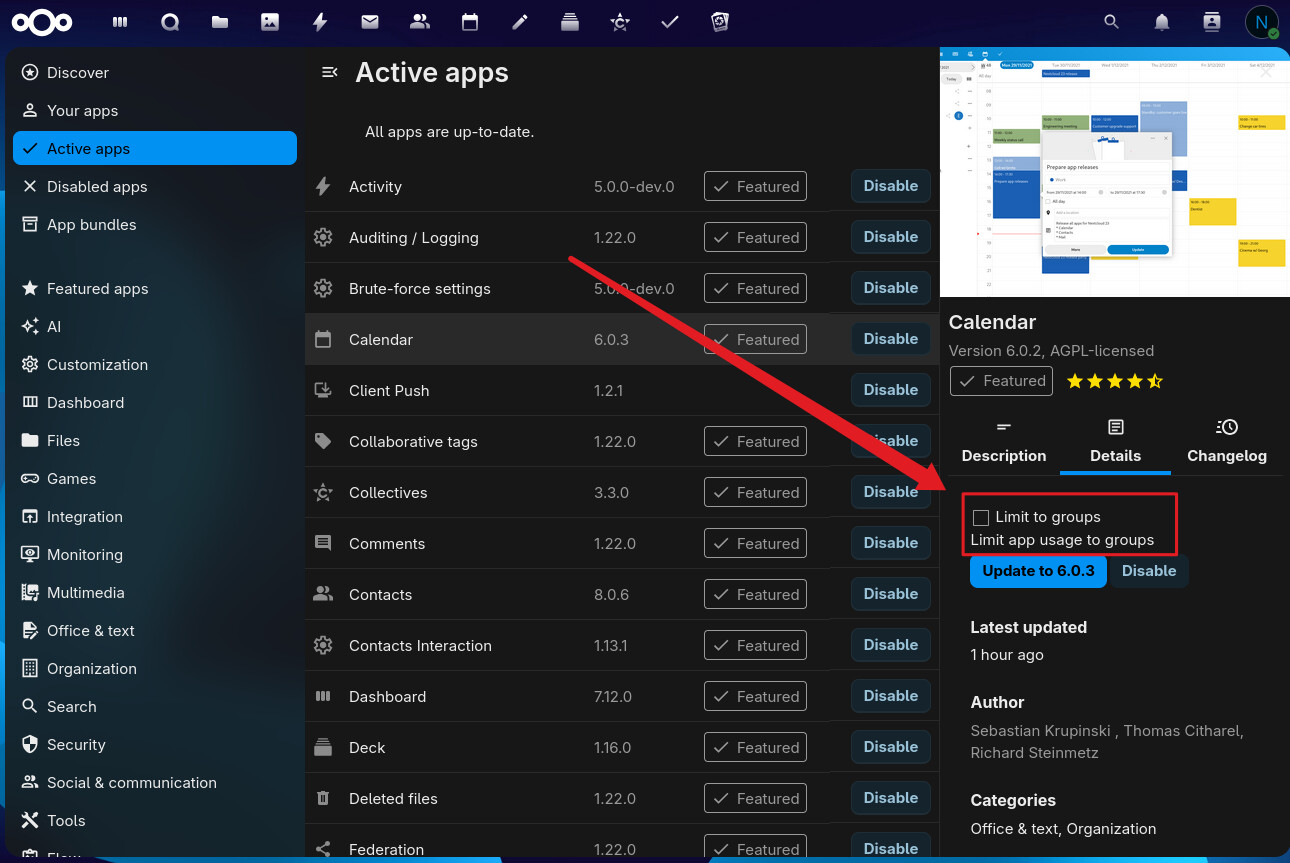
If you want to prevent certain users from using certain apps, you can restrict those apps to specific user groups. This would kind of also answer the question regarding the template, as it probably wouldn’t be needed anymore, since you could just add new users to the restricted group.
However, if you really only want these users to be able to use and share files, it might also make sense to set them up as ‘guests’ via the Guests app: Guests - Apps - App Store - Nextcloud
Sorry for ignoring the template. was my bad. wont happen again. was thinking its a question related to configuration of an app, anyway. will do
The Basics
Nextcloud Server version (e.g., 29.x.x): 31.x
Operating system and version (e.g., Ubuntu 24.04): install via ucs, debian bookworm
Web server and version (e.g, Apache 2.4.25): standard
Reverse proxy and version _(e.g. nginx 1.27.2): standard
When did this problem seem to first start? its not a problem rather configuration question
Installation method (e.g. AIO, NCP, Bare Metal/Archive, etc.) ucs
Are you using Cloudflare, mod_security, or similar? (Yes / No) no
these are 3 different questions in the 3 posts
is related to files/file server. (my goal is to just have a website for file browsing instead of windows explorer)
is the menu template. every user should see a defined menu for example the menu “Apps” or “external storage” or “sharing” or “help and privacy” needs to be removed from the menu, for all users
ads information writing thru nextcloud.
to the post itself
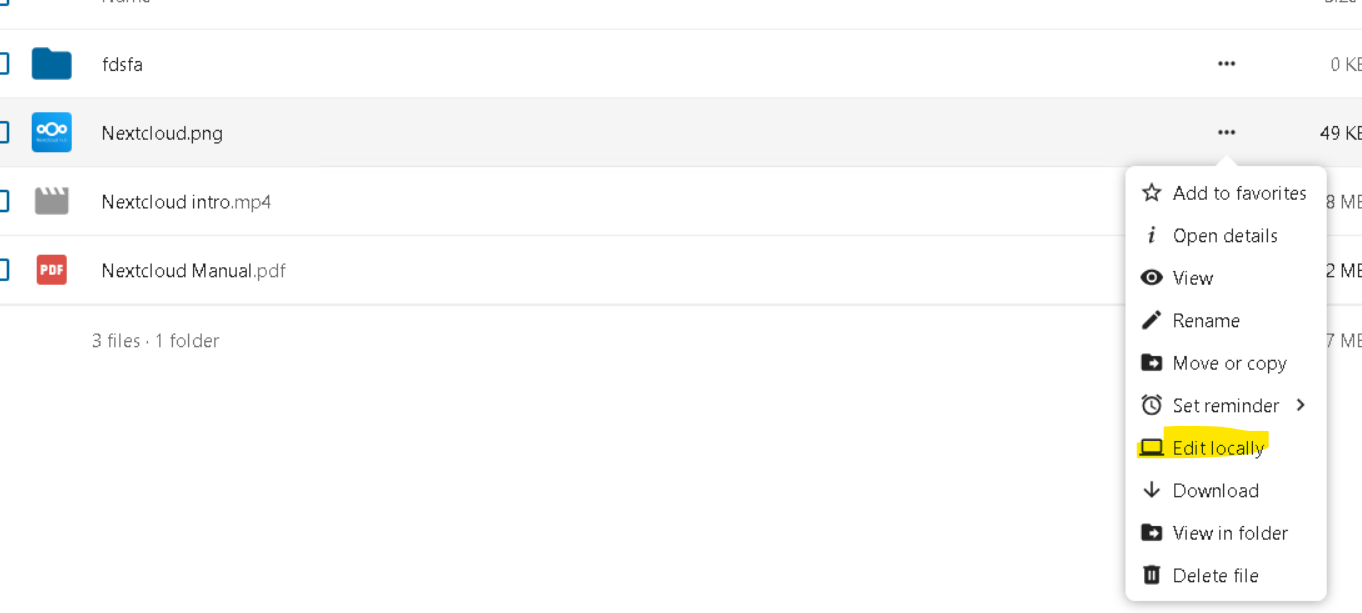
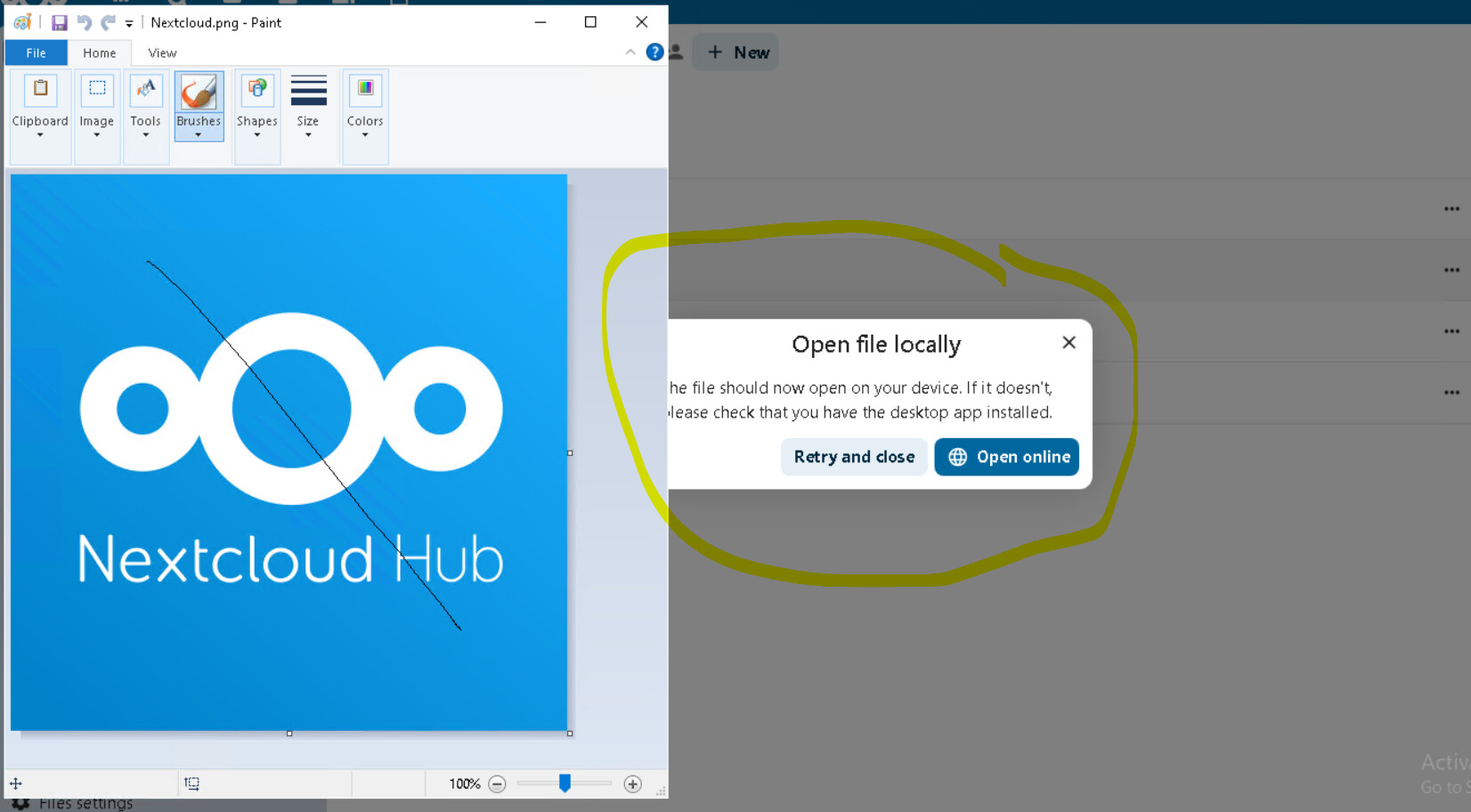
this solution is actually not bad. with the desktop app and the virtual folder its possible to “locally open” the folder. can that be the standard behalf ? without the popup