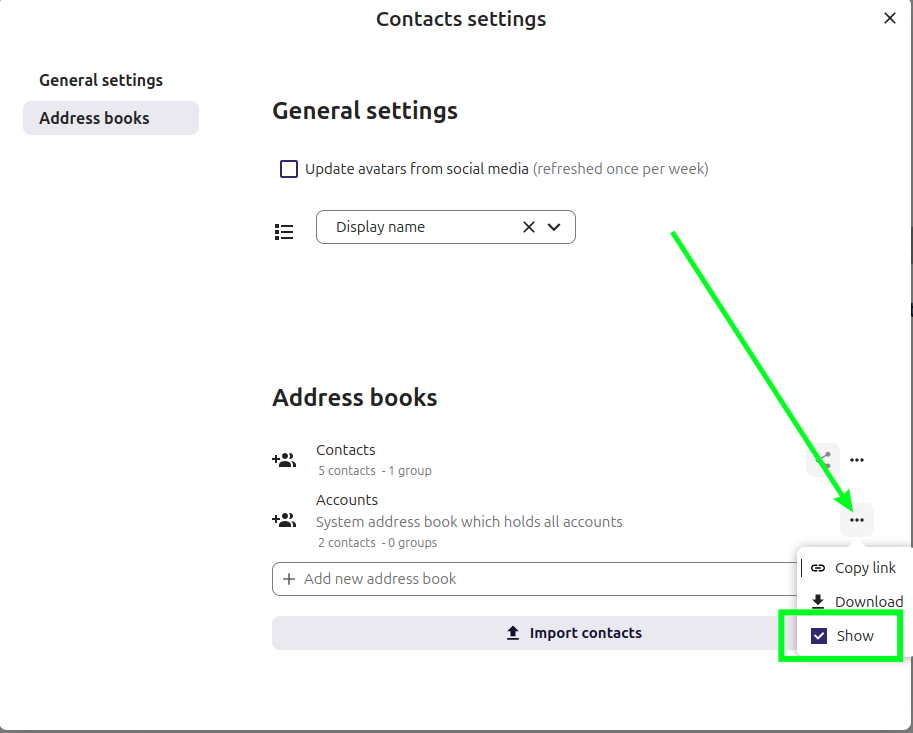
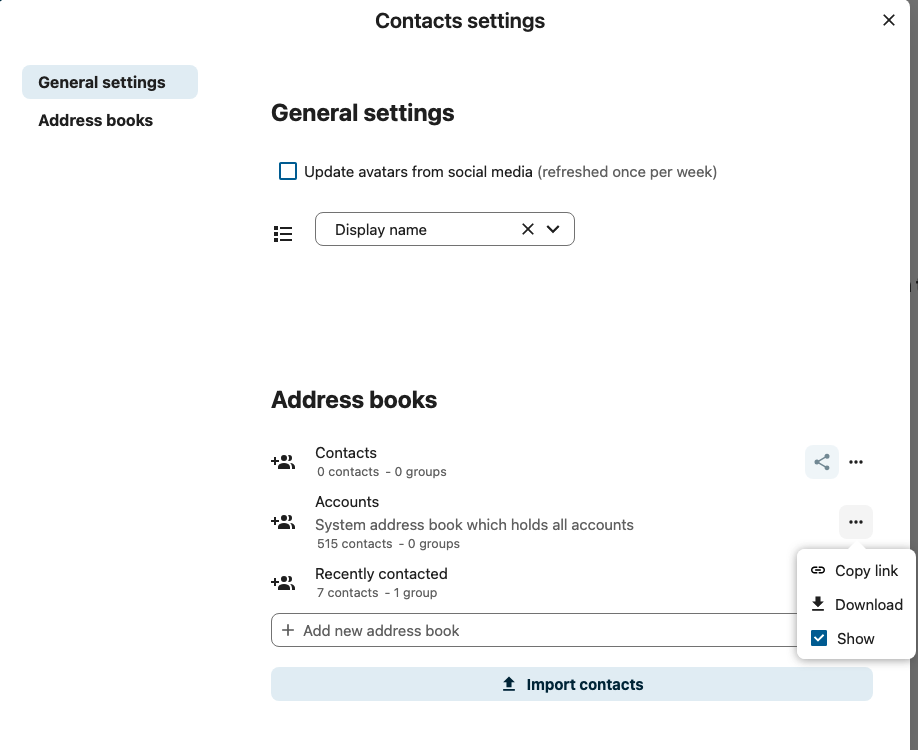
I am writing to report an issue with the contact suggestion feature in the NextHub mail system, specifically concerning system contacts. When composing a new email, contacts from our organization’s system-wide address book (system contacts) do not appear as suggestions, even though they are available in the global contact list or directory.
This issue makes it difficult to easily select colleagues and other organization contacts when drafting emails, and it impacts efficiency for all users who rely on the shared contact directory. Both personal contacts and system/organization contacts are essential for our workflow, so it is important that system contacts are included in the autocomplete/suggestion list when entering recipients.
I kindly request that you investigate and resolve this bug so that all system contacts are searchable and visible as suggestions when composing new messages.
Thank you for your attention to this matter. Please let me know if you need more details or examples to help troubleshoot the issue.
Yes, the support template is a good starting point, so we know which version is used, if the contacts are from Nextcloud directly or 3rd party authentication (LDAP, Active Directory), and if there are perhaps already some errors in the logs.
the search function in the “To” field of the mail is not working correctly. Contacts only appear in the autocomplete suggestions after exporting the addresses from the system address book and importing them into the user address book.
In other applications, such as Talk, users appear in the search results without this import. However, in Mail, autocomplete only works if the system contacts are imported into the user address book.
I have added LDAP integration, and users and contacts are read from the LDAP directory.