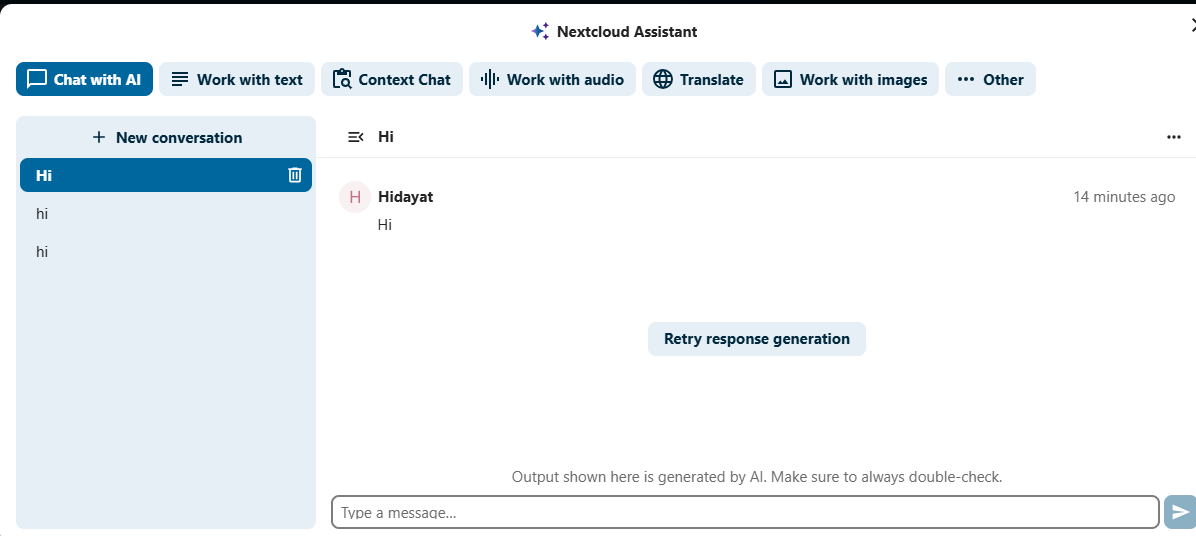
I have installed nextcloud Assistant and some other apps that required it to work. its not working. What is missing? I don’t have any OpenAI server, does it need? or apps itself are enough?
[no app in context] Error: Failed to load task processing provider OCA\IntegrationDeepl\Providers\TaskProcessingProvider
GET /index.php/settings/admin/logging
from 192.168.0.200 by hidayat at Sep 11, 2025, 4:18:50 PM
You posted a topic in the support category. Unfortunately you ignored the template and a lot of information to help you is missing. Please edit your original post and add all required details like Nextcloud version, webserver type and version, os version, related log file content. Use the support template.
Without additional information the community members cannot help you.
Meanwhile try the official documentation, that could help…
thanks i was expecting Nextcloud assistant likely to work by just installing it like other apps. But it needs models. in demonstration they shown it like plug and play. or i misunderstood
These are marketing events to showcase new features, not installation tutorials. These presentations also don’t demonstrate how to set up a Linux server and install Nextcloud on it.