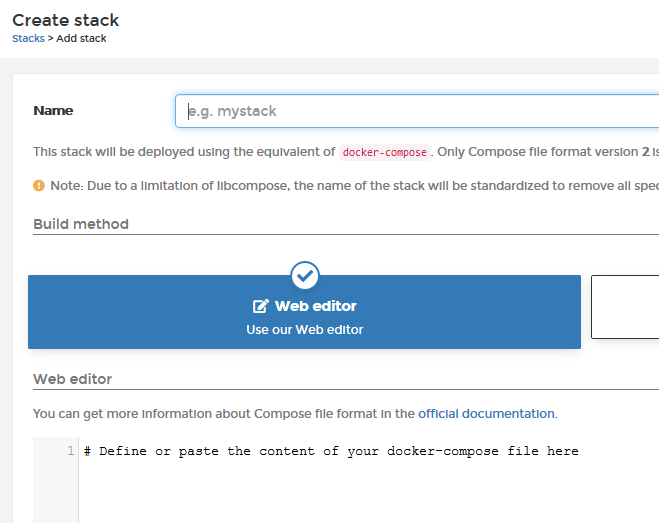
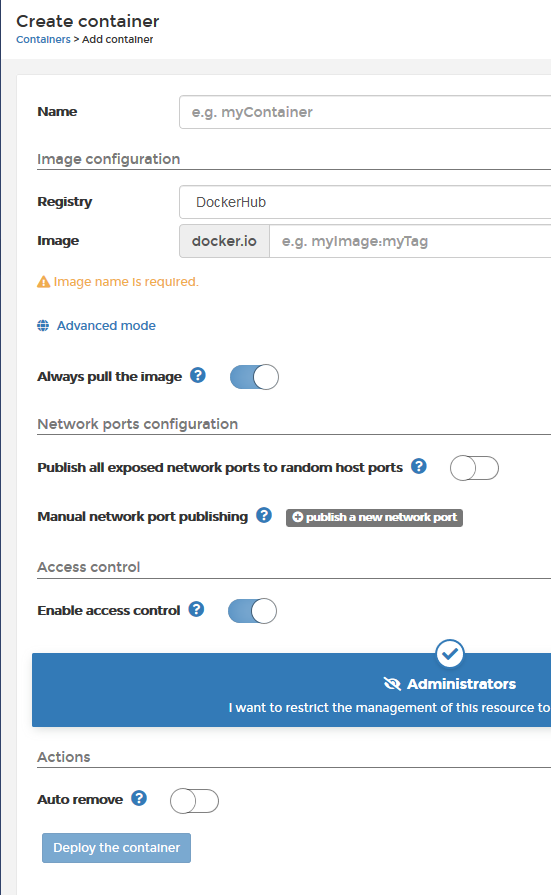
Genau aus diesem Grund bin ich, hub.docker mit Nextcloud besser aufgehoben.
Hier gibt es Nextcloud direkt von GitHub, den Entwicklern.
@Reiner_Nippes
Was muss ich bei deiner Github Anleitung anpassen, damit ich das Volume auf einem Homeserver nutzen kann?
Warum hast Du deine Traefik Einbindung nicht in der Überschrift erwähnt?
Gibt es da einen Grund?
Wie kann ich erkennen ob ein Nginx bzw. ein Apache2 Webserver eingesetzt wird?
Gefunden: h ttps://github.com/ReinerNippes/nextcloud_on_docker/commit/418a621db08564874c1447e0305842b010011bbd
Line 18 - 24
docker_postgres_image:         10-alpine
docker_mysql_image:            latest
docker_nextcloud_image:        stable
docker_nginx_image:            stable-alpine
docker_nextcloud_image:        stable-fpm
docker_nginx_image:            stable
docker_adminer_image:          latest
docker_traefik_image:          latest
docker_watchtower_image:       latest
Werde ich abgefragt ob ich die Datenbank postgres oder myql nutzen möchte?
Wann sollte man was wählen z. B. nextcloud stable-alpine oder nextcloud stable-fpm?
Dein Github ist ganz schön komplex, es sah anfänglich so einfach aus.
So jetzt mal weiter nach Github
------------------------------------------------------
Debian System ready to install Nextcloud.
ansible 2.10.5
config file = None
configured module search path = [‘/home/nc-kay/.ansible/plugins/modules’, ‘/usr/share/ansible/plugins/modules’]
ansible python module location = /usr/local/lib/python3.7/dist-packages/ansible
executable location = /usr/local/bin/ansible
python version = 3.7.3 (default, Jul 25 2020, 13:03:44) [GCC 8.3.0]
*wow, die Anleitung rockt richtig
TASK [We are ready] *****************************************************************************************
Thursday 28 January 2021  19:33:46 +0100 (0:00:00.942)       0:11:41.436 ******
ok: [localhost] =>
  msg:
  - Your Nextcloud at https://nc-kay.dynv6.net is ready.
  - 'Login with user: admin and password: xxxxxxxxxxxxxxxxxx '
  - 'Other secrets you''ll find in the directory /opt/nextcloud/secrets '

TASK [We are ready] *****************************************************************************************
Thursday 28 January 2021  19:33:47 +0100 (0:00:00.036)       0:11:41.473 ******
skipping: [localhost]

TASK [We are ready] *****************************************************************************************
Thursday 28 January 2021  19:33:47 +0100 (0:00:00.030)       0:11:41.504 ******
skipping: [localhost]

PLAY RECAP **************************************************************************************************
localhost                  : ok=73   changed=46   unreachable=0    failed=0    skipped=30   rescued=0    ignored=0

Thursday 28 January 2021  19:33:47 +0100 (0:00:00.031)       0:11:41.535 ******
===============================================================================
docker_container : Create the nextcloud container -------------------------------------------------- 217.73s
prep_docker : install docker ----------------------------------------------------------------------- 143.05s
docker_container : Create postgres container -------------------------------------------------------- 86.98s
nextcloud_config : first setup nextcloud ------------------------------------------------------------ 57.38s
docker_container : Create the traefik container ----------------------------------------------------- 46.33s
docker_container : Create redis container ----------------------------------------------------------- 22.24s
nextcloud_config : set nextcloud system config.php values ------------------------------------------- 20.22s
docker_container : Create the dockerproxy container ------------------------------------------------- 19.30s
docker_container : Create the nginx container ------------------------------------------------------- 15.55s
docker_container : Create watchtower container for auto update -------------------------------------- 13.20s
prep_os : install additional packages --------------------------------------------------------------- 12.61s
nextcloud_config : backup jobs, upgrade apps and database tuning ------------------------------------- 6.86s
docker_container : wait for nextcloud container to come up ------------------------------------------- 4.91s
prep_docker : install python3-docker ----------------------------------------------------------------- 3.86s
prep_ufw : Installing ufw package -------------------------------------------------------------------- 3.74s
prep_docker : add additional docker repo ------------------------------------------------------------- 2.04s
nextcloud_config : {{ item.state }} {{ item.name }} app ---------------------------------------------- 1.84s
prep_docker : add docker key ------------------------------------------------------------------------- 1.82s
prep_ufw : Configuring port/protocol/network rules --------------------------------------------------- 1.48s
nextcloud_config : run nextcloud cronjob once -------------------------------------------------------- 1.28s
kay@deb10:~/nextcloud_on_docker$
kay@deb10:~/nextcloud_on_docker$
Wie kann ich das System im internen Netzwerk erreichen?
 Das Playbook ist die Ansible-Automatisierungssprache.
  (einfach mal den legendären Klammeraffen vor dem Nick probieren)