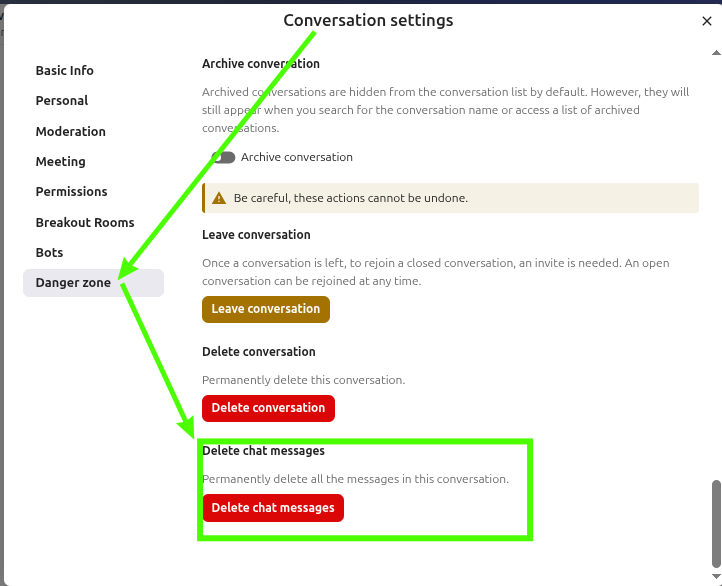
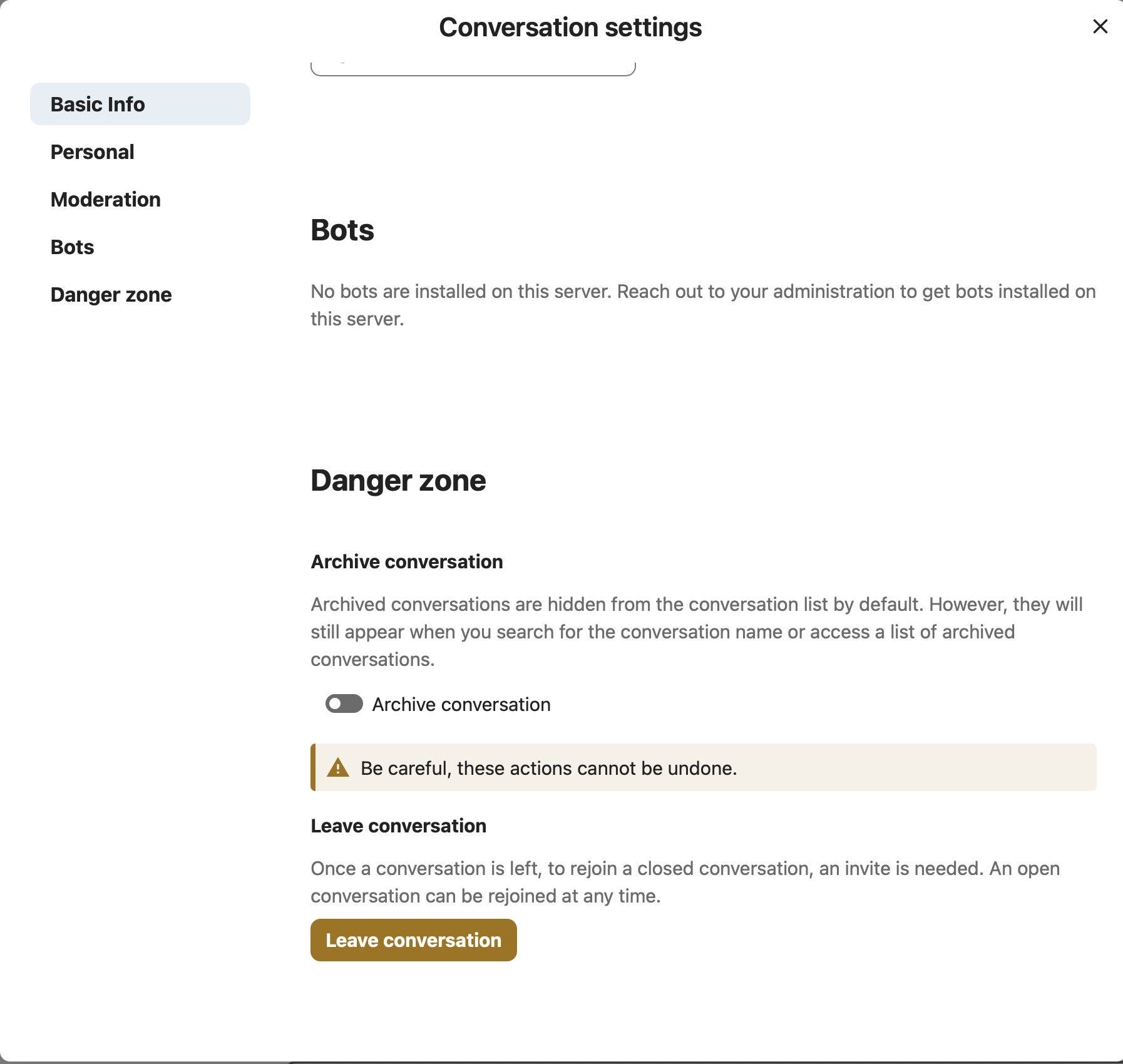
Please take a look at the attached screenshot above. In the “Danger zone” section (this is the very bottom of the “Conversation settings” window), I only see the options “Archive conversation” and “Leave conversation”
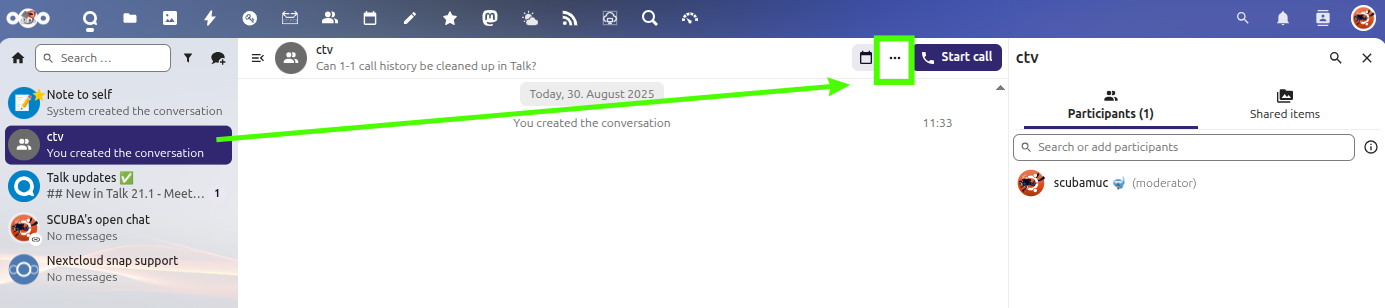
Yeah, I just picked a contact from the “All contacts” list and started a new conversation. I’m not sure what a moderator is, but I tried it with regular accounts I created for my friends on my server, as well as with the admin account - and this section looks the same no matter which account I use or which client (web/desktop/iOS).
You started a topic in support category. Unfortunately you ignored the template and a lot of information to help you is missing. Please edit your original post and add all required details like Nextcloud version, webserver type and version, os version, related log file content. Use the support template.
Without additional information the community members cannot help you.
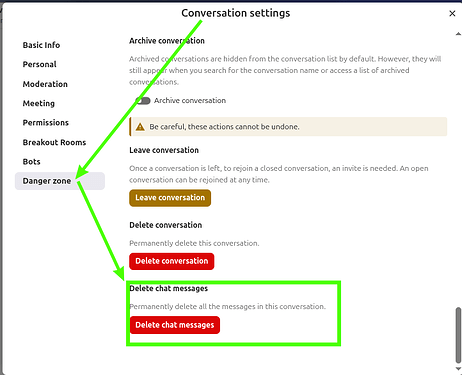
1-1 conversation cannot be deleted/cleared by default. If you wish to do that, you need to use a recent version (I think it was added in 31) and set the following config
The base idea is that one participant of a 1:1 conversation should not be able to delete the whole conversation as there is noch such thing as moderation. But in case it’s wanted, there’s an option for that.