The Basics
- Nextcloud Server version (e.g., 29.x.x):
32.0.0
- Operating system and version (e.g., Ubuntu 24.04):
- Debian GNU/Linux 11 (bullseye)
- Is this the first time you’ve seen this error? (Yes / No):
Yes
- When did this problem seem to first start?
After update on 32.0.0
- Installation method (e.g. AlO, NCP, Bare Metal/Archive, etc.)
Docker
- Are you using CloudfIare, mod_security, or similar? (Yes / No)
No
Summary of the issue you are facing:
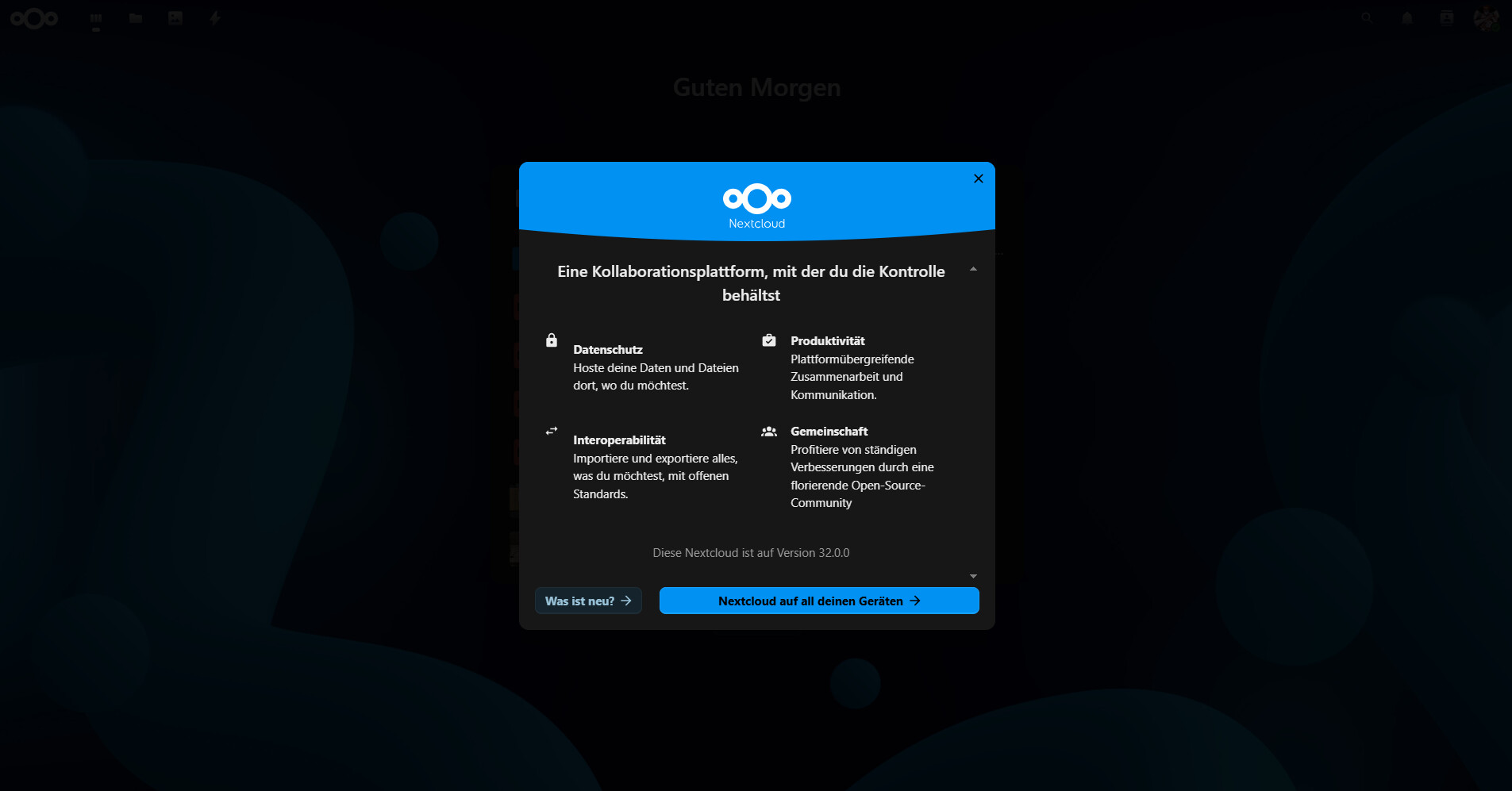
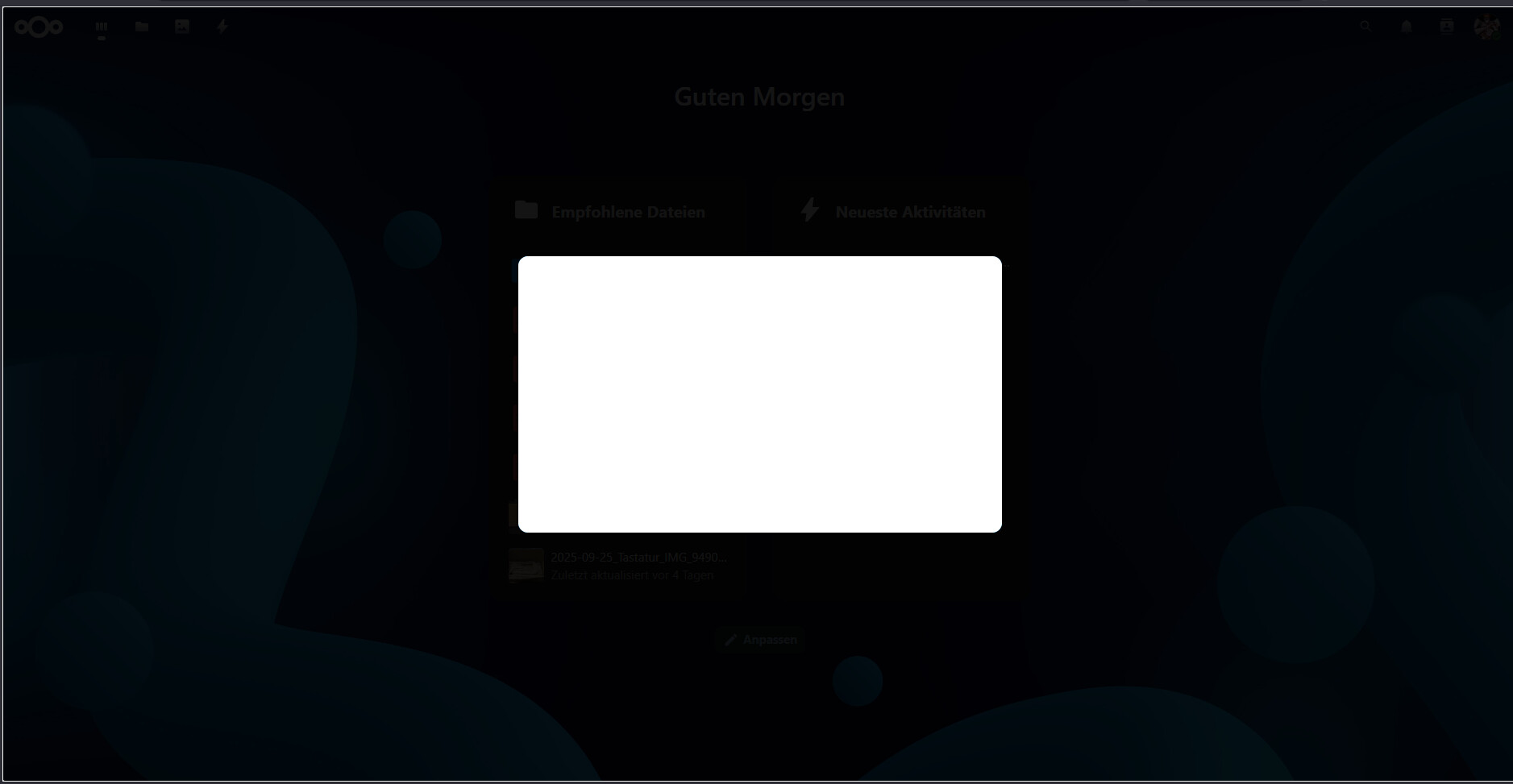
After updating on 32.0.0 every user gets a modal window inside the browser-ui, until the window gets closed. But when using the vivaldi browser, the window just shows a white box and can’t be closed.
Steps to replicate it (hint: details matter!):
-
Update to 32.0.0
-
Login using the vivaldi browser
Web Browser
When using vivaldi, it shows a white box.
My vivaldi version is: 7.6.3797.56 (Stable channel) (64-Bit)
When using another browser (e.g. Edge), it shows a modal window