The community help forum (help.nextcloud.com) is for home and non-enterprise users. Support is provided by other community members on a best effort / “as available” basis. All of those responding are volunteering their time to help you.
If you’re using Nextcloud in a business/critical setting, paid and SLA-based support services can be accessed via portal.nextcloud.com where Nextcloud engineers can help ensure your business keeps running smoothly.
Getting help
In order to help you as efficiently (and quickly!) as possible, please fill in as much of the below requested information as you can.
Before clicking submit: Please check if your query is already addressed via the following resources:
(Utilizing these existing resources is typically faster. It also helps reduce the load on our generous volunteers while elevating the signal to noise ratio of the forums otherwise arising from the same queries being posted repeatedly).
Some or all of the below information will be requested if it isn’t supplied; for fastest response please provide as much as you can.
The Basics
Nextcloud Server version (e.g., 29.x.x):
32.0.0.13
Operating system and version (e.g., Ubuntu 24.04):
Ubuntu 24.04.3
Web server and version (e.g, Apache 2.4.25):
2.4.58
Reverse proxy and version _(e.g. nginx 1.27.2)
nginx/1.28.0
PHP version (e.g, 8.3):
8.3.26
Is this the first time you’ve seen this error? (Yes / No):
Yes
When did this problem seem to first start?
When upgrading to latest nextcloud version
Installation method (e.g. AlO, NCP, Bare Metal/Archive, etc.)
Plesk Web App - upgraded via commandline
Are you using CloudfIare, mod_security, or similar? (Yes / No)
Sucuri/CloudProxy
Summary of the issue you are facing:
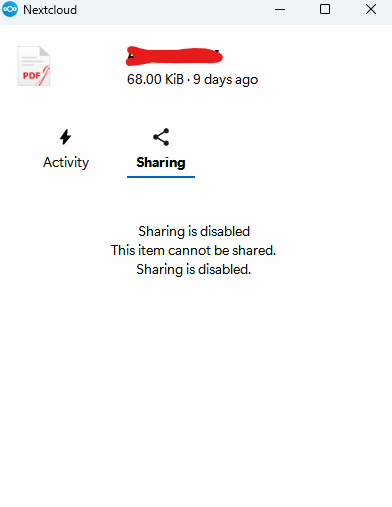
When I try to create a shareable link, the nextcloud desktop client tells me Sharing is disabled
With client 3.17.2 on Win11, on NC 32 RC 3 I cannot reproduce the error. I updated the test setup to the latest NC 32, and even then I can create a shared link of a file.
Did you also check your logs? I suppose for the sharing permissions, the client is sending a query to the server, and if there is an error, this might explain the difference.
@tflidd
the main log seems to be `OCP\HintException: Configuration was not read or initialized correctly, not overwriting /path/to/nextcloud/config/config.php`
As this is a plesk install, the permissions are all set up as owned by plesk
With this being a plesk install, the directory and all contents has the ownership - user psaserv
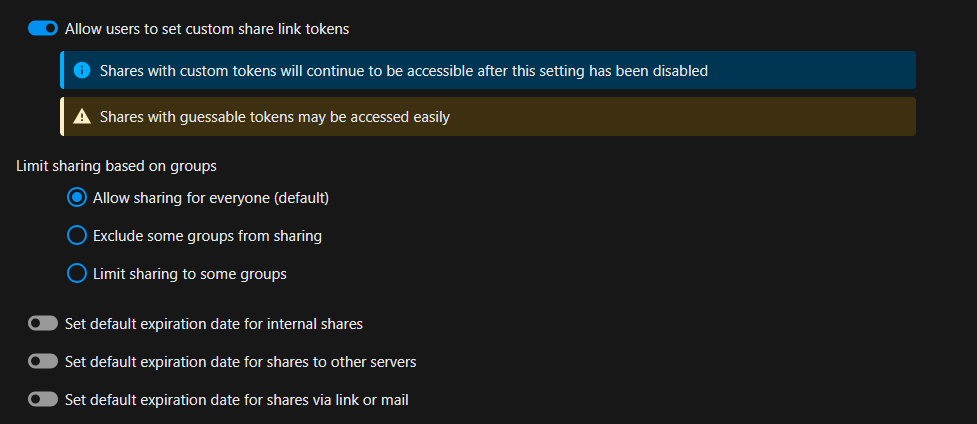
That section seems to ahve been the problem… I turned it on and now it works… I dont know what would have turned it off in the 1st place as I never access the nextcloud web interface. I have no need to.
@tflidd
I was under the impression that it was sorted andI had just left it be.
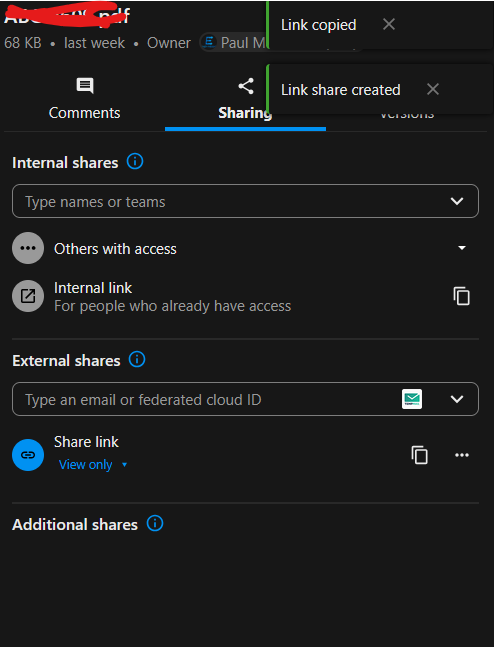
I then noticed that, although sheare links were being created, they were not working correctly. when clicking them, there was no file available.
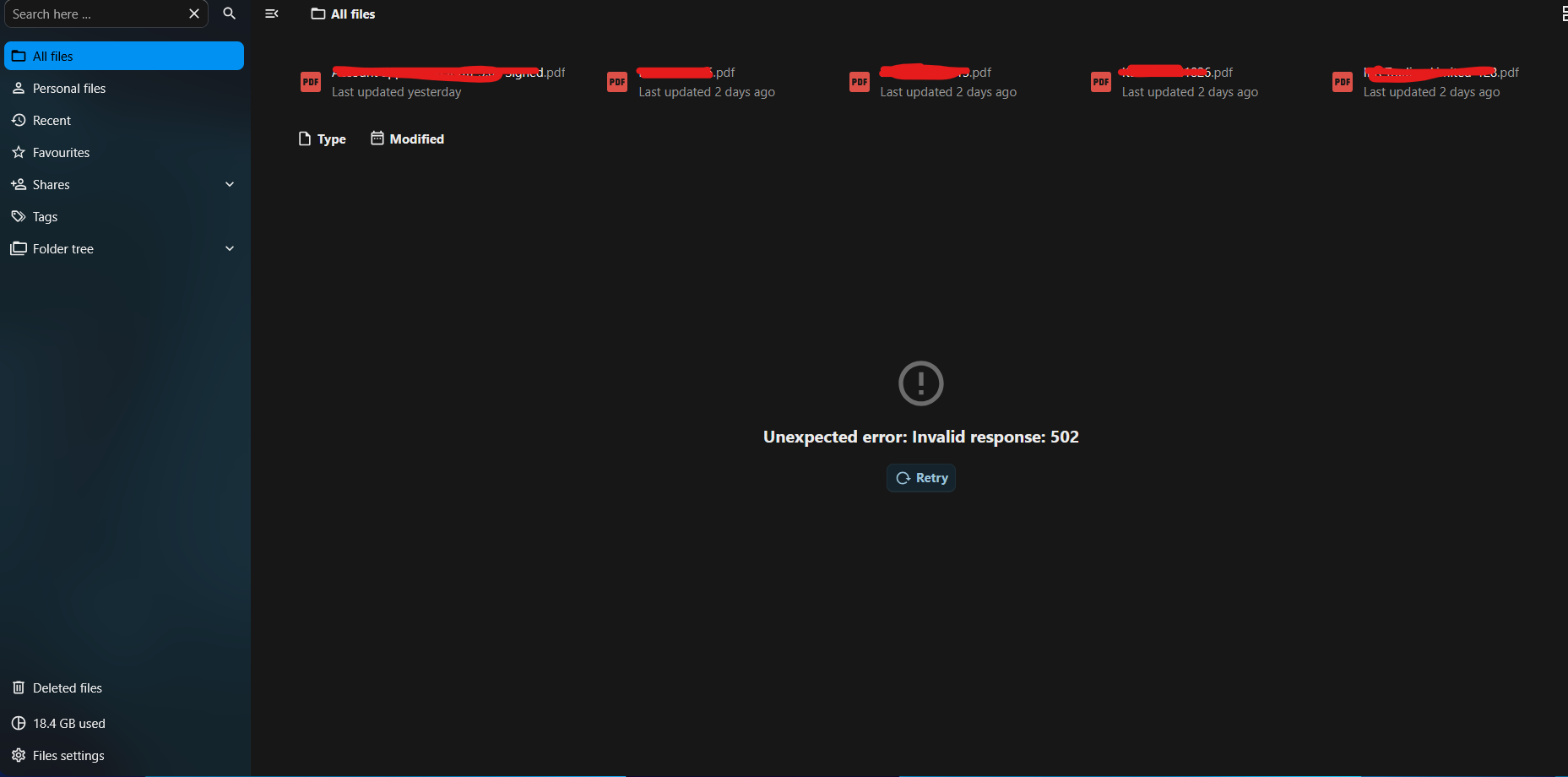
I then logged into nextcloud to check things at my end and this is what I noticed