I would like to thank everyone for their help and for taking the time to answer the questions/problems in this topic.
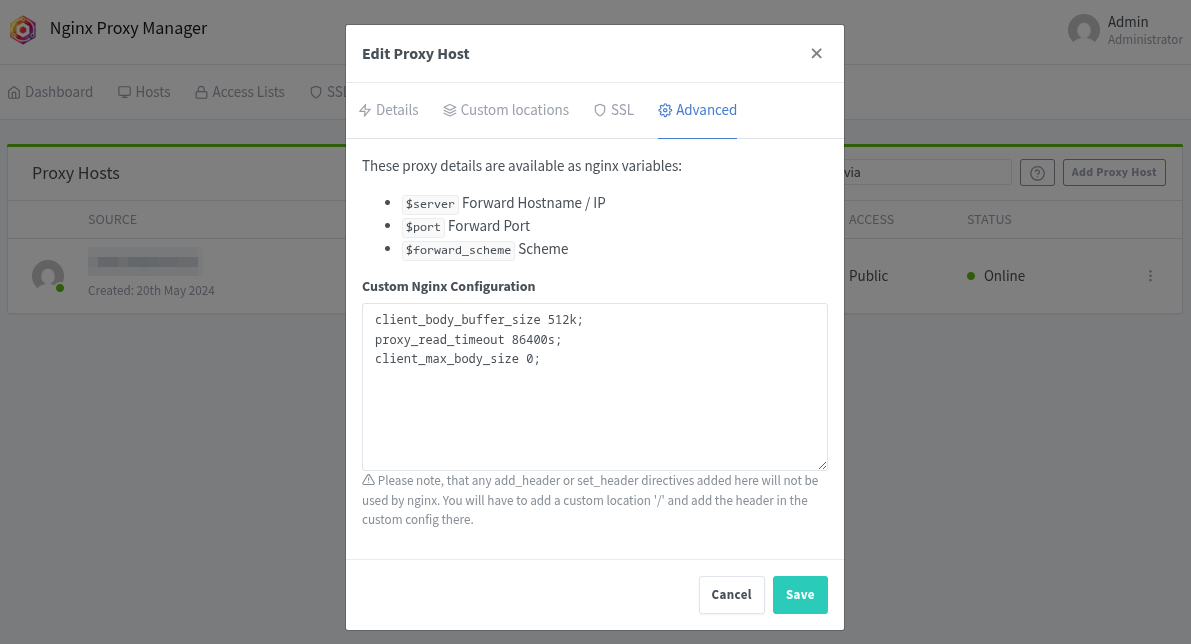
@vawaver The settings you shared were all very helpful, not to mention everything is working perfectly.
I’m still adapting to using Docker, understanding a little more about how it works every day.
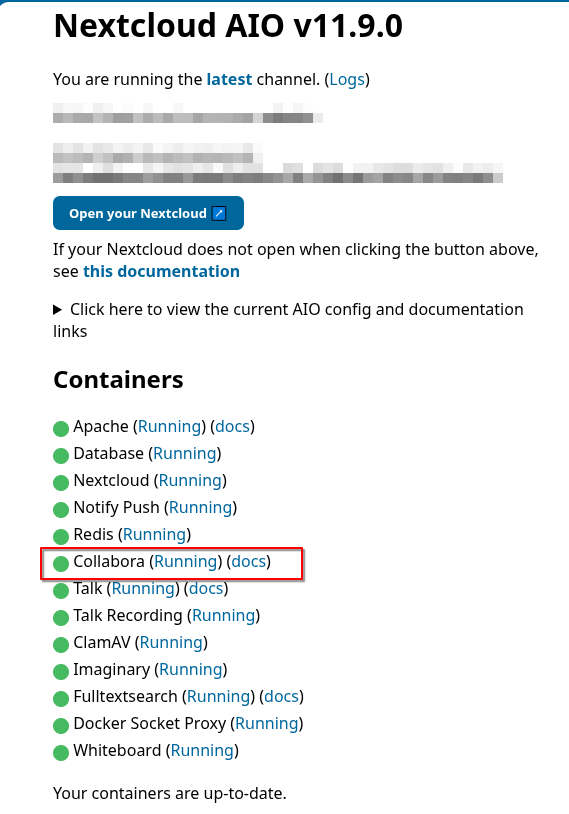
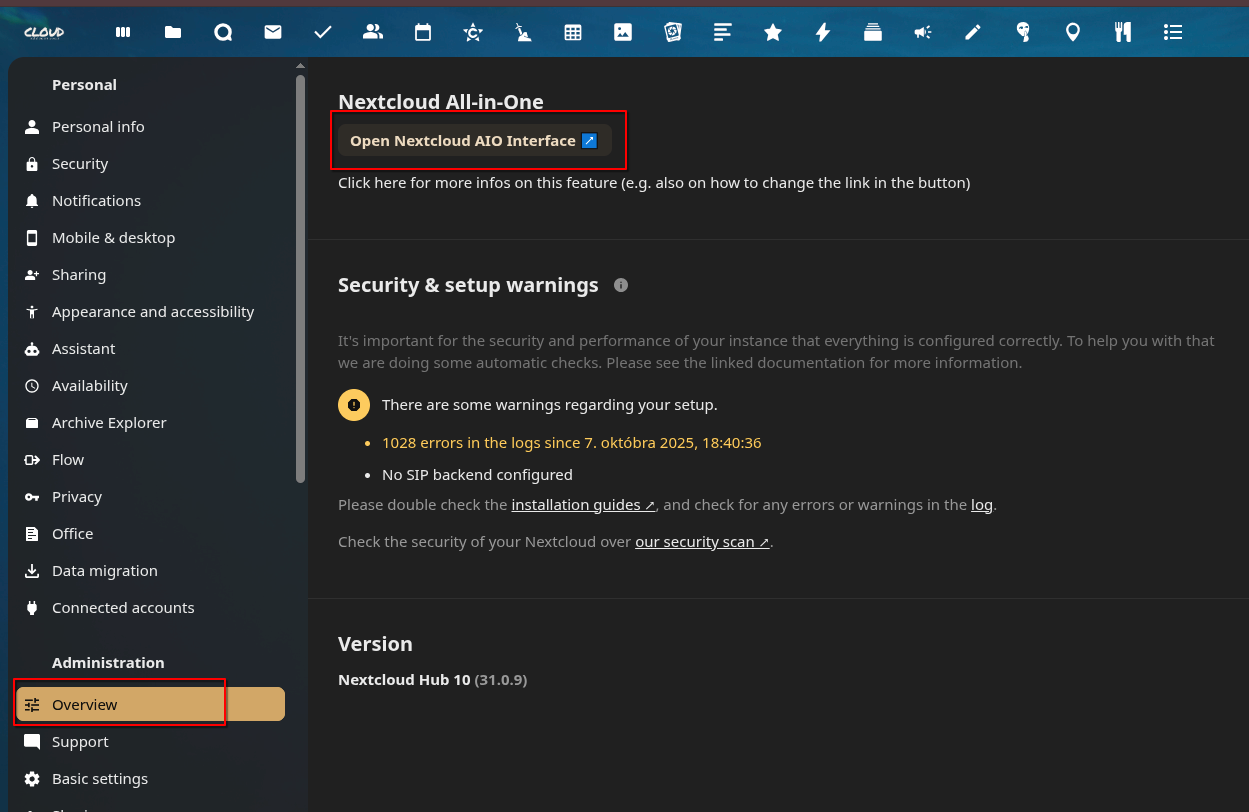
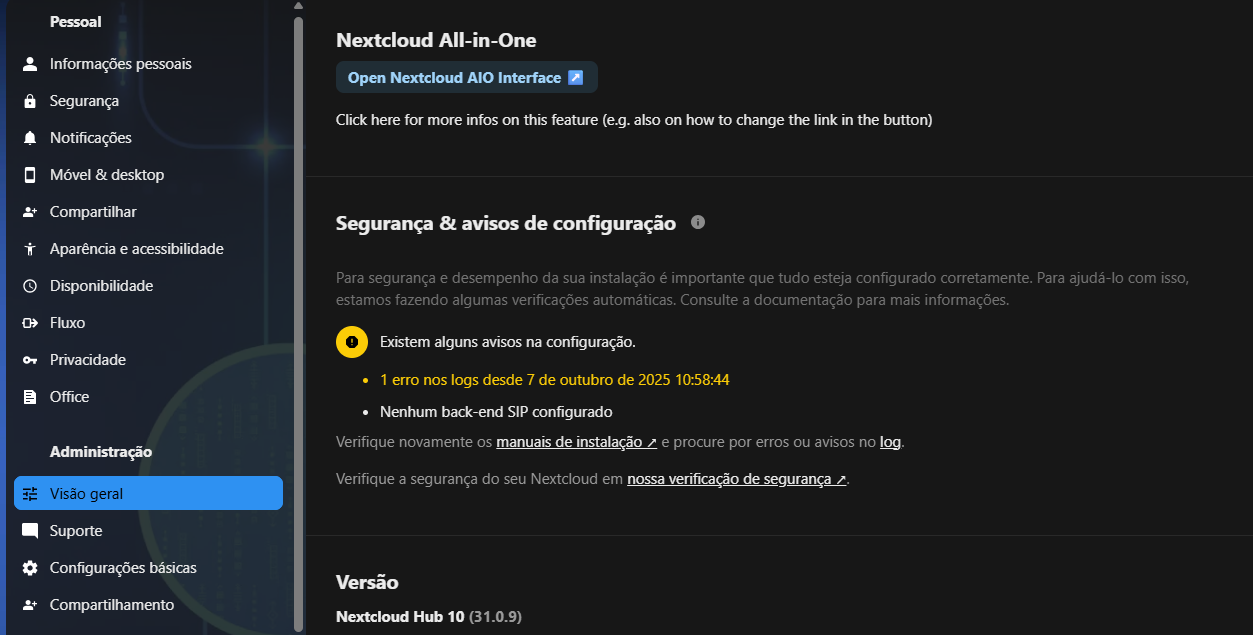
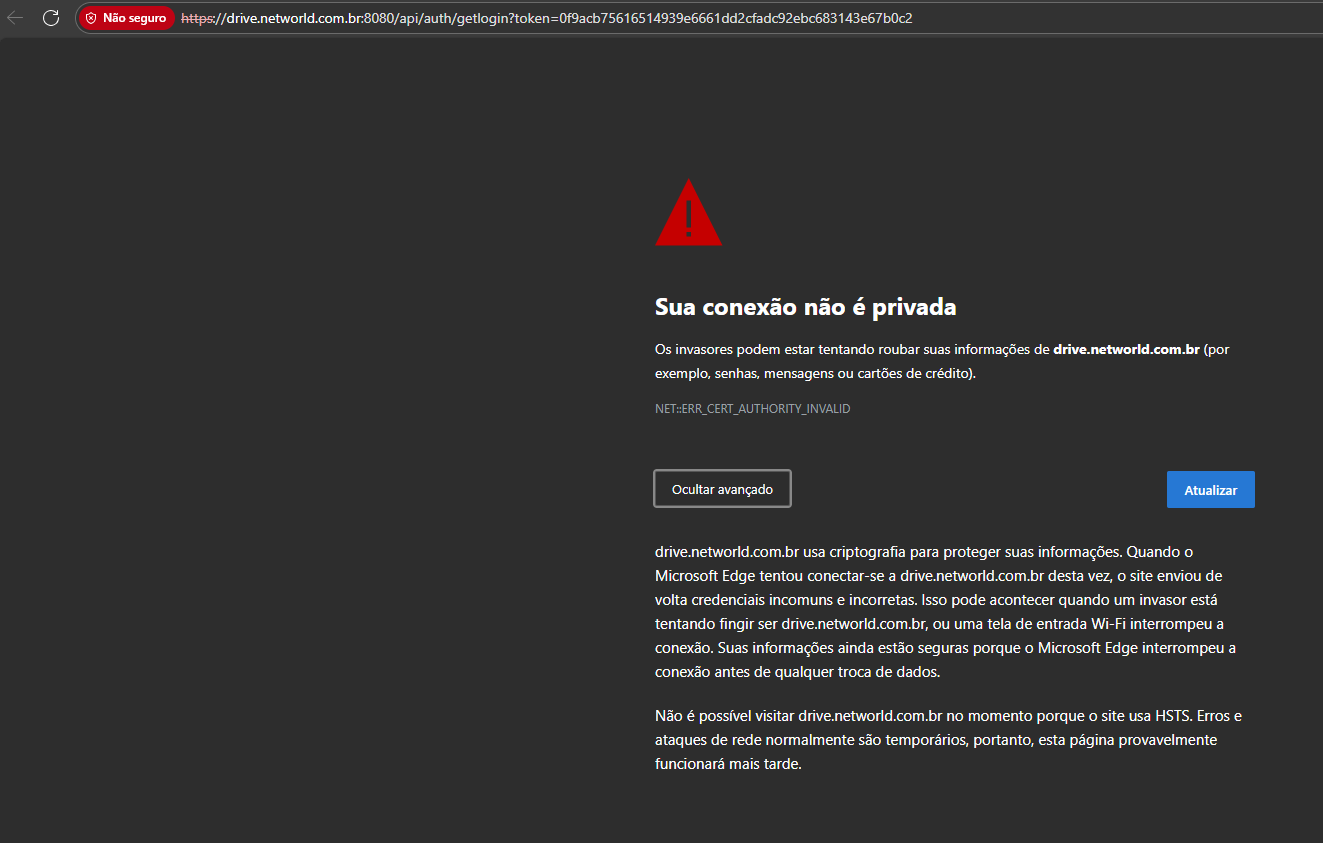
I’m trying to access the administrative part of Nextcloud on port 8080, when I did the installation and it’s showing the following message:
“You can’t visit drive.networld.com.br right now because the site uses HSTS. Network errors and attacks are usually temporary. This page will likely work later.”
The browser cannot open the login page, and there is also no option to continue accessing the page.
Since the installation was done via Docker, I understood that to update NextCloud to the new version 32, I need to access the administration part using port 8080.
How can I resolve this situation so I can access and update NextCloud?
Is your desktop PC on the same LAN as your Nextcloud server when you click?
Because you would be forwarded to https://lanip.ofyourserver:6789 (if you use the same port based on my tutorial).
If you are not, connect to your LAN via VPN (Wireguard, Netbird…).
Unfortunately I can’t answer this, as I update my server while on the same LAN, or connect via VPN to be on the same LAN range.
Maybe @szaimen will have an answer to this.