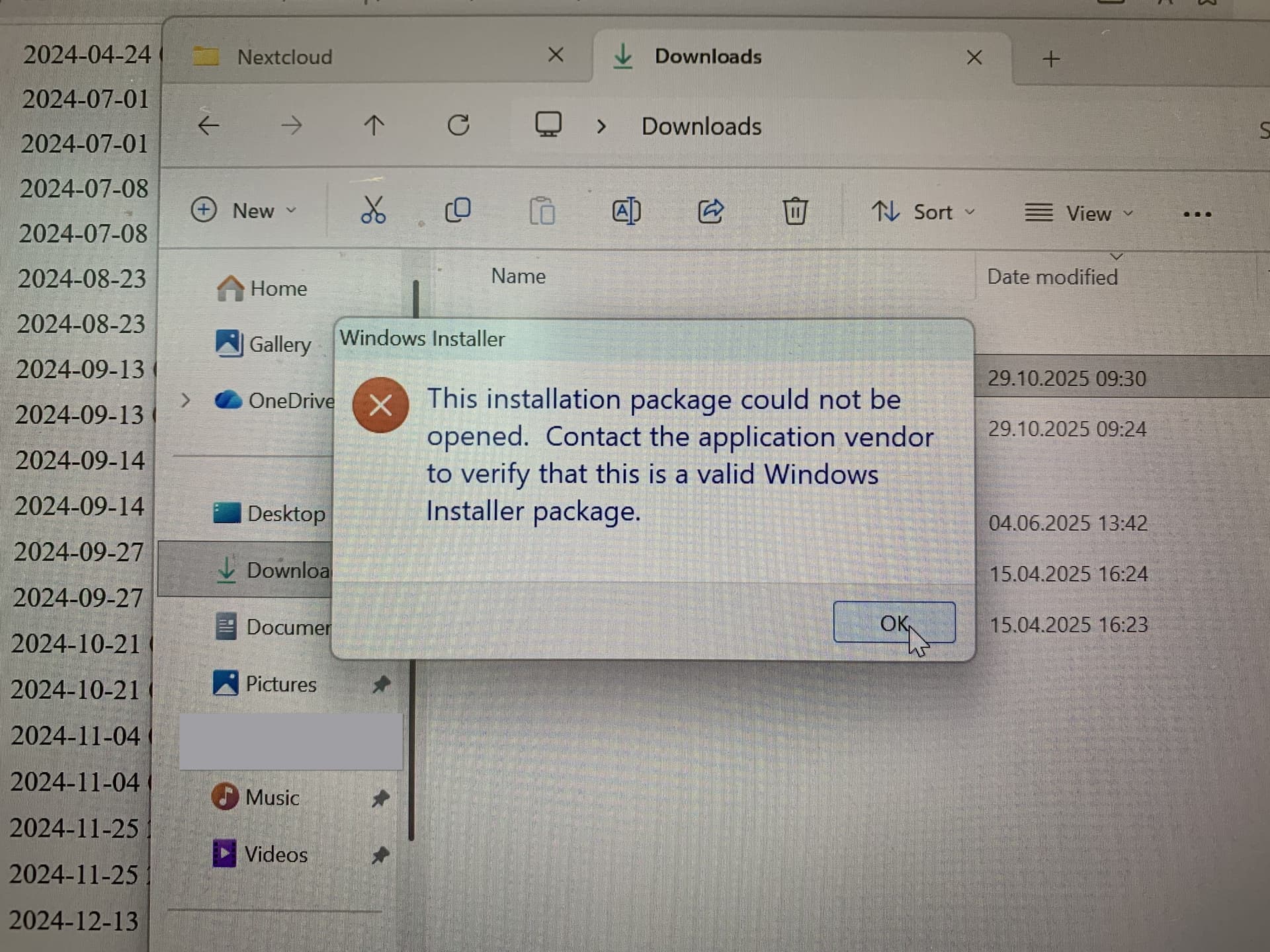
I’m having a problem with update the client to the newer version because the uninstallation of this version does not work.
It is the Nextcloud client ver. 3.13.2 running on (from win 10 updated) Windows 11 24H2.
I tried uninstallation with
a) directly from the App Settings.
b) running UninstallString from the command line.
and also downloaded MSI file of the version, tried running it.
Although all didn’t work, everything ends up with the same error message as the title pops up. (See photo below)
I would like to update/uninstall it asap, since it is very outdated. Also I’d like to know in general, what is the troubleshoot method for this type of a problem.
I tried uninstallation with
a) directly from the App Settings.
b) running UninstallString from the command line.
and also downloaded MSI file of the version, tried running it.
a) is what you are referring to which then calls b) actually. - ends up with error in the picture.
To repair whole windows image won’t be possible at the moment but if that is the only option for somewhat unrecognized or corrupted MSI file then, well.
I will just wait for another week if someone had a exact same situation and could resolve without repairing windows.
Did you execute the .EXE file with “Open as administrator”?
In many cases 3rd party “security”-software might block downloaded programs. So there will be needed to stop the “security”-software or add the downloaded program in that software to the whitelist.