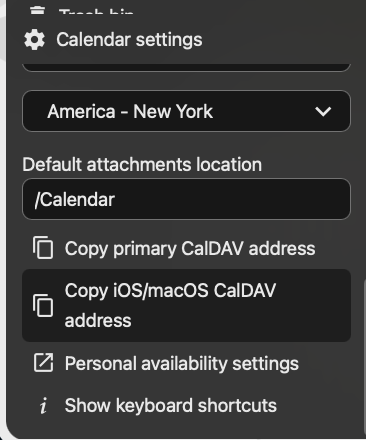
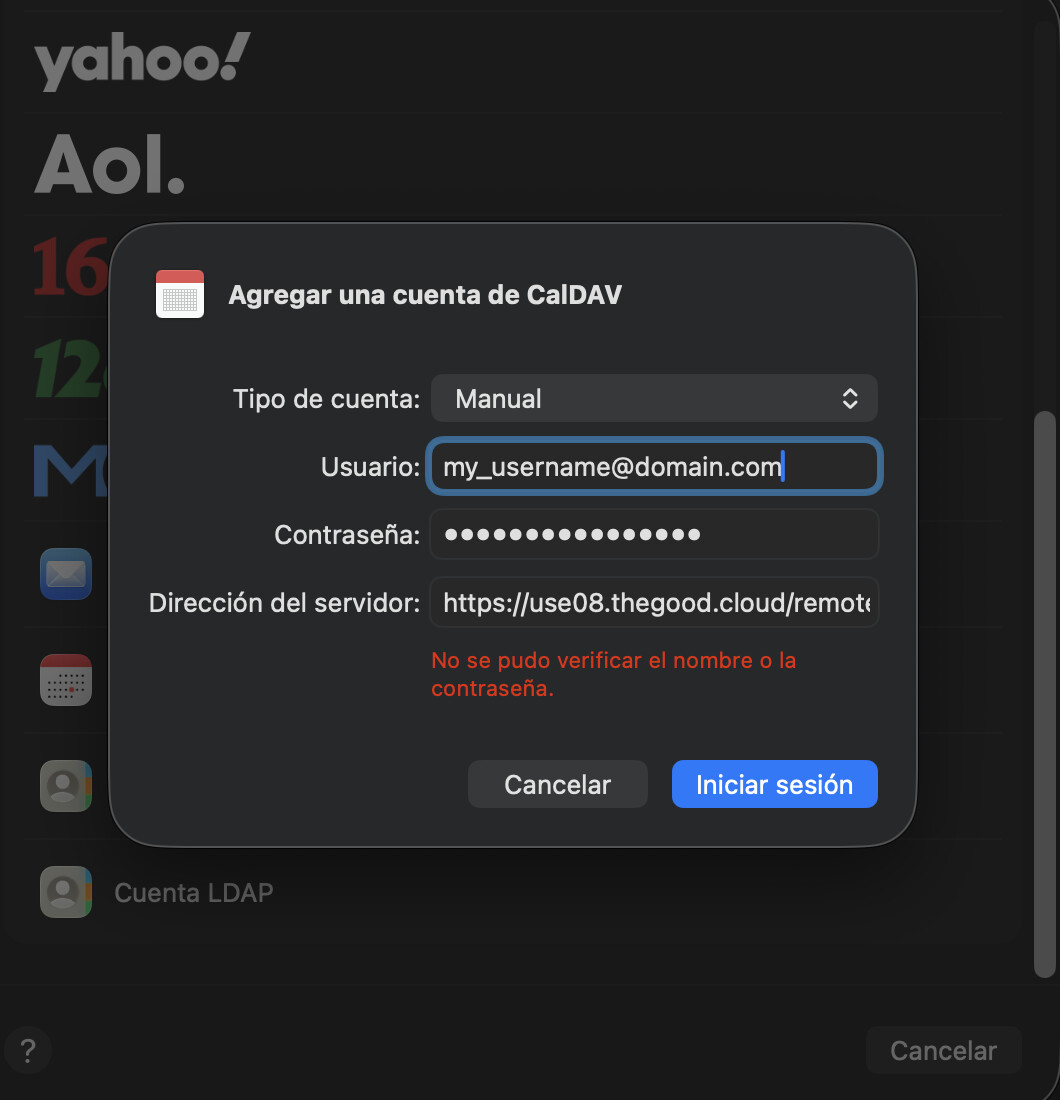
I use Nextcloud hosted through thegood.cloud. As in the title, I’m trying to get support on adding my CalDAV account to my iOS/macOS calendar and/or exporting all my calendar events from thegood.cloud over to an external calendar (e.g., Google Calendar).
For posterity, the solution is that you cannot use your master account password to sign into your CalDAV on iOS/macOS, you’ve instead got to create a new device/session and use those credentials. Here are the steps for thegood.cloud:
Navigate to Settings > Security > scroll down to Sessions & Devices > type in a new app name (e.g., “iOS/macOS”), enter your master PW, then copy down your newly generated password > go to your Mac/iOS device and add a CalDAV account > Advanced input > enter your email, password, the server address (use08.thegood.cloud), server path (/remote.php/dav/principals/users/YOUR_USERNAME/), port 443, SSL on > Voila!
This seems due to the 2FA which is enforced for newly created accounts. But you can contact support for this kind of issues, we now have a separate contact form for free accounts:
We give only support on free accounts if there is something wrong on our side, but we have a lot of emailtemplates which responds to this kind of issues.