Nextcloud version (eg, 24.0.1): 34.0.3
Talk Server version (eg, 14.0.2): 24.0.4
Custom Signaling server configured: yes 2.1.1~docker
Custom TURN server configured: yes
Custom STUN server configured: yes
In case mobile Nextcloud Talk apps are involved:
Talk Android version (eg, 14.0.2): 20.0.3
The issue you are facing:
Just replaced my old Samsung Galaxy S20 (Android 13) with a brand new S26 (Android 16), there installed the Talk app (from Google Play Store, NOT F-droid) and connected to the identical Self-hosted Nextcloud, as the S20 is.
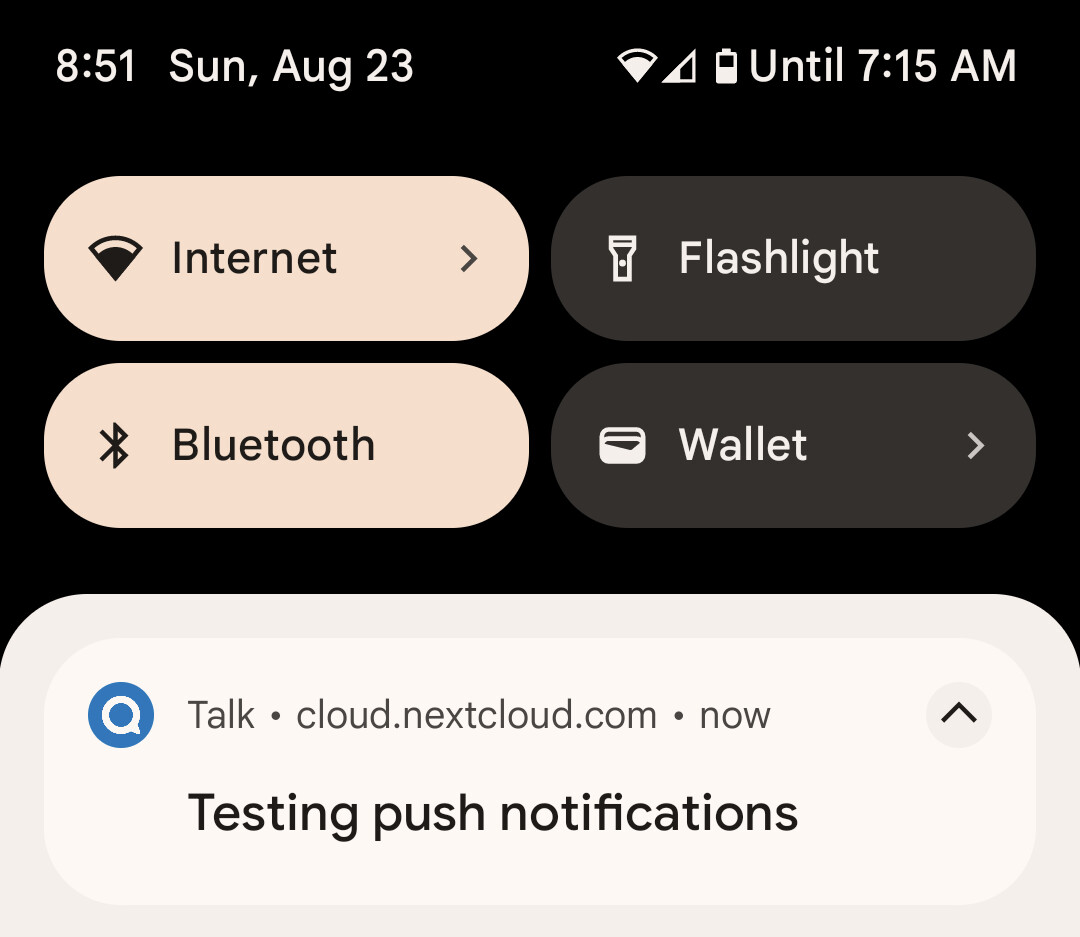
After a few days I realized that I never got notifications about new Messages in Talk at my S26. I looked a bit further and realized the sentence (in German), saying “Google Play Services are not available, no notifications are supported”.
Looking at my S20, there everything is fine, I receive notifications when new Talk Messages arrives and the notice about missing Google Play Services isn’t there.
At my S26 I double checked every Setting, Permission and made sure, every Accu Optimization is deactivated.
But no success… the notice about missing Google Play Services remains and I receive no notifications.
Any further hint?
Thx in advance
Is this the first time you’ve seen this error? (Y/N): Y
Facing the same problem as of today. Problem started after upgrading from nextcloud 33.0.7 to 33.0.8. I then upgraded to newest 34.0.3, which did not solve the problem. Notifications work in firefox browser running on Ubuntu desktop.
In nextcloud Administrative settings → Notifications : enable “Allow web push to be used”
Installed NextPush on phone from F-Droid
Open NextPush and sign in
Talk app
Restart app
Settings: Enable Unified push
UnifiedPush Service: Select nextpush
Not really sure why it stopped working after the upgrade. Seams like a whole lot of work to get notifications working and would like to avoid these steps
Just realized the UnifiedPush Stuff as an alternative / workaround.
But imho it would be more convenient / non-it user friendly, not having to install another app just for making notifications work in talk again… especially when android itself has this functionality built in and what is working for each and every other messenger app
Do you all have rooted phones? I have a OnePlus9 running LineageOS with Google play services enabled. My NC instance is AIO on the stable branch, and Talk notifications have been hit or miss since the major version upgrade to Spring 26, but they would still come in maybe 50% of the time. This behavior also happened to another user on my server using the iOS app. Today I checked my phone and saw the Google Play Services warning, but I’m not sure if it’s related to my phone being rooted, or if it’s a Nextcloud bug.
I used to have the community push notifications app, so I could use the Talk/Push Services stack from F-droid, but I switched to the Play Store version with the included server-side push notification container in AIO for reliability. If I could help to debug better please let me know how.
I’ve exactly the same issue here. I host my sister on my NC instance, and she lost notifications since a couple of days. Other family members use iPhone including myself without any problem.
It’s not the first time I encounter notification issues with my users using Android phones. I try to push Nextcloud as I can, but with such recurring issues I’m loosing all credibility. That’s really bad.
Or whats eben worse…imagin hosting NC for customers in times of getting rid of M$ products…difficult to explain why NC is the right thing with such behaviour…
I hesitate to blame NC instead of Google themselves, because I remember them having to fight to get push notifications working on the play store version. However, I’m not going to ask my (admittedly few) android users to get the F droid version with the secondary required app. Hopefully when .03 comes to AIO this will be solved lol.
So far, I’m not able to replicate issues with notifications. I am, however, running v25 RC2 now. Notifications worked in RC1 too. Earlier in the week, they worked in v24 too.
The issue has been solved, the version published in the Play Store is now the good one, same version number, but using Google Play Services. Notifications are back. I just had to update.
However, I had installed the APK too, just as @t0mcat did (which worked too). Not sure if it will update for someone who did not install the APK.
The fixed package in Google Play is with version 24.0.4, so it will pop-up as an update for everyone, no matter whether you’ve installed the mentioned APK for 24.0.3, or not.
I was originally using a DNS Changer app to point my phone to my pihole ad blocking DNS server. Something about connecting to that pihole while downloading the application from google play made the app have that error once it was downloaded.
I disconnected the pihole DNS, used my ISP default DNS, and redownloaded the app from google play, (then i reconnected my pihole DNS after install was completed) and now that error about missing google play services is gone. Now after disabling android battery optimization, push notifications work perfectly.
In my pihole block history there is some entries of blocked ‘.googleapis.com’. Maybe this was what was messing with google plays download verification process? Idk
No. The main problem was a wrong version published on Google Play. There are two builds for the same version - one with Google Play Services support, and one without such support (targeted for systems that don’t have Google Play Services installed by default, like LineageOS, SailfishOS, etc.). Since Google Play is used by systems with Google Play Services, the version with this support is expected to be published there. However, for version 24.0.3, the published build there was the other one without Google Play Services support, which is expected to be published in the F-Droid store. This mistake was confirmed by the developers and fixed by publishing a new build with version 24.0.4.
So, you probably don’t have an issue with the DNS Changer app, but if you do, it’s unrelated to the issue discussed here.