Sorry to hear you’re facing problems. 
The community help forum (help.nextcloud.com) is for home and non-enterprise users. Support is provided by other community members on a best effort / “as available” basis. All of those responding are volunteering their time to help you.
If you’re using Nextcloud in a business/critical setting, paid and SLA-based support services can be accessed via portal.nextcloud.com where Nextcloud engineers can help ensure your business keeps running smoothly.
Getting help
In order to help you as efficiently (and quickly!) as possible, please fill in as much of the below requested information as you can.
Before clicking submit: Please check if your query is already addressed via the following resources:
- Official documentation (searchable and regularly updated)
- How to topics and FAQs
- Forum search
(Utilizing these existing resources is typically faster. It also helps reduce the load on our generous volunteers while elevating the signal to noise ratio of the forums otherwise arising from the same queries being posted repeatedly).
We are experiencing a sync issue with the Nextcloud desktop client when two users (User 1 and User 2) are working on the same Excel file (.xlsx) simultaneously. User 2 is not seeing the changes made by User 1."
Questions about concurrent usage and resolution:
Does the Nextcloud client officially support concurrent editing of a local file (like an Excel .xlsx file) by multiple users and ensure immediate synchronization of changes?
What is the recommended solution or best practice to allow two users to open and edit the same Excel file via the Nextcloud client and have changes sync instantly/reliably?
After users edit the excel file simultaneously, the sync file does not update. Here are the test results with both images taken at the same time.
User 1 Modified 4:02 PM
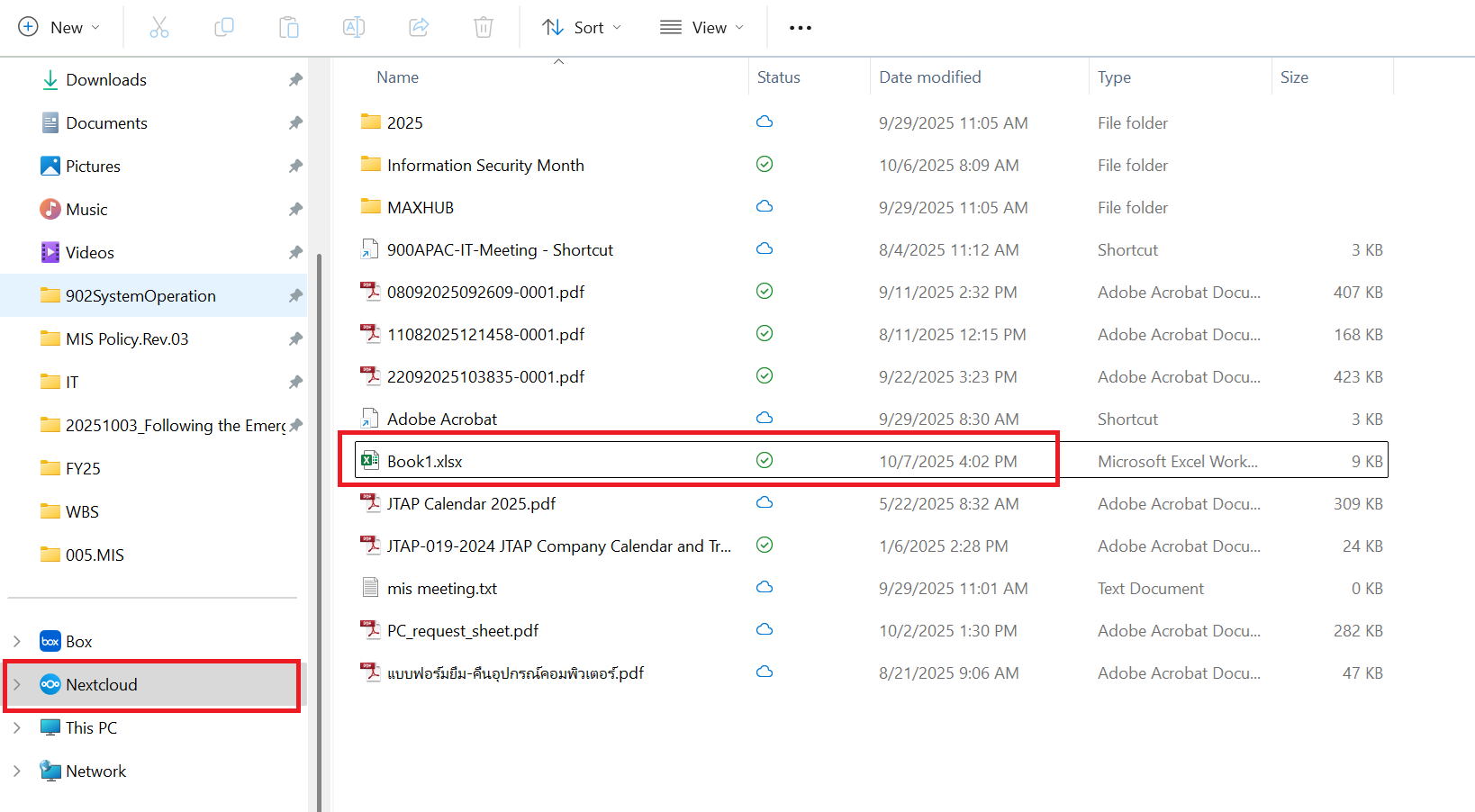
User 2 see the status as 3:37 PM
