I sent them an email to confirm, I’m still unsure.
Please re-check your browser inspector again (like you did in the original report; instructions are in the support template). While reproducing the behavior monitor first the Network tab for anything that fails to load. Then the Console tab for any errors.
Console tab:

Network tab:
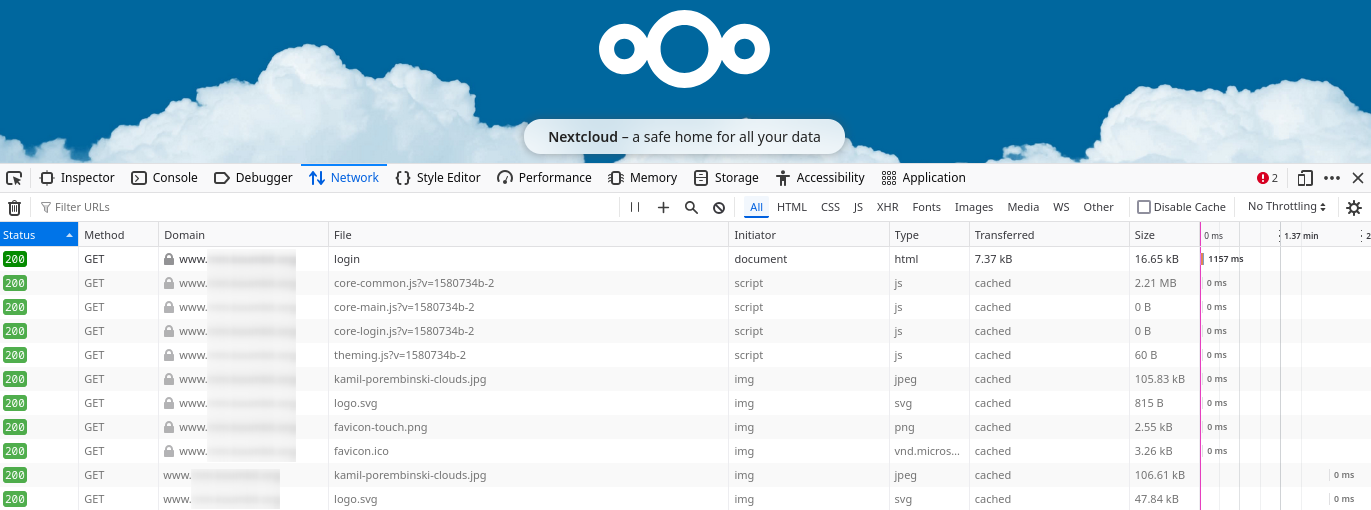
One thing I noticed is I had a custom theme and color for the nextcloud background (just a different default color) and it briefly shows up and then reverts to the default blue background. Not sure if that’s relevant.
The other thing to note is the network tab Domain column it shows the domain I use (e.g. www.mynextcloud.com) but doesn’t show the subfolder it’s actually in (e.g. www.mynextcloud.com/cloud/). I also am not sure that’s relevant or not.