Hi everyone,
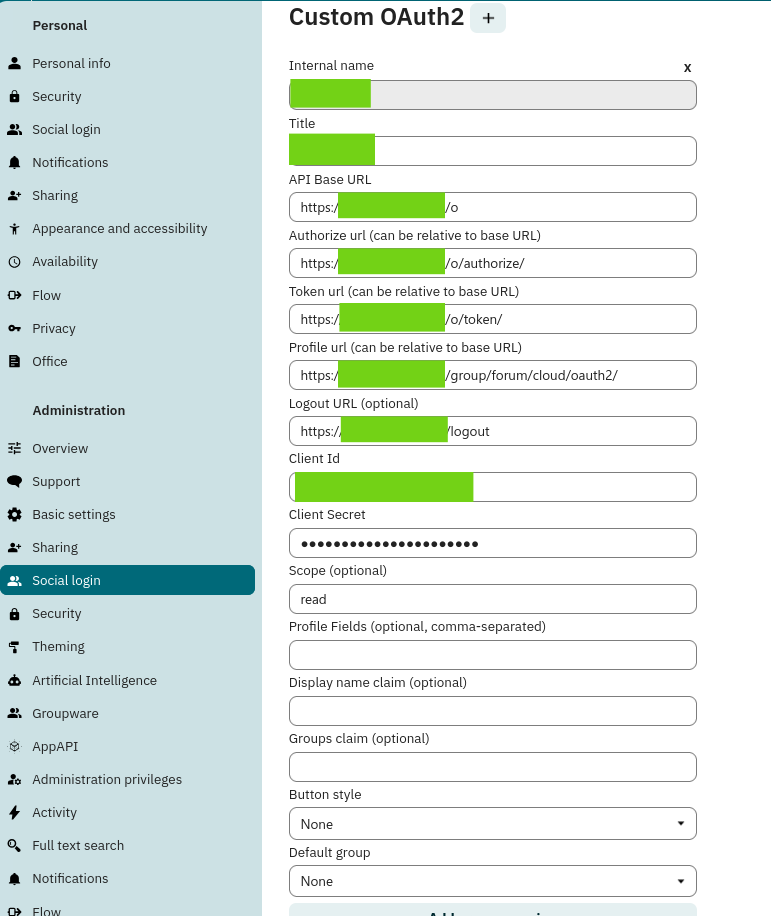
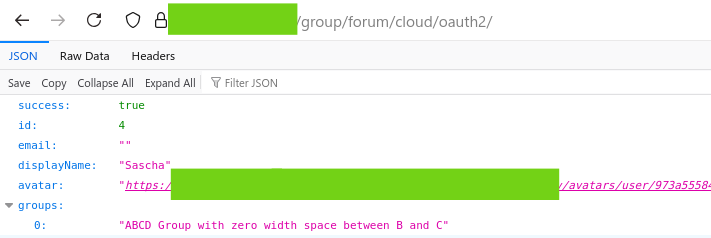
we’re running a Nextcloud instance where all users log in via Single Sign-On (SSO). Generally, this works well. However, we’ve run into a major issue with the “Authentication required” popup that appears in certain situations.
Examples include:
- Creating app passwords (e.g. for CalDAV sync)
- Performing some admin-level actions like increasing group folder storage quotas
In these cases, Nextcloud prompts users with a modal asking them to re-enter their password. The problem: our users don’t have a Nextcloud-specific password. The password they used to log into our platform (which redirects through the SSO flow) doesn’t work here.
The only workaround we’ve found is logging out and logging in again, but even that doesn’t reliably help – for some users, the popup reappears even in a brand new session. It seems to depend on session state, but we can’t identify a clear pattern.
What we’d really like to do is disable this “Authentication required” popup altogether.
Has anyone else dealt with this or found a reliable solution?
Any advice or ideas would be much appreciated!
Thanks in advance,
Felix