Hi everyone,
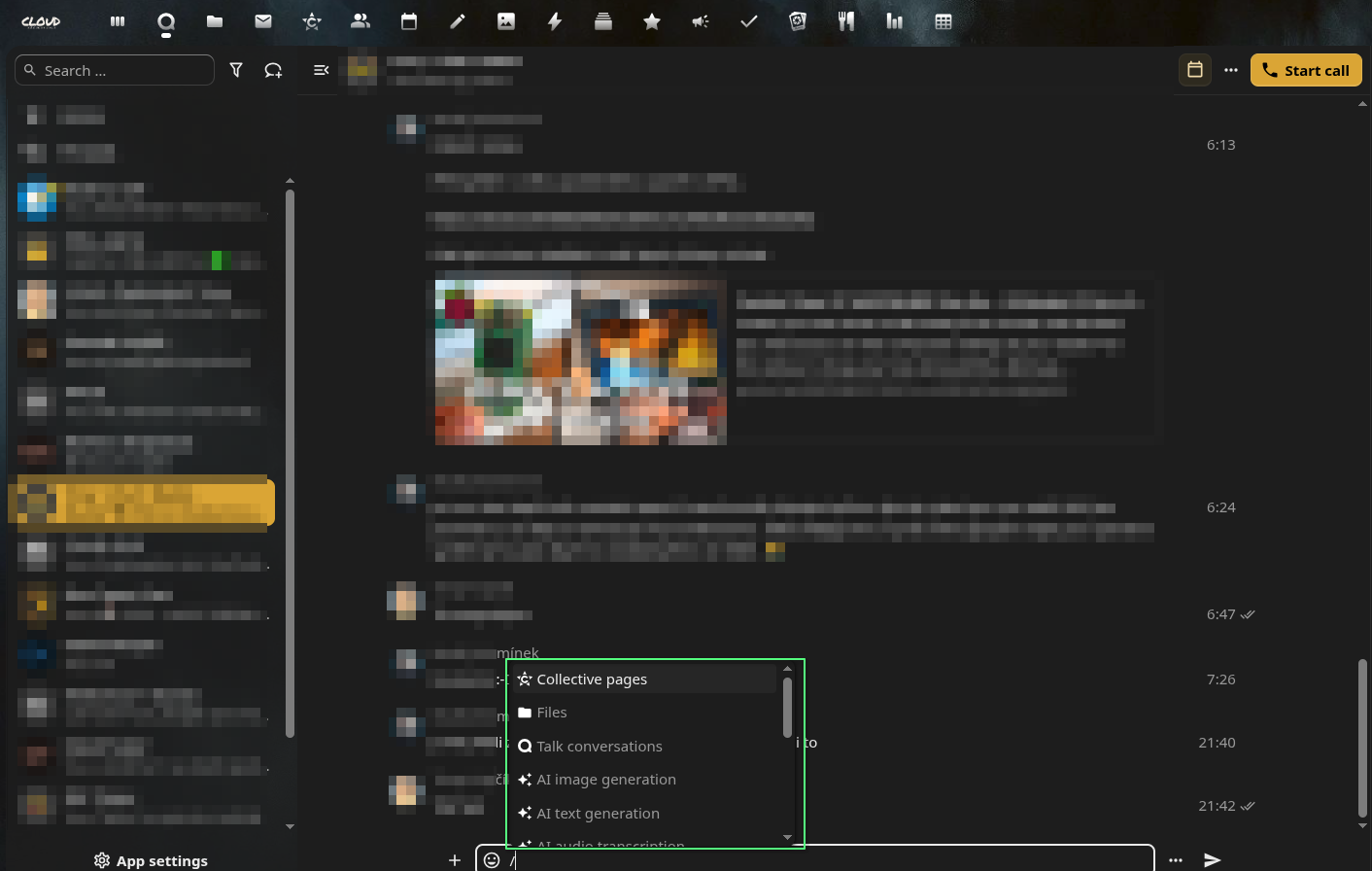
I’m testing the Smart picker functionality in Nextcloud Talk. In the browser client, when I type / in the message input field, I get a full menu of options (e.g., Collective pages, Files, Talk conversations, AI tools, etc.).
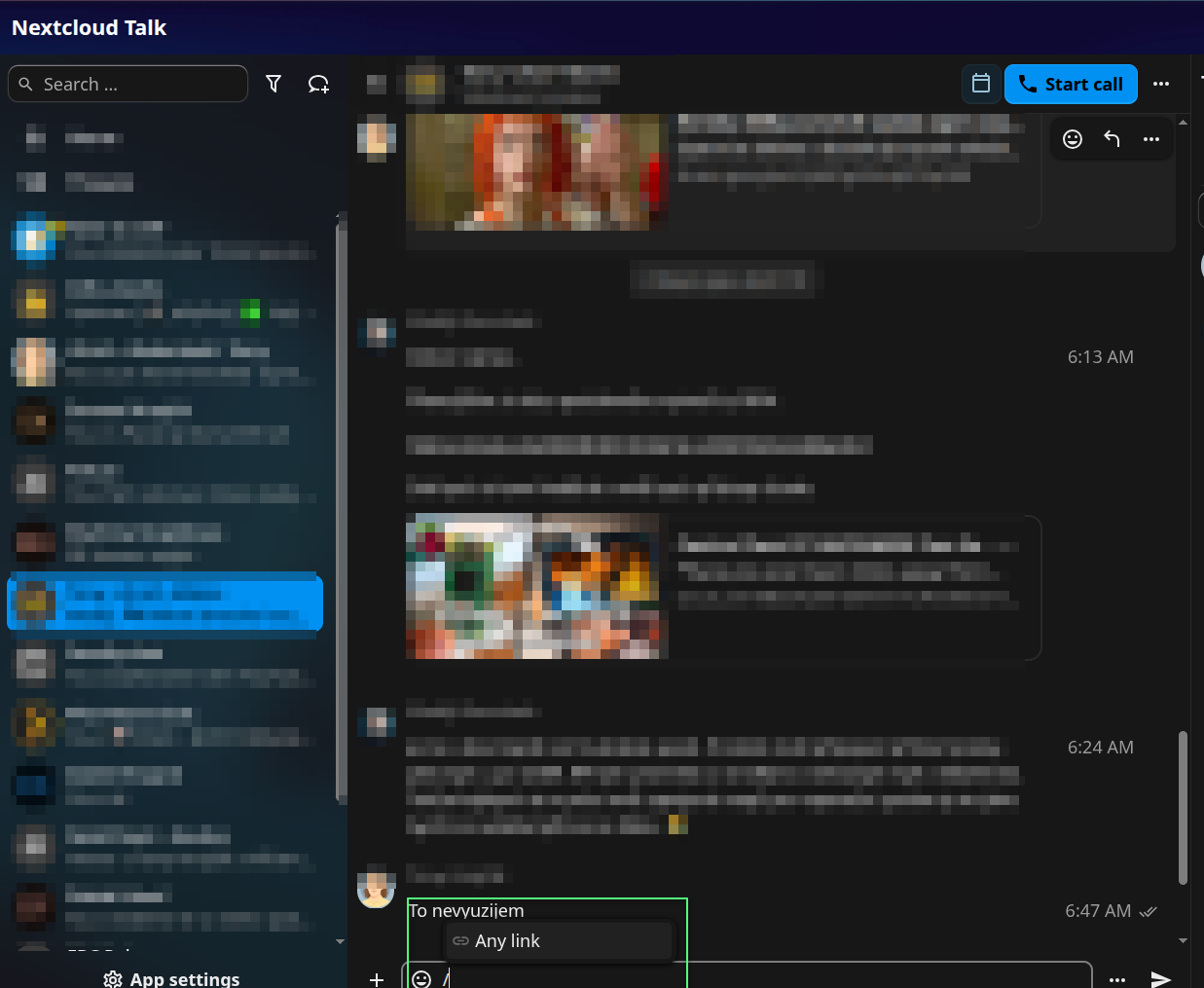
However, in the Nextcloud Talk Desktop Client (v2.1.2) on CachyOS , typing / in the same input field only shows a single option: Any link.
Setup details: Screenshots: Browser:
Desktop client:
My questions:
Is this a known limitation of the desktop client, or is it possibly an OS-specific issue?
Do other users see the full Smart picker menu when typing / in the Desktop Client?
Any insights would be appreciated.
opened 07:11PM - 25 Aug 23 UTC
enhancement
### How to use GitHub
* Please use the 👍 [reaction](https://blog.github.com/2… 016-03-10-add-reactions-to-pull-requests-issues-and-comments/) to show that you are interested into the same feature.
* Please don't comment if you have no relevant information to add. It's just extra noise for everyone subscribed to this issue.
* Subscribe to receive notifications on status change and new comments.
---
**Is your feature request related to a problem? Please describe.**
Many important parts of an application are server apps:
- Viewer and viewer extensions
- Smart picker integrations
- GitHub integrations
- User status modal
- Etc.
**Describe the solution you'd like**
Current idea is to add special build for apps to make them installable as a library and then download them from the server after login on demand.
**Describe alternatives you've considered**
?
**Additional context**
While it is fine to add `spreed` as a linked repo, we don't want to link every app. For optional apps like smart picker integrations it is not possible in general and should depend on server's installed apps.
opened 02:13PM - 21 Mar 23 UTC
bug
In short: it’s a known limitation, as additional apps (that provide smart picker options) are not loaded.