Support intro
Sorry to hear you’re facing problems 
help.nextcloud.com is for home/non-enterprise users. If you’re running a business, paid support can be accessed via portal.nextcloud.com where we can ensure your business keeps running smoothly.
In order to help you as quickly as possible, before clicking Create Topic please provide as much of the below as you can. Feel free to use a pastebin service for logs, otherwise either indent short log examples with four spaces:
example
Or for longer, use three backticks above and below the code snippet:
longer
example
here
Some or all of the below information will be requested if it isn’t supplied; for fastest response please provide as much as you can 
Nextcloud version (eg, 29.0.5): 29.0.4
Operating system and version (eg, Ubuntu 24.04): 22.04.4
Apache or nginx version (eg, Apache 2.4.25): NGinx
PHP version (eg, 8.3): 8.2
The issue you are facing:
Is this the first time you’ve seen this error? (Y/N): Y
Steps to replicate it:
-
copy a file to a dir / subdir under root of your NC files dir
-
rename the folder or a file
-
a banner appers that approve a successful renaming but old name resists until you click on the path above to actualize the dir / subdir
-
empty folders are not listed as 0KB folders but as “Ausstehend” what means “pending”
The output of your Nextcloud log in Admin > Logging:
nothing of interest
Output errors in nextcloud.log in /var/www/ or as admin user in top right menu, filtering for errors. Use a pastebin service if necessary.
no errors
The behaviour has been remarked after first file operations on my NC 29.0.4 after the update from 29.0.3
There were no errors during update, all seems to run smooth and fast as well.
Uploading files and /or folders (also containing subfolders) via drag and drop seems to work. After a successful upload the upload dir updates and shows the newest files / folders.
But when renaming a folder / subfolder or a file the expected banner appove my renaming op but the shown name in browser resists. That behaves until i once click on the path → folder of the upload dir to reload the page / folder in NC
THEN my new given folder 7 filename appears as expected.
I am using Vivaldi 6.8.3381.48 (Stable channel) stable (64-Bit)
at the moment.
It seems to be an “update view” problem but i am not close to figure out what causes this behaviour. NC < 29.0.3 in combi with vivaldi does not have this “problem”.
Happy for your ideas 

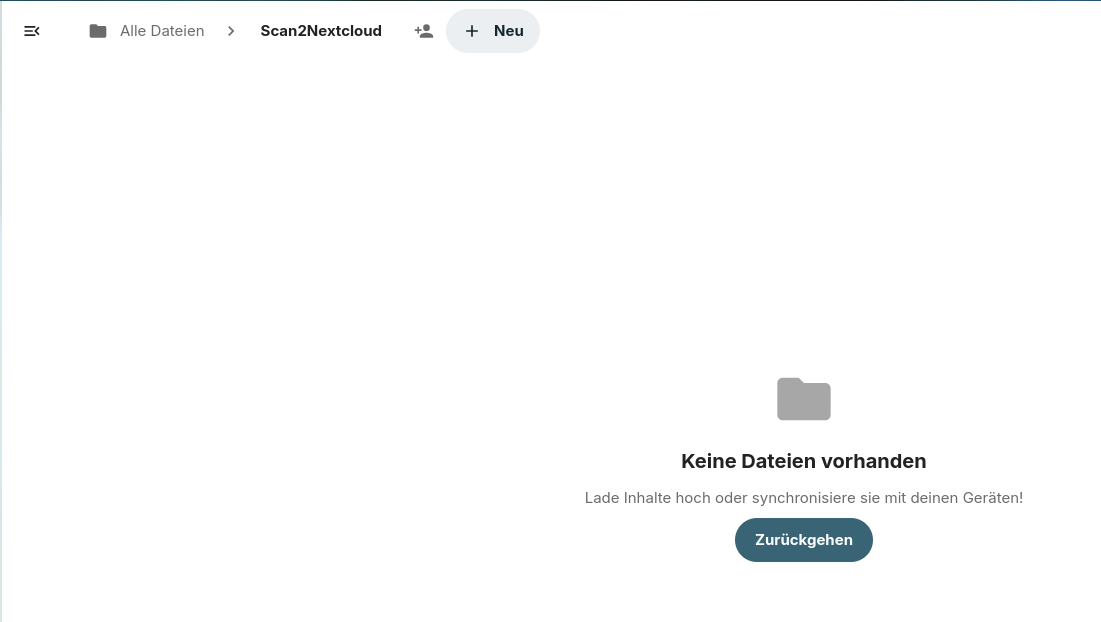

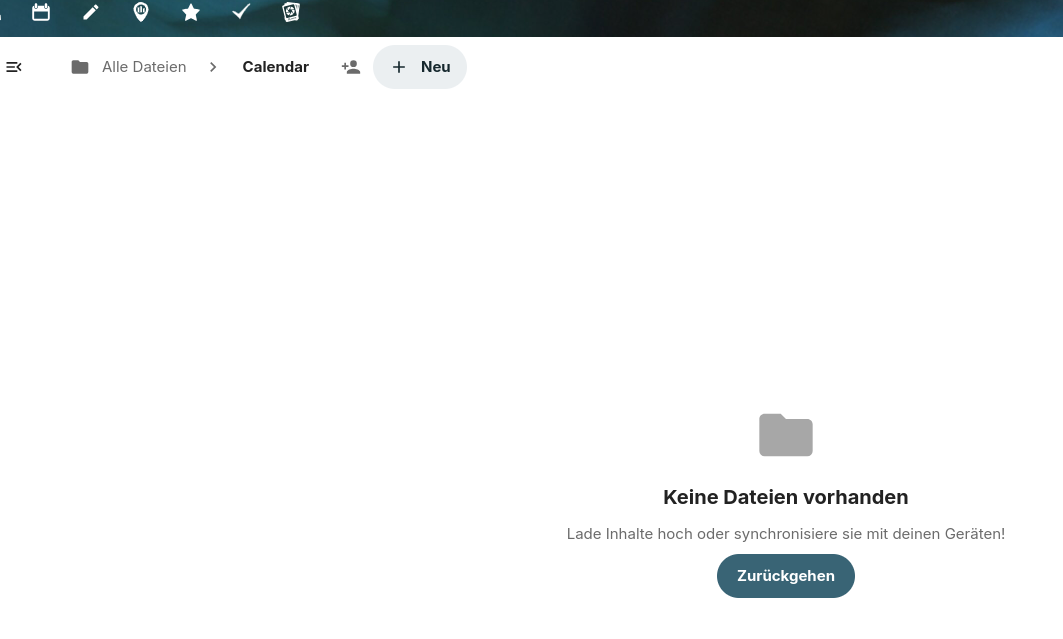


Seems as if the page in NC / Browser does not automatically reload after approval of renaming process, a possible hint?
In contrast tagging files / folders to be deleted and deleting them afterwards does reload / update the broswer page in NC and removes reliable the deleted folders and / or files from the page view!!