I am self-hosted and have Nextcloud running fairy well. But I have to enter my credentials every time and someone on the UnRaid forum said I could setup device passwords. Where i am really having the problem is on my Windows PC with the NextCloud client. I looked at the link for setting them up, Manage connected browsers and devices — Nextcloud latest User Manual latest documentation. But my screens do not reflect the same screens.
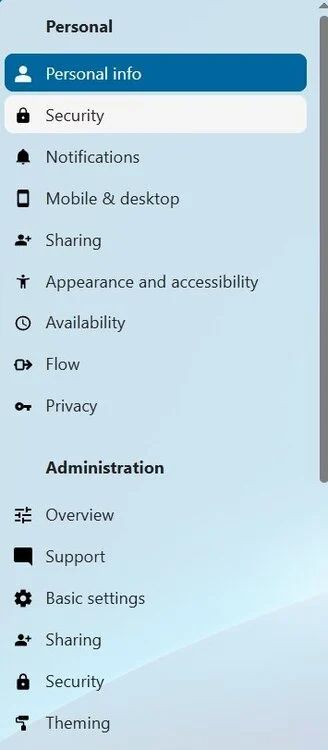
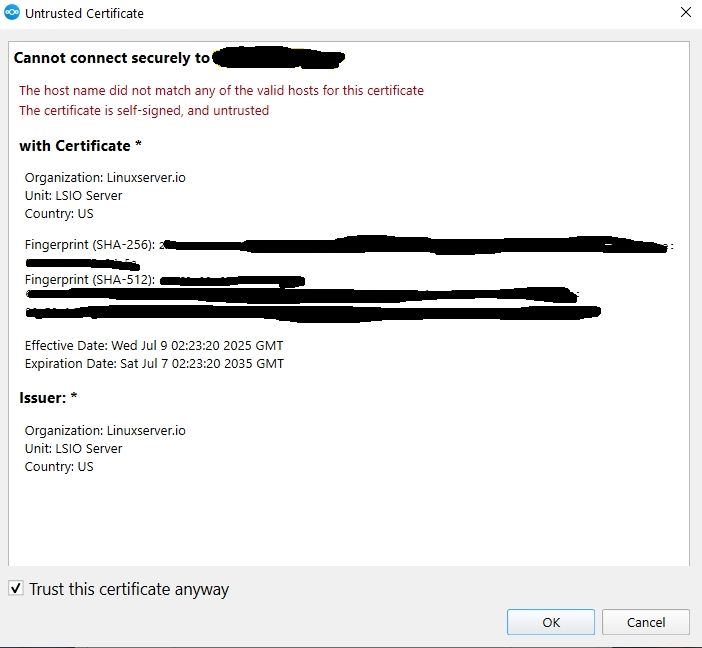
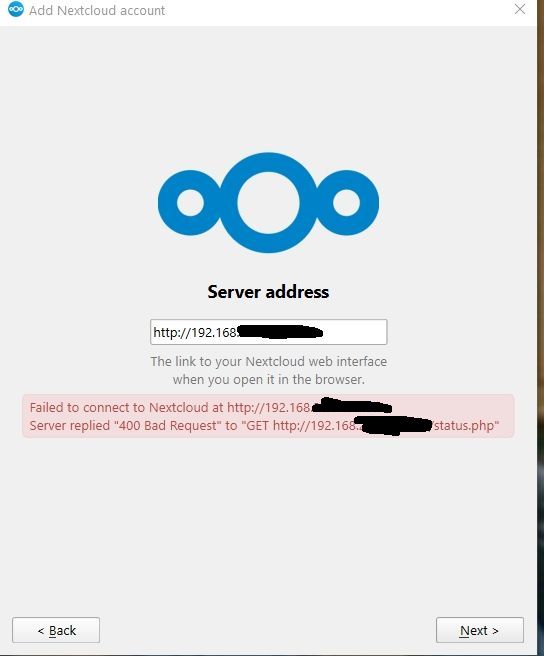
Here is a picture of my Personal setting screen and two pictures of the Desktop Client issues.
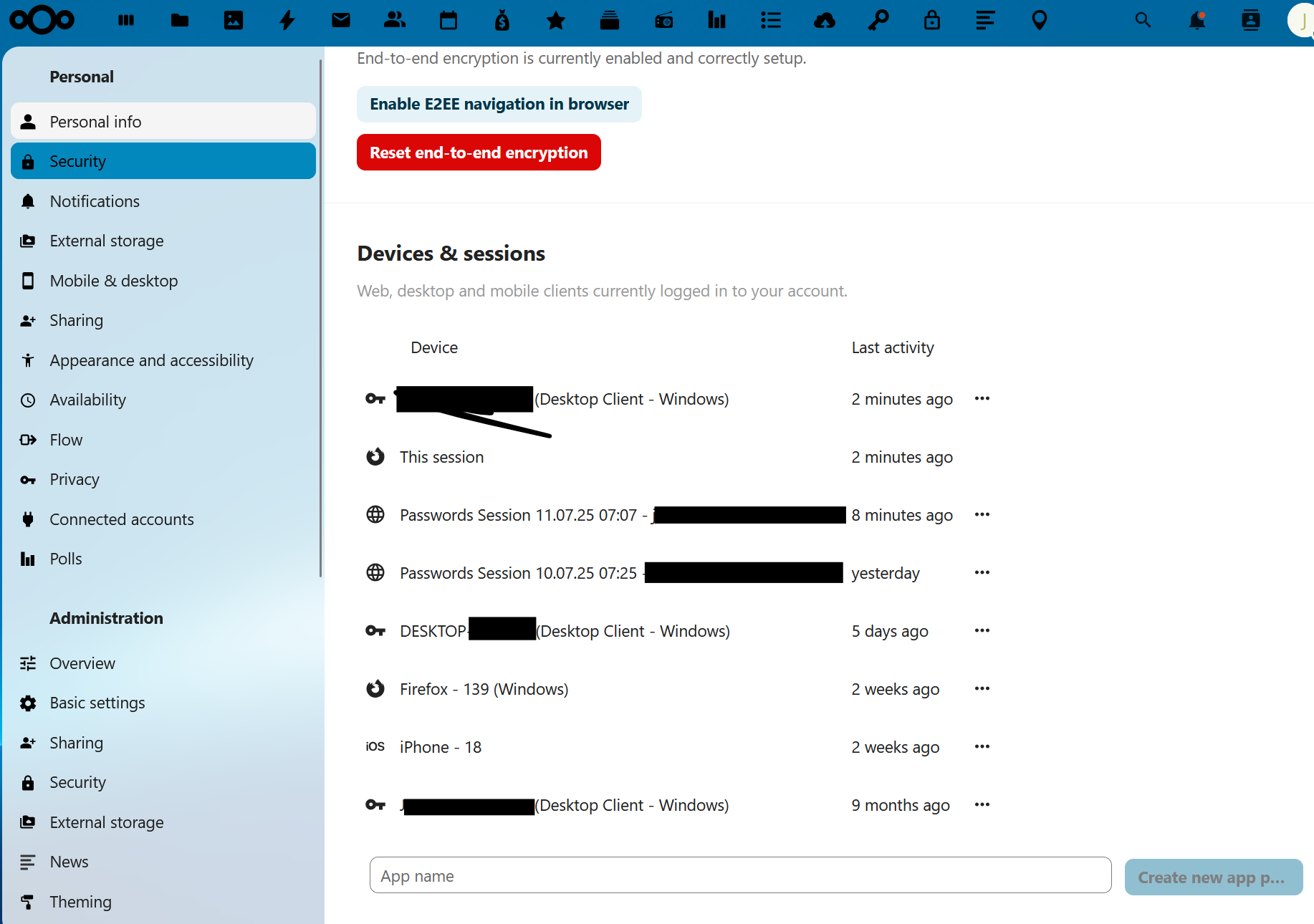
If you click on your interface on the “Security section” on the right hand side, there should be something appearing.
The warning about your certificate if it is self-signed, that is normal. But then, you should also use the https connection with your client? https://192.168…
To reach your setup without https, there seems a problem with your webserver configuration (most systems are set up, to automatically forward to a https connection since unencrypted connections are not really recommended).
The documentation snapshot is a bit outdated, for NC31 it should like that:
Thank you. I can get into the Desktop client app now with no issue. But even when it is running in my systray upon startup, every time click on one of the options, Dashboard, Tasks, Files, I have to enter my credentials.
Is that normal? Be nice if at least until I restart my windows PC, it does not ask them every time I open it up.