Support intro
Sorry to hear you’re facing problems. 
The community help forum (help.nextcloud.com) is for home and non-enterprise users. Support is provided by other community members on a best effort / “as available” basis. All of those responding are volunteering their time to help you.
If you’re using Nextcloud in a business/critical setting, paid and SLA-based support services can be accessed via portal.nextcloud.com where Nextcloud engineers can help ensure your business keeps running smoothly.
Getting help
In order to help you as efficiently (and quickly!) as possible, please fill in as much of the below requested information as you can.
Before clicking submit: Please check if your query is already addressed via the following resources:
- Official documentation (searchable and regularly updated)
- How to topics and FAQs
- Forum search
(Utilizing these existing resources is typically faster. It also helps reduce the load on our generous volunteers while elevating the signal to noise ratio of the forums otherwise arising from the same queries being posted repeatedly).
Some or all of the below information will be requested if it isn’t supplied; for fastest response please provide as much as you can. 
The Basics
- Nextcloud Server version (e.g., 29.x.x):
Nextcloud Server version 32.0.2
- Operating system and version (e.g., Ubuntu 24.04):
OS:Ubuntu 24.04.03 LTS
- Web server and version (e.g, Apache 2.4.25):
Apache 2.4.x (from the “nextcloud:latest” container)
- Reverse proxy and version _(e.g. nginx 1.27.2)
nginx/1.24.0 (Ubuntu)
- PHP version (e.g, 8.3):
PHP 8.3.28
- Is this the first time you’ve seen this error? (Yes / No):
No
- When did this problem seem to first start?
from the first time i try it
- Installation method (e.g. AlO, NCP, Bare Metal/Archive, etc.)
Docker Compose
- Are you using CloudfIare, mod_security, or similar? (Yes / No)
no
Summary of the issue you are facing:
In my Nextcloud installation, the admin user (created during the initial setup) experiences an unexpected issue in the Calendar app:
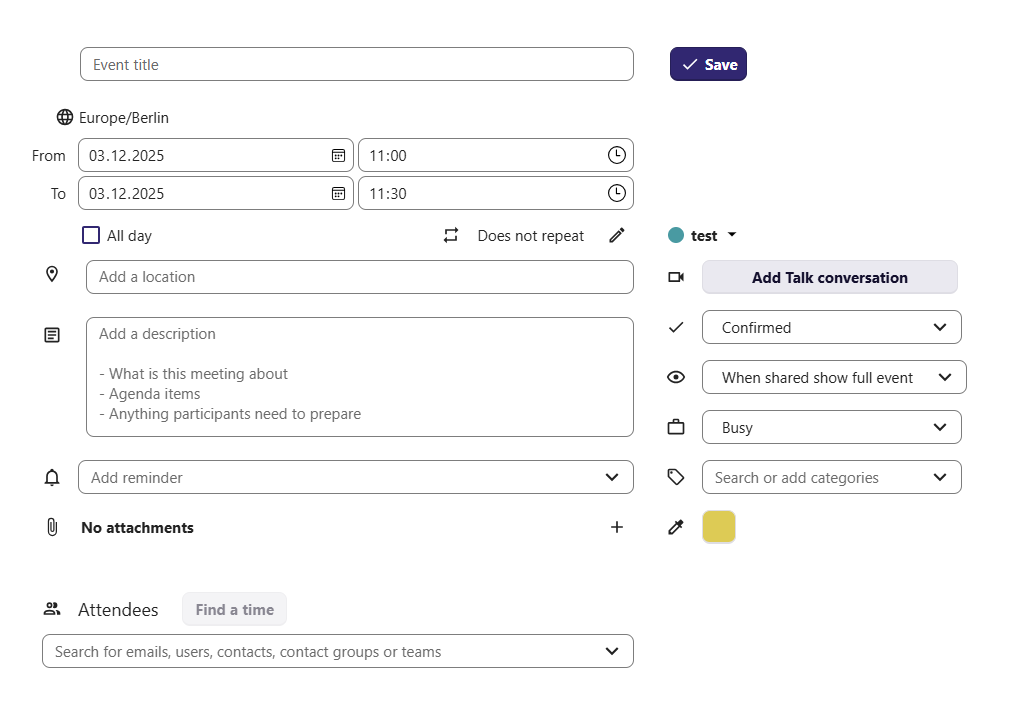
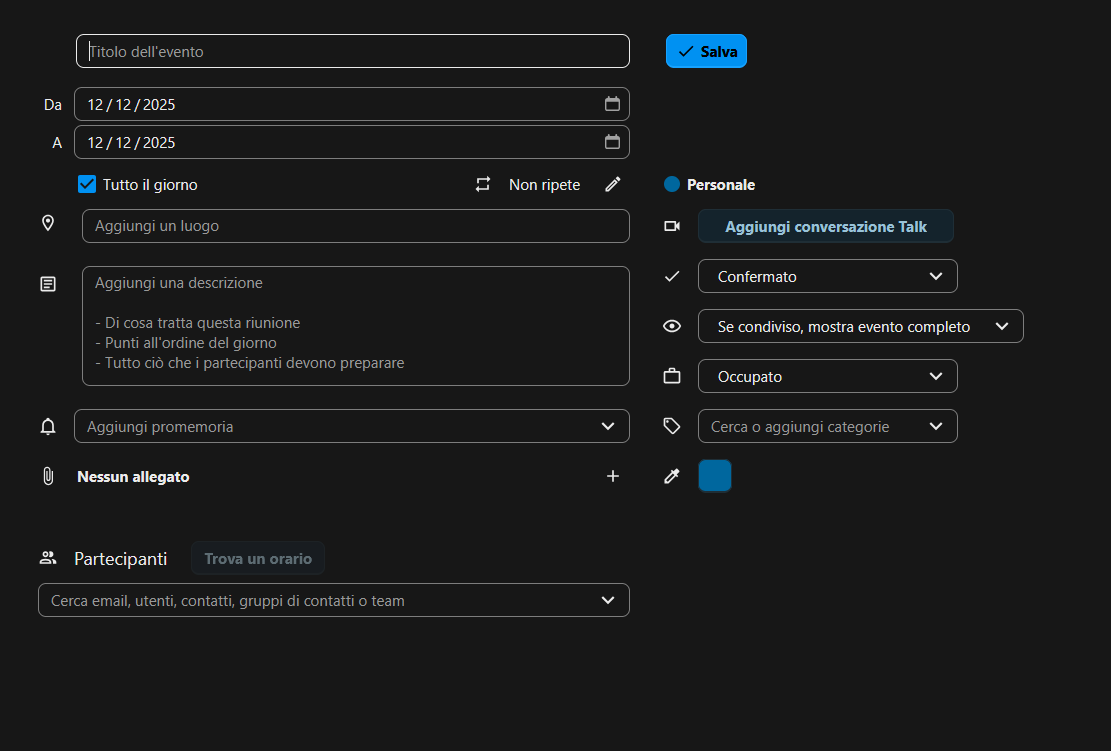
when creating a new event in the UI, the “Resources” section does not appear, preventing the admin from assigning a room or resource.
This problem affects only the admin user.
All other users — regardless of group membership — can correctly see the “Resources” section when creating a new event and are able to select rooms normally.
Expected Behavior
The admin user should have the same permissions and functionality as any other user, including being able to view and assign resources in the Calendar app.
Observed Behavior
-
Admin user: the “Resources” section never appears when creating a new event.
-
Any other user: the section appears and works correctly.
Steps to replicate it (hint: details matter!):
-
Install the Calendar Resource Management app using the command line:
php occ app:install calendar_resource_management
php occ app:enable calendar_resource_management -
Add a building resource:
php occ calendar-resource:building:create “Test”
(this will create a building with building_id = 1) -
Create a story for the building:
php occ calendar-resource:story:create 1 “StoryName”
(this will create a story with id = 1) -
Create a room in the story:
php occ calendar-resource:room:create 1 testRoom “testRoom” “email@testRoom.net” room -
Create a new calendar event as the admin user → the “Resources” section does not appear.
-
Create a new calendar event as a non-admin user → the “Resources” section is visible and works correctly.
Apps
occ app: list
Enabled:
- activity: 5.0.0-dev.0
- app_api: 32.0.0
- bruteforcesettings: 5.0.0-dev.0
- calendar: 6.1.1
- calendar_resource_management: 0.10.0
- circles: 32.0.0
- cloud_federation_api: 1.16.0
- comments: 1.22.0
- contacts: 8.1.1
- contactsinteraction: 1.13.1
- dashboard: 7.12.0
- dav: 1.34.2
- federatedfilesharing: 1.22.0
- federation: 1.22.0
- files: 2.4.0
- files_downloadlimit: 5.0.0-dev.0
- files_pdfviewer: 5.0.0-dev.0
- files_reminders: 1.5.0
- files_sharing: 1.24.1
- files_trashbin: 1.22.0
- files_versions: 1.25.0
- firstrunwizard: 5.0.0-dev.0
- logreader: 5.0.0-dev.0
- lookup_server_connector: 1.20.0
- mail: 5.6.2
- nextcloud_announcements: 4.0.0-dev.0
- notes: 4.12.4
- notifications: 5.0.0-dev.0
- oauth2: 1.20.0
- password_policy: 4.0.0-dev.0
- photos: 5.0.0-dev.1
- privacy: 4.0.0-dev.0
- profile: 1.1.0
- provisioning_api: 1.22.0
- recommendations: 5.0.0-dev.0
- related_resources: 3.0.0-dev.0
- richdocuments: 9.0.2
- richdocumentscode: 25.4.702
- serverinfo: 4.0.0-dev.0
- settings: 1.15.1
- sharebymail: 1.22.0
- spreed: 22.0.4
- support: 4.0.0-dev.0
- survey_client: 4.0.0-dev.0
- systemtags: 1.22.0
- text: 6.0.1
- theming: 2.7.0
- twofactor_backupcodes: 1.21.0
- updatenotification: 1.22.0
- user_status: 1.12.0
- viewer: 5.0.0-dev.0
- weather_status: 1.12.0
- webhook_listeners: 1.3.0
- workflowengine: 2.14.0
Disabled:
- admin_audit: 1.22.0
- encryption: 2.20.0
- files_external: 1.24.0
- suspicious_login: 10.0.0-dev.0
- twofactor_nextcloud_notification: 6.0.0-dev.0
- twofactor_totp: 14.0.0
- user_ldap: 1.23.0


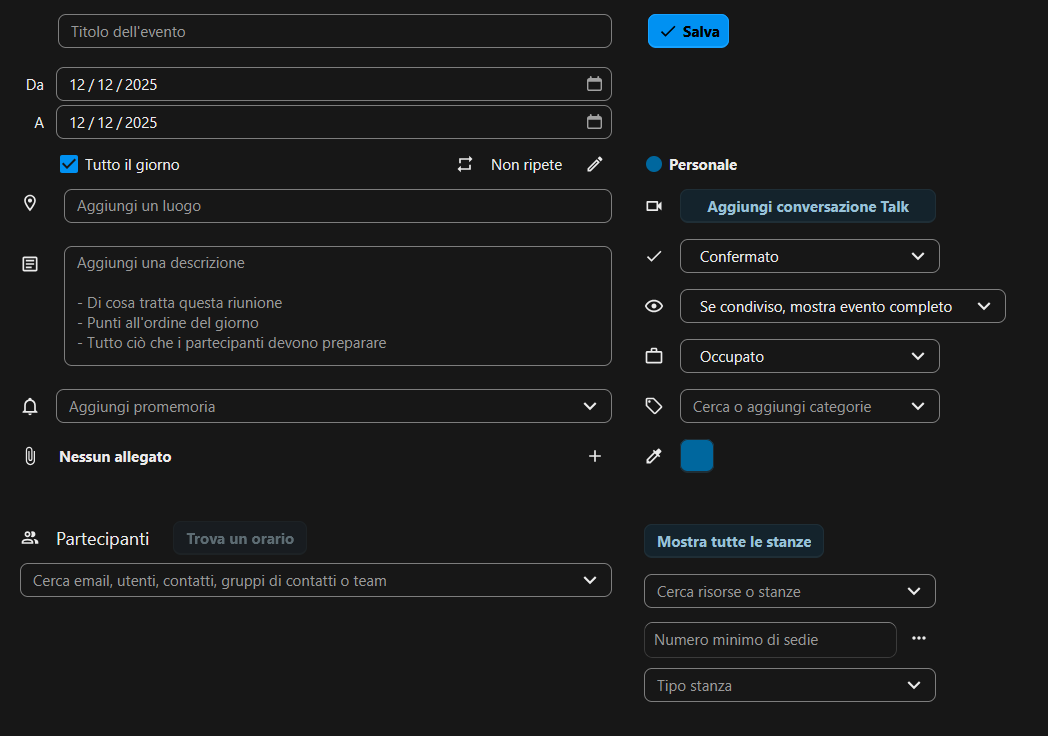
 the admin user did not have an email address set.