Some or all of the below information will be requested if it isn’t supplied; for fastest response please provide as much as you can. 
The Basics
- Nextcloud Server version (e.g., 29.x.x)
- Nextcloud 31.0.6.3
- Operating system and version (e.g., Ubuntu 24.04):
Debian 12
- Web server and version (e.g, Apache 2.4.25):
- Apache/2.4.65
- Reverse proxy and version _(e.g. nginx 1.27.2)
replace me
- PHP version (e.g, 8.3):
8.2
- Is this the first time you’ve seen this error? (Yes / No):
yes
- When did this problem seem to first start?
2 weeks. I saw it now
- Installation method (e.g. AlO, NCP, Bare Metal/Archive, etc.)
It was by apt, now it's appimage downloaded from the official site; the issue stays
- Are you using CloudfIare, mod_security, or similar? (Yes / No)
No, I think
Summary of the issue you are facing:
Hello,
Thank you all for taking the time to address my issue.
My shared folder has not been syncing since October 30, 2025 , I just realized this, on my Debian system, but it works on my Windows system at work.
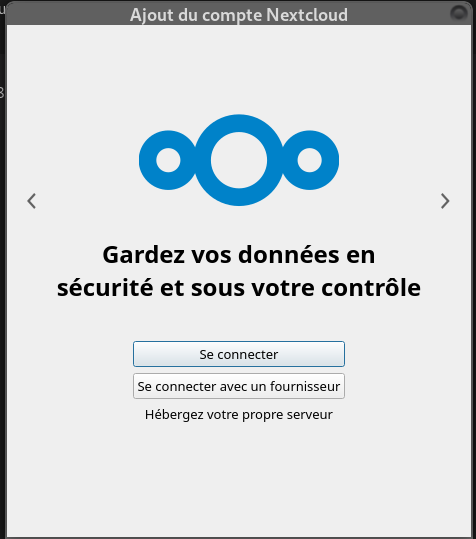
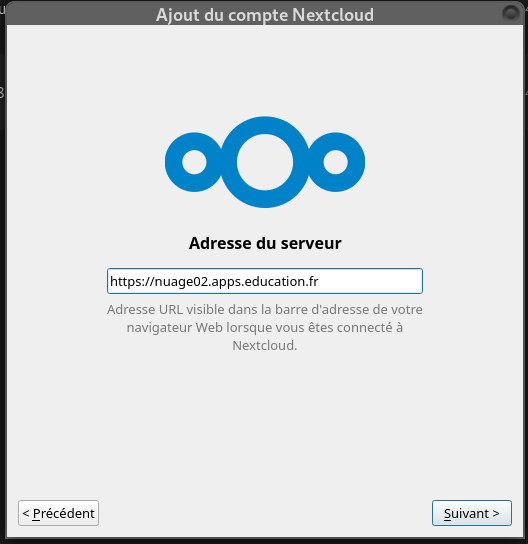
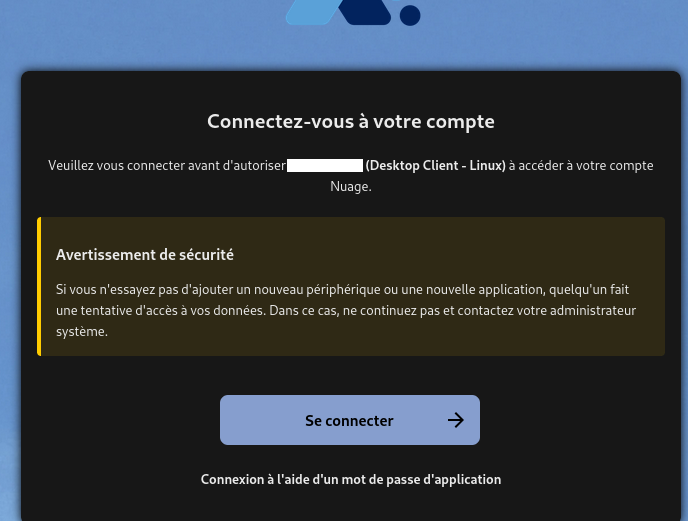
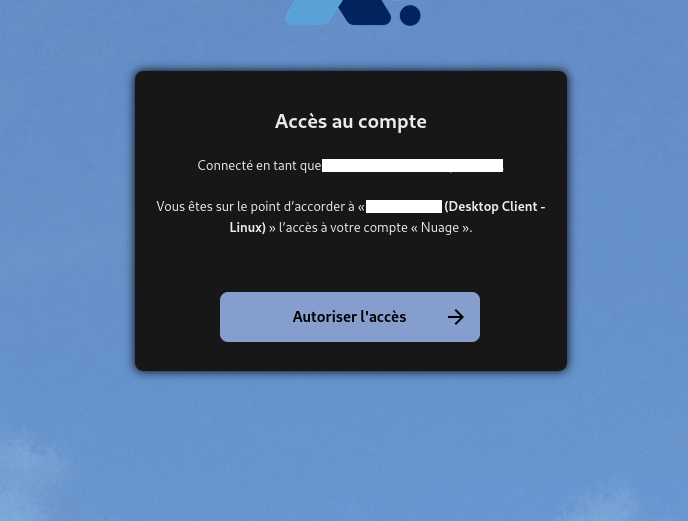
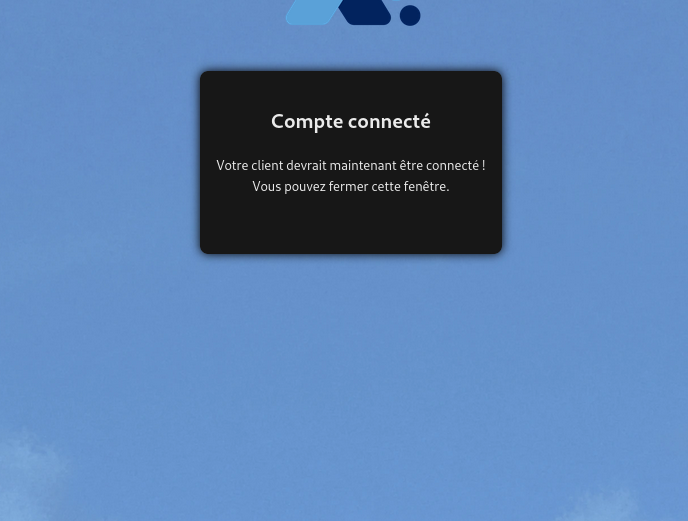
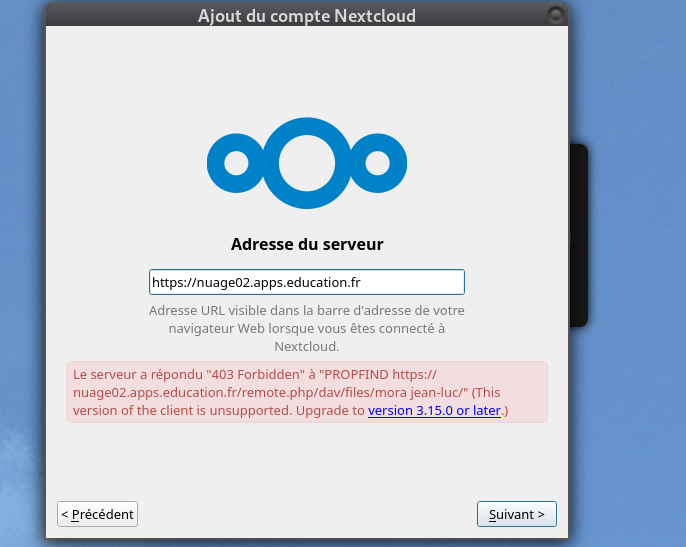
When I try to resynchronize with the server from my Debian, everything works fine. My browser shows a message telling me that my client is connected, but when I go back to the client, I get a 403 error and my folder is not synchronized. I tried a lot and that never worked.
I tried to reinstall, from apt, apt-get, synaptic, didn’t worked
I delete config, didn’t worked
I tried appimage, didn’t worked
Steps to replicate it (hint: details matter!):
-
2.
Log entries
Nextcloud
Configuration
Nextcloud
[General]
clientVersion=3.7.3git
logToTemporaryLogDir=true
optionalServerNotifications=true
showCallNotifications=true

[Accounts]
version=2

[LogBrowser]
geometry=@ByteArray(\x1\xd9\xd0\xcb\0\x3\0\0\0\0\x2\x8a\0\0\x1@\0\0\x4\xe1\0\0\x2\xc7\0\0\x2\x8a\0\0\x1@\0\0\x4\xe1\0\0\x2\xc7\0\0\0\0\0\0\0\0\a\x80\0\0\x2\x8a\0\0\x1@\0\0\x4\xe1\0\0\x2\xc7)

[Settings]
geometry=@ByteArray(\x1\xd9\xd0\xcb\0\x3\0\0\0\0\x2j\0\0\0\xdb\0\0\x5\x2\0\0\x3\x16\0\0\x2j\0\0\0\xf1\0\0\x5\x2\0\0\x3\x16\0\0\0\0\0\0\0\0\a\x80\0\0\x2j\0\0\0\xf1\0\0\x5\x2\0\0\x3\x16)
Tips for increasing the likelihood of a response
- Use the
preformatted textformatting option in the editor for all log entries and configuration output. - If screenshots are useful, feel free to include them.
- If possible, also include key error output in text form so it can be searched for.
- Try to edit log output only minimally (if at all) so that it can be ran through analyzers / formatters by those trying to help you.