It’s nowadays fairly easy to self-host overleaf server. It would be great if one could set up a file sharing with nextcloud, how could that be possible?
thanks,
v.
It’s nowadays fairly easy to self-host overleaf server. It would be great if one could set up a file sharing with nextcloud, how could that be possible?
thanks,
v.
Well, you would have to understand how overleaf stores the files internally. Then, you could check if NC can serve as this backend as well. From there, an app might be doable.
I quickly looked into it but did not find anything useful so far. (I have to admit that I spent only 10 min or so as I am sort of busy ATM.) If you found a way to identify the protocol to the backend, come back. Maybe we can work something out from there.
Chris
You might want to check out
It is not working with my version of Nextcloud. The integration sucks. If i click on a Tex file i will get the error message Open File in Overleaf: Failed
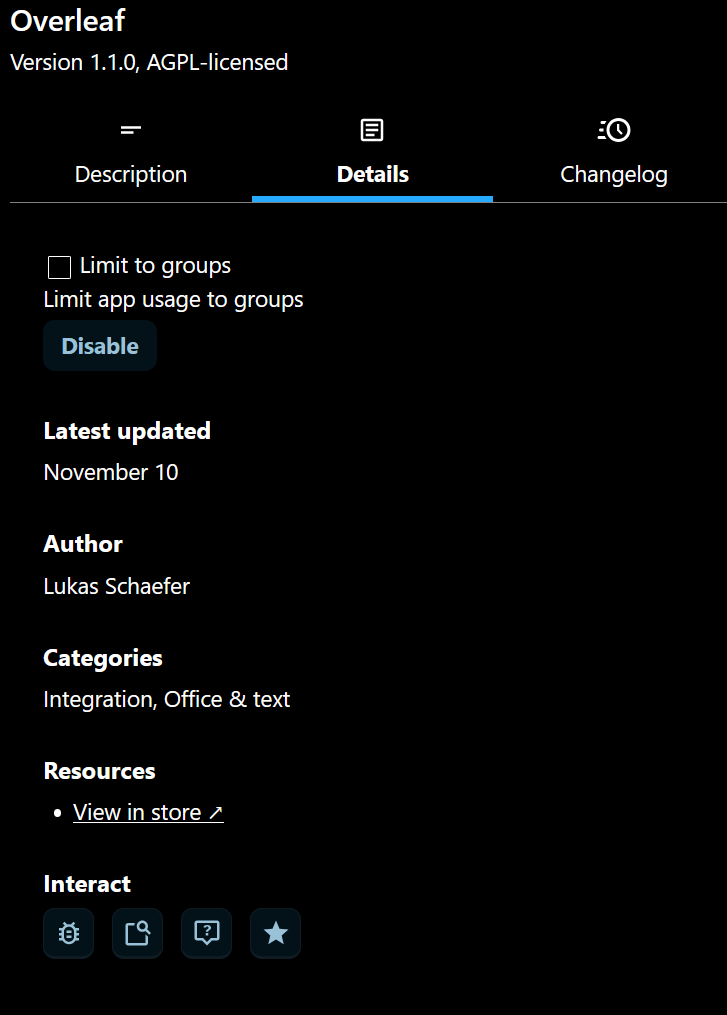
There’s another one in the App Store. I’m not using it myself, so I have no idea how well it works, but it says it’s compatible with NC32: Overleaf - Apps - App Store - Nextcloud.
The one I was referring to is GitHub - Daniel-WWU-IT/overleaf-nextcloud: Overleaf integration app for Nextcloud. which is not published on the app store by the developer but would need to be installed manually.
Yet for the one you did install, did you configure it against an overleaf instance? If so then it sounds like a bug and I would suggest to open a bug report at its repository at GitHub · Where software is built so the developers are aware of there being an issue.
I think that when i get the manage open file in Overleaf failed, that the system cannot find the path to the program. There must be somethin in an ini file which can connect an overleaf extension to the Overleaf program.
Yes, see GitHub - nextcloud/integration_overleaf: App to open LaTeX files directly in Overleaf from your Nextcloud referring to an admin interface setting.