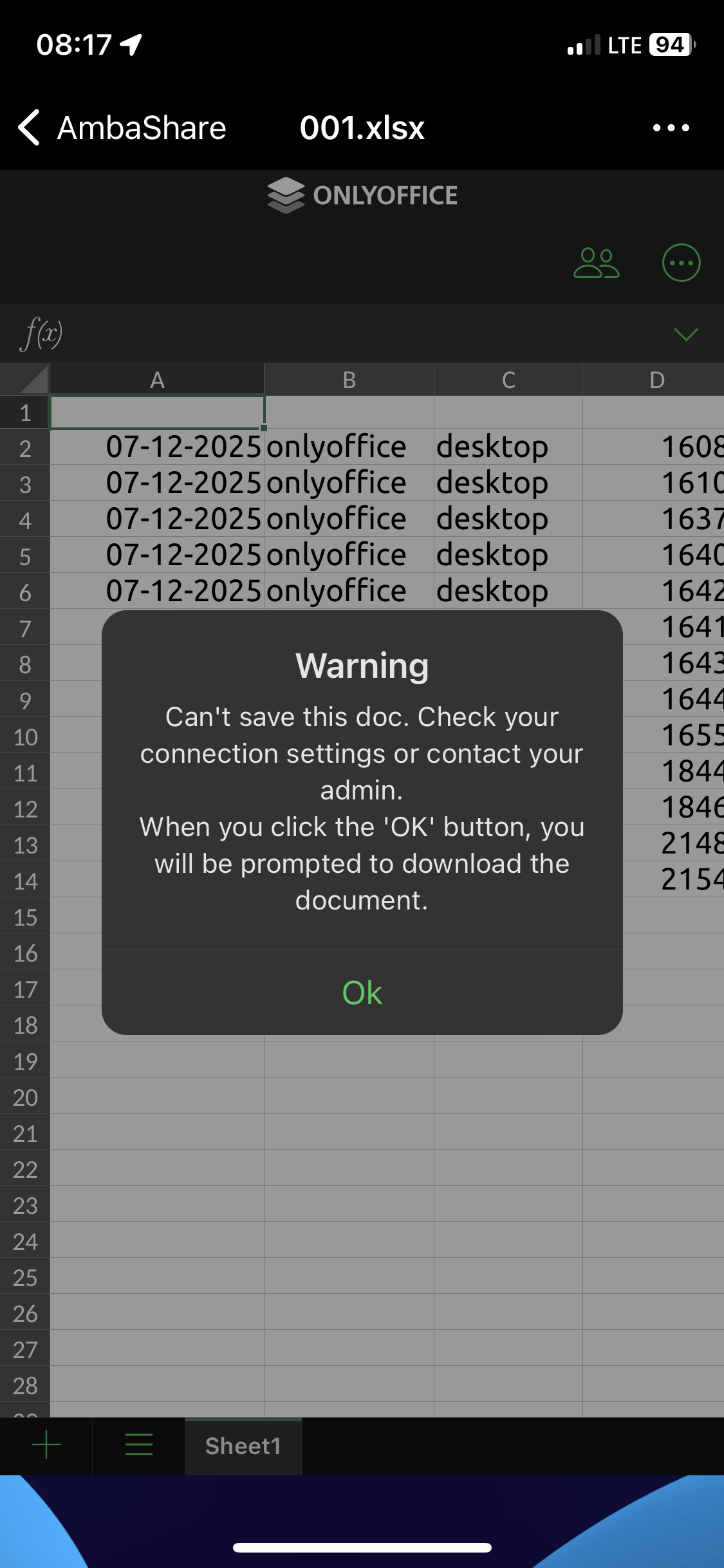
OnlyOffice compiled with Mobile Edit Back

On my end I was already using Caddy as a reverse proxy and I just added handle rule in my Caddyfile to rewrite the JS responses for OnlyOffice to enable mobile editing:

https://my.super.domain:443 {
	# Default reverse proxy
	reverse_proxy nextcloud-aio-apache:11000

	# OnlyOffice-specific replacement rules to enable mobile-editing (premium feature)
	handle /onlyoffice/*/web-apps/apps/*/mobile/dist/js/app.js {
		reverse_proxy nextcloud-aio-apache:11000 {
			# Disable compression so replacement can work
			header_up Accept-Encoding identity
		}

		replace {
			match {
				header Content-Type application/javascript*
			}
			isSupportEditFeature=()=>!1 isSupportEditFeature=()=>!0
		}
	}
}

You’ll need to add https://github.com/caddyserver/replace-response in your Caddy instance:

xcaddy build --with github.com/caddyserver/replace-response

I’m sure something similar is possible with NGINX and other reverse proxies but I haven’t tried.

Note: this won’t unlock the 20-connection limit but IMO if you need that then you should pay them, it’s fair to buy it if you use it like that.


I just asked ChatGPT and here is what it recommended for NGINX, I haven’t tried though but someone else could maybe?

server {
   
    ...

    location ~ ^/onlyoffice/.*/web-apps/apps/.*/mobile/dist/js/app\.js$ {
        proxy_pass http://nextcloud-aio-apache:11000;

        # Disable compression so body replacement works
        proxy_set_header Accept-Encoding "";

        sub_filter_types application/javascript;
        sub_filter "isSupportEditFeature=()=>!1" "isSupportEditFeature=()=>!0";
        sub_filter_once off;  # Replace all occurrences, not just the first
    }

You need the ngx_http_sub_module enabled for this to work, but according to ChatGPT it’s shipped by default in most distros, otherwise you can find online how to enable it in NGINX.

I asked and answered myself.
The problem was in the NginX Reverse Proxy configuration.
However, with version 8.3.1 DS worked fine.
I am attaching the final configuration, with which 8.3.3 started.

upstream docserviceadm {
    server 10.214.10.100:8082; 
    keepalive 32;
}


map $http_host $this_host {
    "" $host;
    default $http_host;
}
map $http_x_forwarded_proto $the_scheme {
     default $http_x_forwarded_proto;
     "" $scheme;
}
map $http_x_forwarded_host $the_host {
    default $http_x_forwarded_host;
    "" $this_host;
}
map $http_upgrade $proxy_connection {
  default upgrade;
  "" close;
}

server {
    listen 443 ssl http2;
    server_name ds.example.ru;
    server_tokens off;
    include ssl/ssl.example.ru.conf;
    include .htaccess.conf;

    location / {
        proxy_pass http://docserviceadm;
        proxy_http_version 1.1;
        proxy_set_header Upgrade $http_upgrade;
        proxy_set_header Connection $proxy_connection;
        proxy_set_header X-Forwarded-Host $the_host;
        proxy_set_header X-Forwarded-Proto $the_scheme;
        proxy_set_header X-Forwarded-For $proxy_add_x_forwarded_for;
        proxy_set_header Host $host;
        proxy_set_header X-Real-IP $remote_addr;
        proxy_buffering off;
    }

    location /doc/ {
        proxy_pass http://docserviceadm/doc/;
        proxy_http_version 1.1;

        proxy_set_header Upgrade $http_upgrade;
        proxy_set_header Connection $proxy_connection;
        proxy_set_header X-Forwarded-Host $the_host;
        proxy_set_header X-Forwarded-Proto $the_scheme;
        proxy_set_header X-Forwarded-For $proxy_add_x_forwarded_for;

        proxy_set_header Host $host;
        proxy_set_header X-Real-IP $remote_addr;

    }
}

Hello,
I used to run the dockerized 7.5 version on a Synolkogy NAS. I decided to upgrade to 8.3.3 but get an error :slight_smile:

/app/ds/run-document-server.sh: line 718: [: !=: unary operator expected
nc: port number invalid:
Waiting for connection to the 6379 host on port

and the last message keeps on repeating.
Can you please help ?

Thanks

Laurent.

Hi All.

9.0.4 is out

docker pull ghcr.io/thomisus/onlyoffice-documentserver-unlimited:9.0.4

Could you try if everything works?

Bests

3 Likes

thanks, initial testing, everything seems to work fine

Yep, it seems to work. Thank you for your effort !

working perfectly

Thanks for your continuos effort for providing updated version

Hi All.

9.1.0 is out

docker pull ghcr.io/thomisus/onlyoffice-documentserver-unlimited:9.1.0

or

docker pull thomisus/onlyoffice-documentserver-unlimited:9.1.0