Operating system and version (e.g., Ubuntu 24.04):
Linux 6.6.63-current-bcm2712 aarch64
Web server and version (e.g, Apache 2.4.25):
replace me
Reverse proxy and version _(e.g. nginx 1.27.2)
replace me
PHP version (e.g, 8.3):
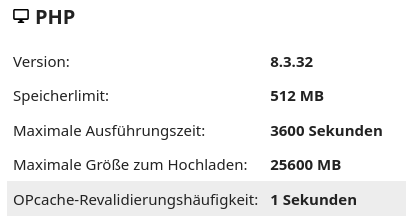
8.3.31
Is this the first time you’ve seen this error? (Yes / No):
No
When did this problem seem to first start?
After installation of NCP 1.54.0
Installation method (e.g. AlO, NCP, Bare Metal/Archive, etc.)
NCP
Are you using CloudfIare, mod_security, or similar? (Yes / No)
No
Summary of the issue you are facing:
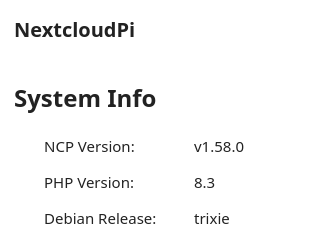
ncp-dist-upgrade is available but cannot be executed as ncp reports the PHP still to be 8.1 although only 8.3.31 is installed
Steps to replicate it (hint: details matter!):
Log on to ncp via ssh
perform sudo ncp-dist-upgrade
Log entries
Nextcloud
Please provide the log entries from your Nextcloud log that are generated during the time of problem (via the Copy raw option from Administration settings->Logging screen or from your
This is what I’d like to know …
Early last year I tried to install ncp on a Pi5 (then latest version: 1.55.0). However the system got stuck while booting in a PHP loop (PHP 8.3). I then installed 1.54.0 (PHP 8.1) which worked fine. I could successfully setup my instance.
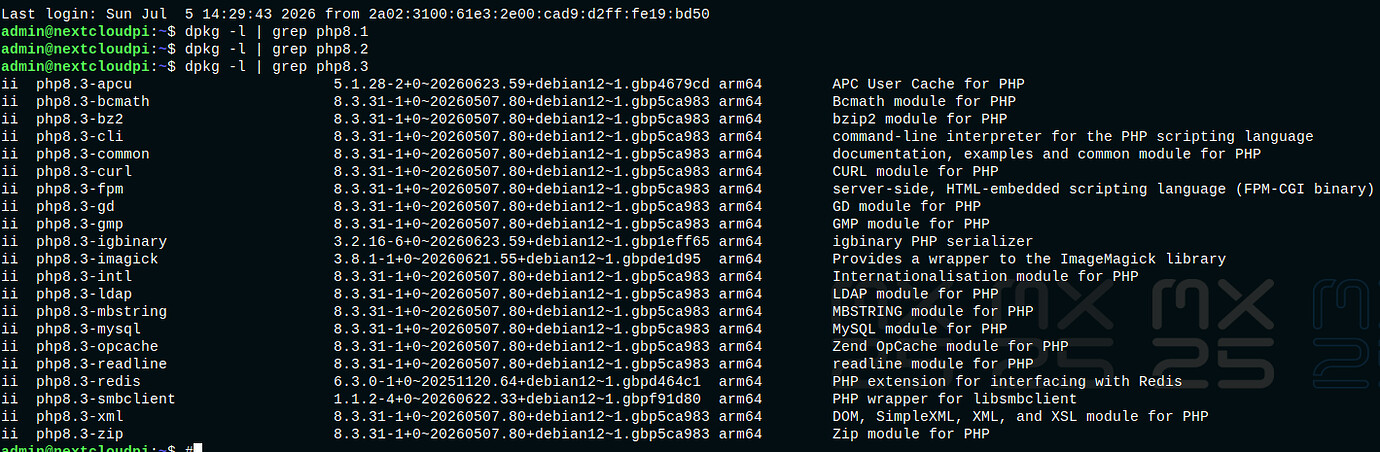
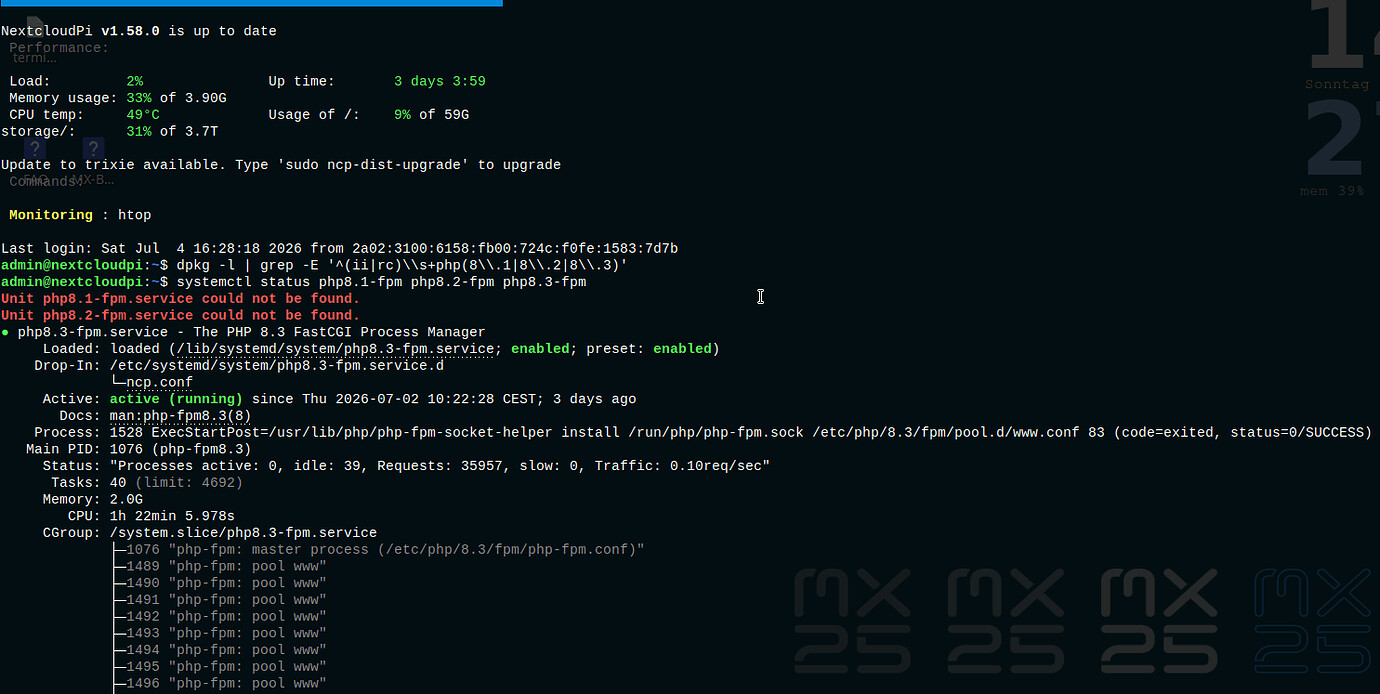
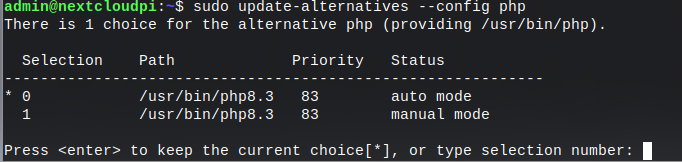
I updated ncp to 1.55.0 - but obviously PHP 8.1 did not update to PHP 8.3 as it was supposed to. I then installed PHP 8.3 manually executing php-updater script and removed all remains of PHP 8.1:
I am aware that I made manual changes to the configuration when I executed php-updater and I understand that this can cause problems. My understanding of the issue is that somewhere - maybe in a config file - the previous PHP version 8.1 is still prevalent. My question is simple: Can this be fixed or would you recommend a reinstallation of ncp?
As my instance has been running smoothely all the time (correctly displaying PHP 8.3.31 by the way) I pretty much ignored the issue but now, in the light of the pending dist-upgrade, I’d like to have it fixed one way or the other.
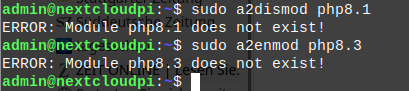
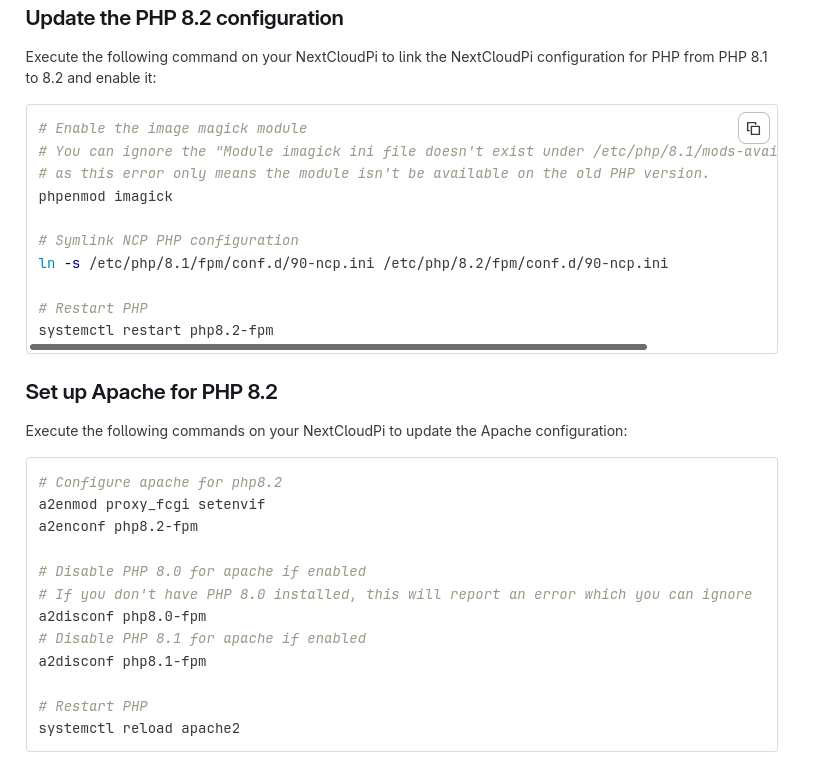
These two commands disable the old PHP version in the Apache web server and enable the new PHP version.
This allows Apache to determine which PHP version is actually used when web pages are loaded.
All commands worked fine (using PHP8.3 respectively) but neither of them made any difference. The upper ones were surely useless as I had removed all vestiges of PHP8.1 before. The lines for setting up Apache for PHP8.3 looked promising but had no effect.
What I have found out so far is that the directory /etc/php/8.1/fpm, including the conf.d and pool.d subdirectories, keeps getting recreated.
As far as I can tell, I’ve already removed everything related to PHP 8.1 FPM, and I can’t find any references to it in the Apache configuration or anywhere else that would explain this behavior.
There must still be something on the system that references PHP 8.1 FPM or triggers the recreation of these directories, but I haven’t been able to identify it.
I did some more digging to find out why “90-ncp.ini” kept being recreated.
The cause was that after upgrading PHP manually, PHP had been upgraded to 8.3, but “php_version” in “/usr/local/etc/ncp.cfg” was still set to “8.1”.
As a result, NextCloudPi kept recreating:
“/etc/php/8.1/fpm/conf.d/90-ncp.ini”
even though PHP 8.1 had already been removed.
Fix: Update “php_version” in “/usr/local/etc/ncp.cfg” to match the installed PHP version (8.3 in my case). After that, “90-ncp.ini” is created in the correct PHP directory.
@piemaker Thanks for the tip about the PHP updater. It made upgrading to PHP 8.5 very easy. However, it seems that it did not update “ncp.cfg”, so the old PHP version remained configured there.
ncp.cfg was not updated to the new php-version, still showed 8.1 - changing this to 8.3 did the trick. Assuming sort of a vestige of an incorrect php-version being prevalent in some config-file was right then.