Support intro
Sorry to hear you’re facing problems. 
The community help forum (help.nextcloud.com) is for home and non-enterprise users. Support is provided by other community members on a best effort / “as available” basis. All of those responding are volunteering their time to help you.
If you’re using Nextcloud in a business/critical setting, paid and SLA-based support services can be accessed via portal.nextcloud.com where Nextcloud engineers can help ensure your business keeps running smoothly.
Getting help
In order to help you as efficiently (and quickly!) as possible, please fill in as much of the below requested information as you can.
Before clicking submit: Please check if your query is already addressed via the following resources:
- Official documentation (searchable and regularly updated)
- How to topics and FAQs
- Forum search
(Utilizing these existing resources is typically faster. It also helps reduce the load on our generous volunteers while elevating the signal to noise ratio of the forums otherwise arising from the same queries being posted repeatedly).
Some ord all of the below information will be requested if it isn’t supplied; for fastest response please provide as much as you can. 
The Basics
-
Nextcloud Server version (e.g., 29.x.x):
31.0.13
-
Operating system and version (e.g., Ubuntu 24.04):
AlmaLinux 8.10
-
Web server and version (e.g, Apache 2.4.25):
* Apache/2.4.37 -
Reverse proxy and version _(e.g. nginx 1.27.2)
none
-
PHP version (e.g, 8.3):
8.3.30
-
Is this the first time you’ve seen this error? (Yes / No):
Yes
When did this problem seem to first start?
20.01.26
-
Installation method (e.g. AlO, NCP, Bare Metal/Archive, etc.)
Bare Metal
-
Are you using CloudfIare, mod_security, or similar? (Yes / No)
No
Summary of the issue you are facing:
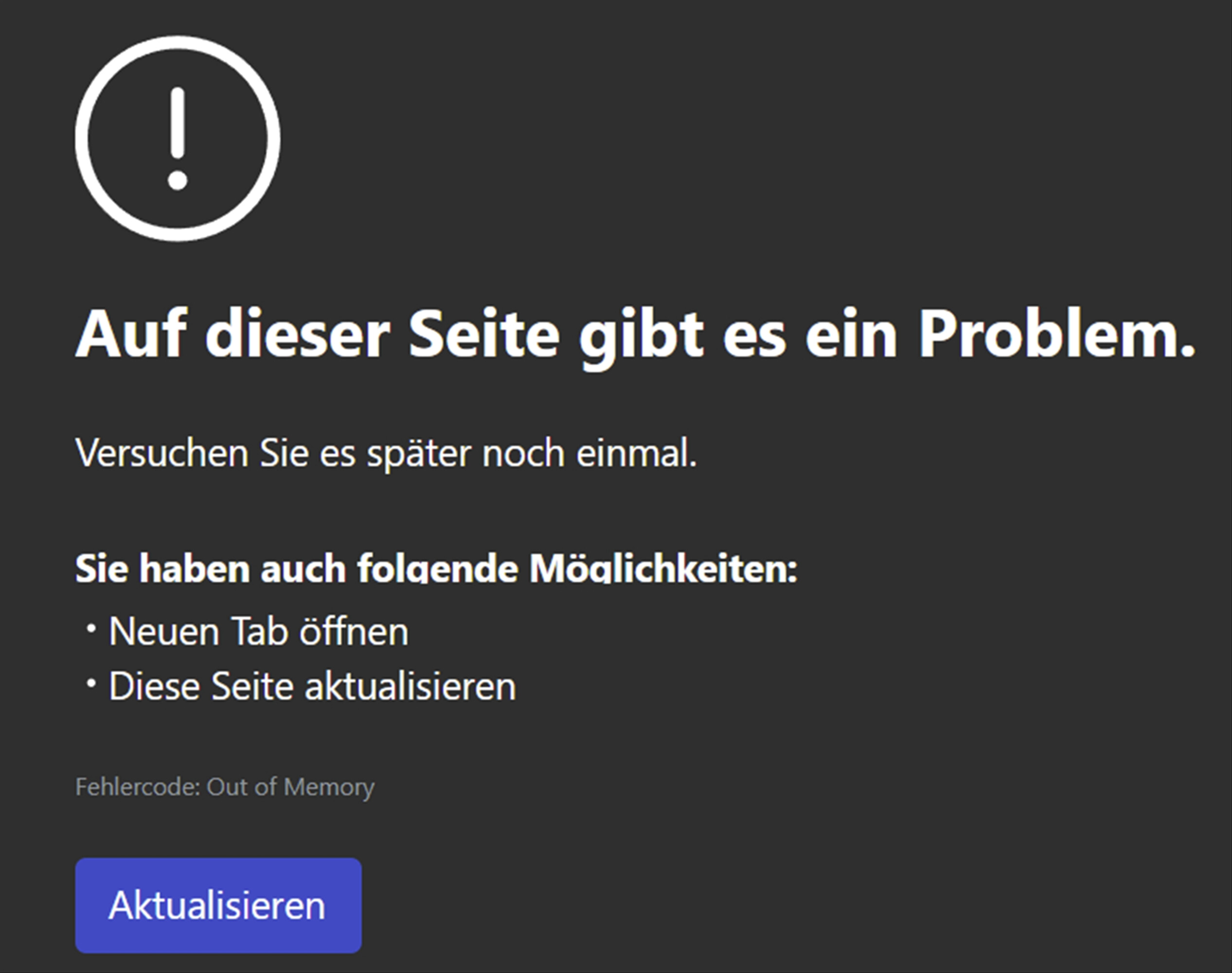
Since upgrading from 31.0.12 to 31.0.13 - Nextcloud TALK in the Edge Browser becomes very slow. Loading one Talk conversation takes about 30 secs - often there is a out of Memory message, shown in the EDGE Browser (MS:Version 144.0.3719.82 (Offizielles Build) (64-Bit).
Steps to replicate it (hint: details matter!):
-
Login to nextcloud gui on microsoft Edge Browser
-
Switch to TALK App
-
choose one conversation
-
switching between talk conversations takes very long and out of memory messages to appear
Log entries
Linux: free Memory
free -m
total used free shared buff/cache available
Mem: 15373 6834 5025 409 3514 7612
Swap: 10239 27 10212
Windows 11 Pro:
available physical memory: 17’420 MB
Important side Information:
All this steps described are woriking perfectly in FireFox (very fast), so it seems to be
Browser issue
Neverless - i’m trying to address this issue here, if anybody other has found a solution for that.
Nextcloud
Theere are no messages, regarding memory context into the nextcloud.log
PASTE HERE
Web Browser
Web server / Reverse Proxy
The output of your Apache/nginx/system log in /var/log/____:
PASTE HERE
Configuration
Nextcloud
$CONFIG = array (
‘memcache.distributed’ => ‘\OC\Memcache\Redis’,
‘memcache.locking’ => ‘\OC\Memcache\Redis’,
‘memcache.local’ => ‘\OC\Memcache\APCu’,
‘filelocking.enabled’ => true,
‘redis’ =>
array (
‘host’ => ‘/run/redis/redis.sock’,
‘port’ => x,
‘dbindex’ => x,
‘timeout’ => x,
‘password’ => ‘yyy’,
),
This steps already performed without results:
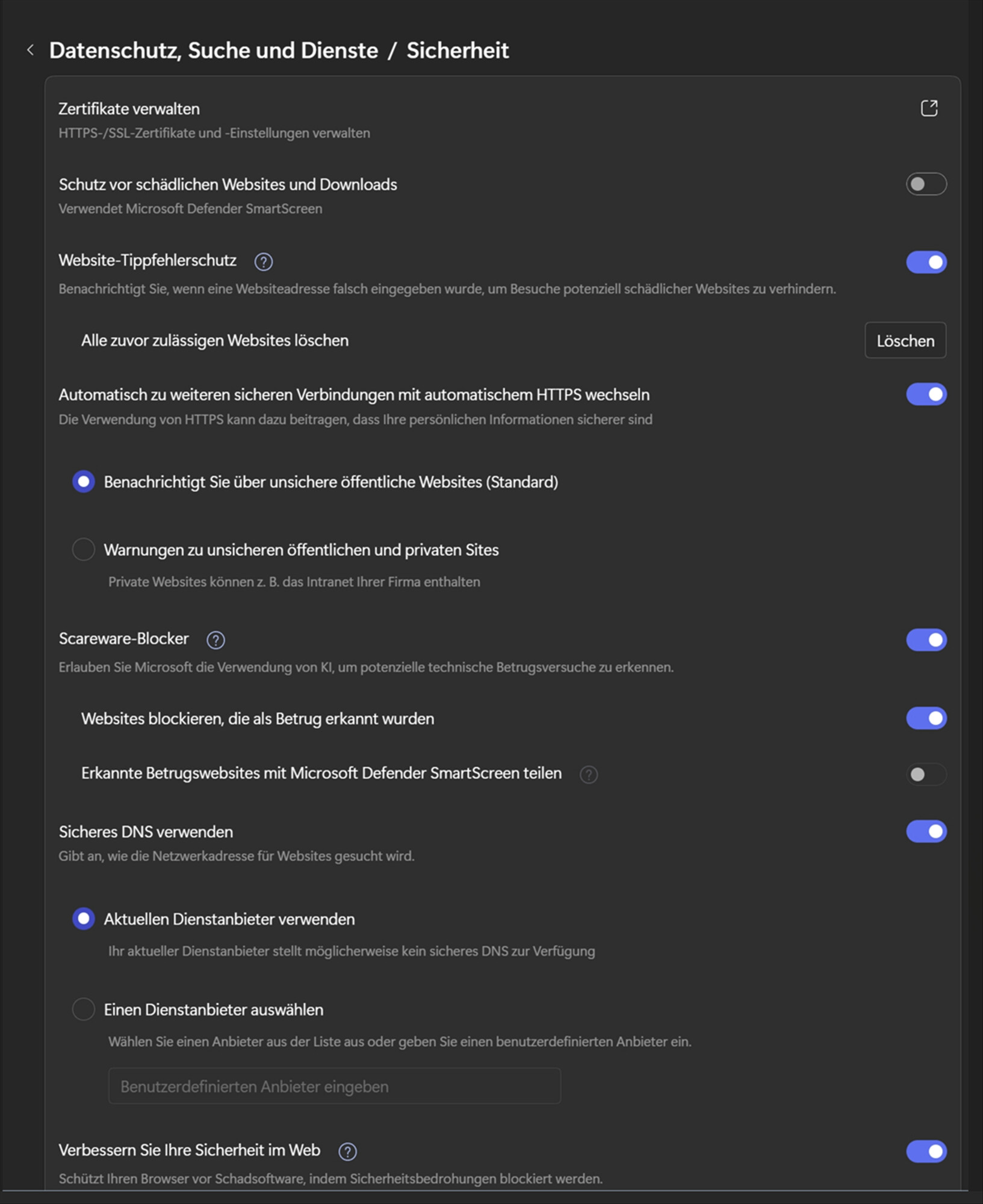
Chromium ‘memory leak’ due to hardware acceleration
In Chromium browsers (Edge/Chrome), problems often arise with video processing via WebRTC when hardware acceleration communicates incorrectly with the graphics driver. This leads to the observed ‘out of memory’ error.
Test: Disable hardware acceleration in Edge on a trial basis:
Settings → System and performance → Turn off ‘Use hardware acceleration when available’.
Restart the browser. If it then runs stably, the problem is due to a driver conflict.
Edge-specific ‘efficiency modes’
Edge has features to save RAM, which paradoxically can cause crashes in real-time applications such as Talk if the tab is incorrectly put into hibernation or throttled.
Solution: Add your Nextcloud instance to the ‘exception list’:
Go to edge://settings/system.
Find the section Never put these websites to sleep.
Add the URL of your Nextcloud.
Apps
Tips for increasing the likelihood of a response
- Use the
preformatted textformatting option in the editor for all log entries and configuration output. - If screenshots are useful, feel free to include them.
- If possible, also include key error output in text form so it can be searched for.
- Try to edit log output only minimally (if at all) so that it can be ran through analyzers / formatters by those trying to help you.