The Basics
- Nextcloud Server version (e.g., 29.x.x):
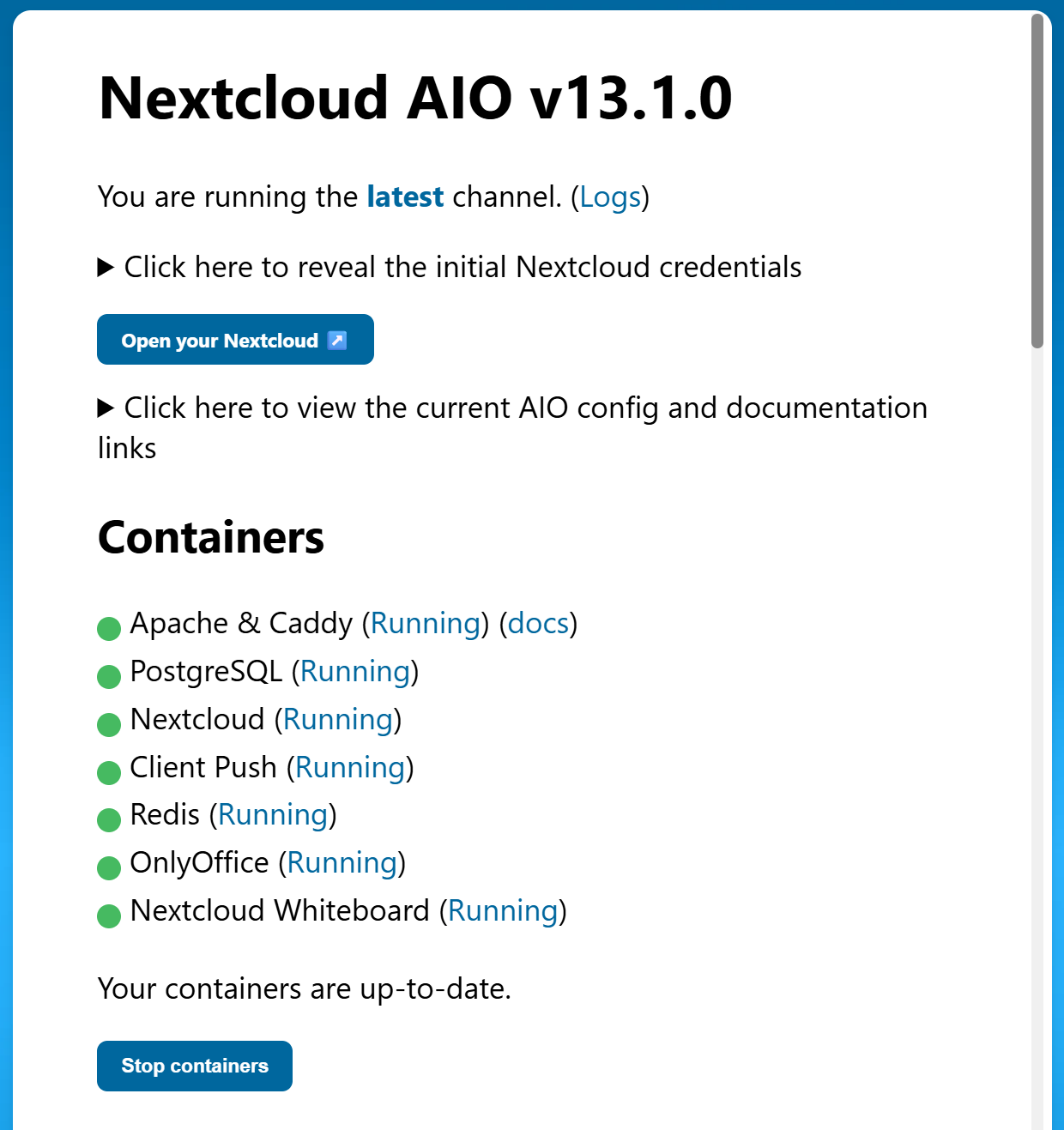
- AIO 13.1.0
- Operating system and version (e.g., Ubuntu 24.04):
- Windows 11 Pro/Docker Desktop
- Web server and version (e.g, Apache 2.4.25):
- No Idea
- Reverse proxy and version _(e.g. nginx 1.27.2)
- No Idea
- PHP version (e.g, 8.3):
- No Idea
- Is this the first time you’ve seen this error? (Yes / No):
- Yes
- When did this problem seem to first start?
- First log on
- Installation method (e.g. AlO, NCP, Bare Metal/Archive, etc.)
- AIO
- Are you using CloudfIare, mod_security, or similar? (Yes / No)
- No
Summary of the issue you are facing:
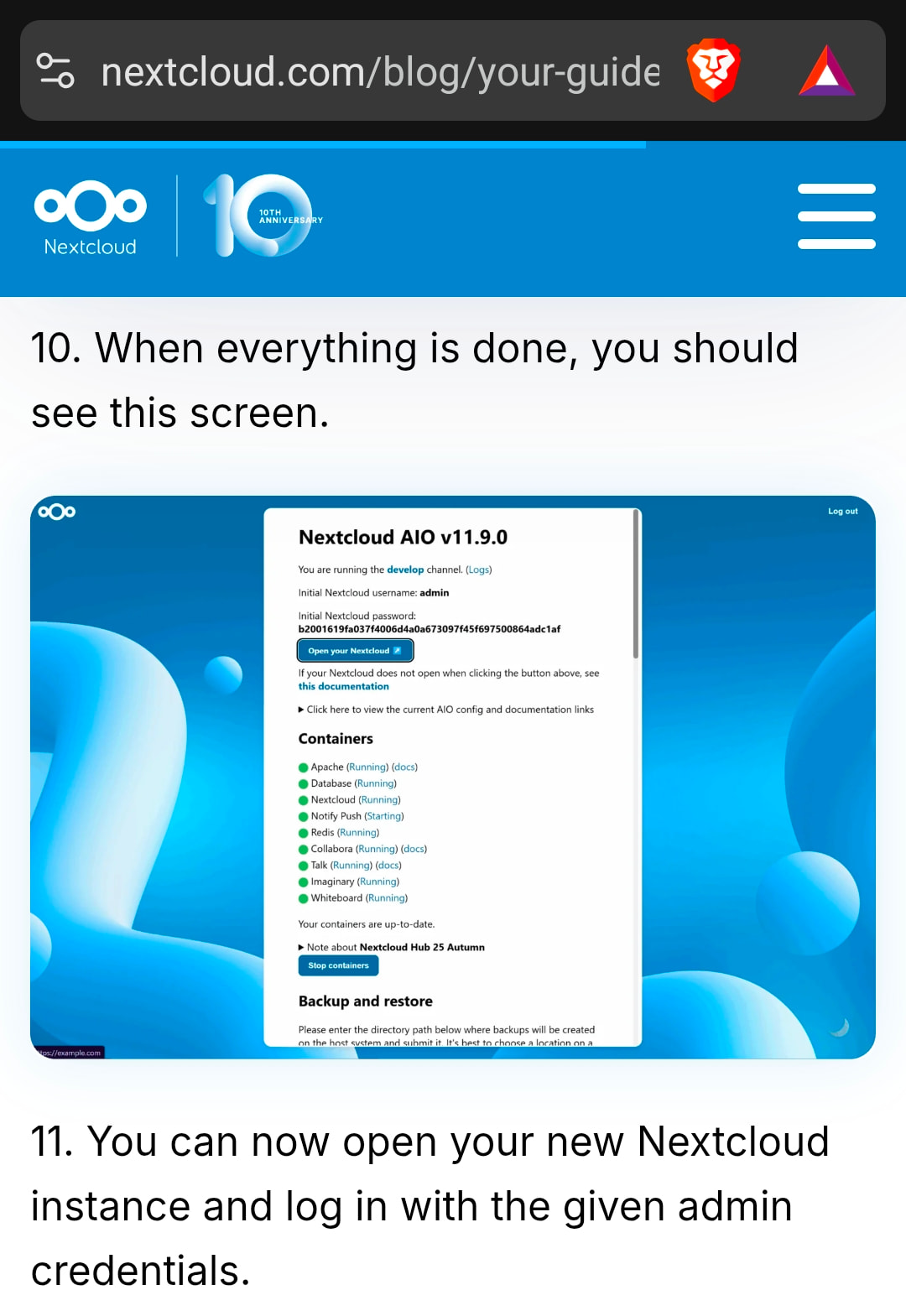
Managed to install Nextcloud AIO on Windows 11 Pro using Docker Desktop and can connect both locally and across the net however I never set up a default user/password and I’ve no idea what they are. I did try using the long sequence of “words” that allowed me to configure things but on reaching the basic logon screen… NADA.
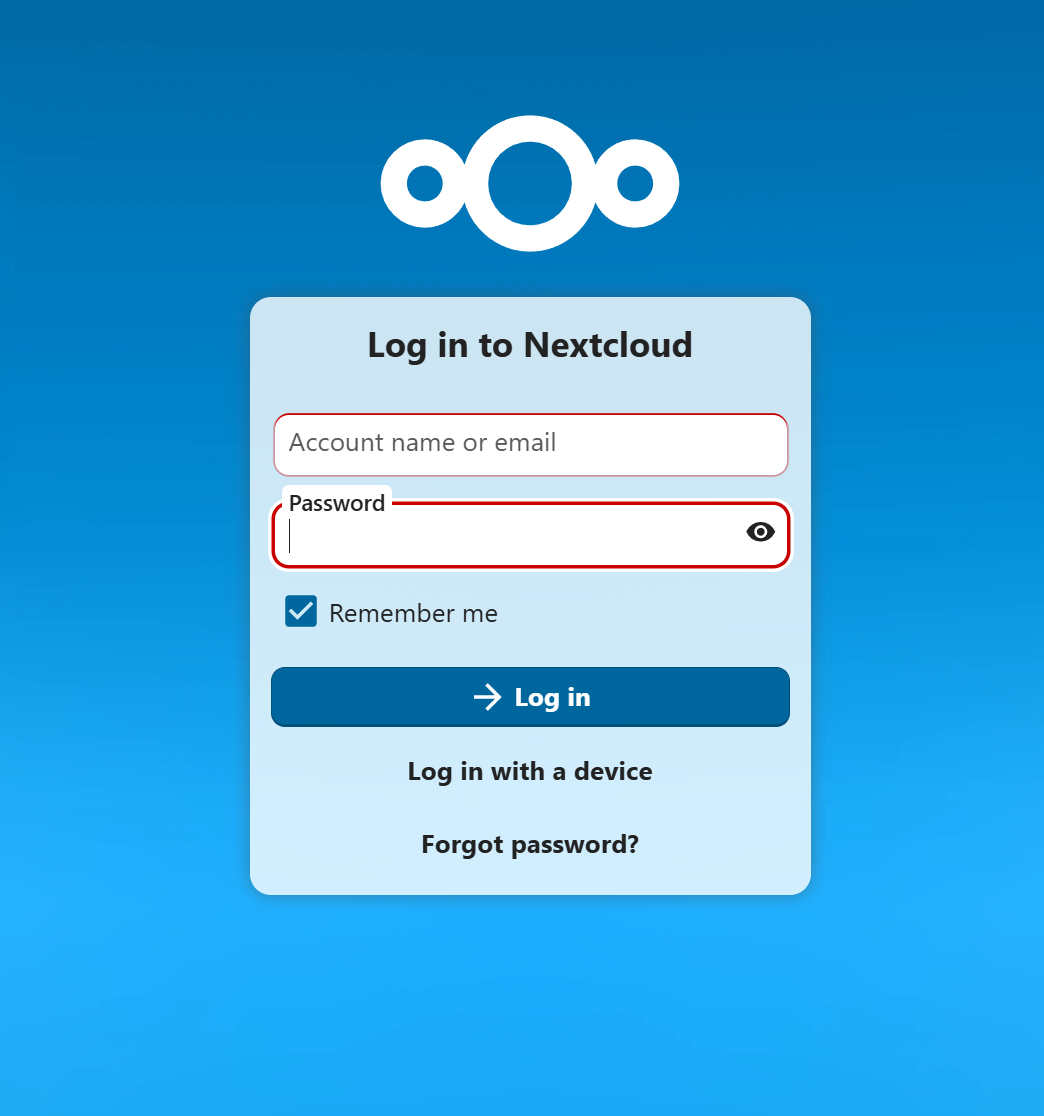
Any idea what the default logon credentials are?
Thanks
James