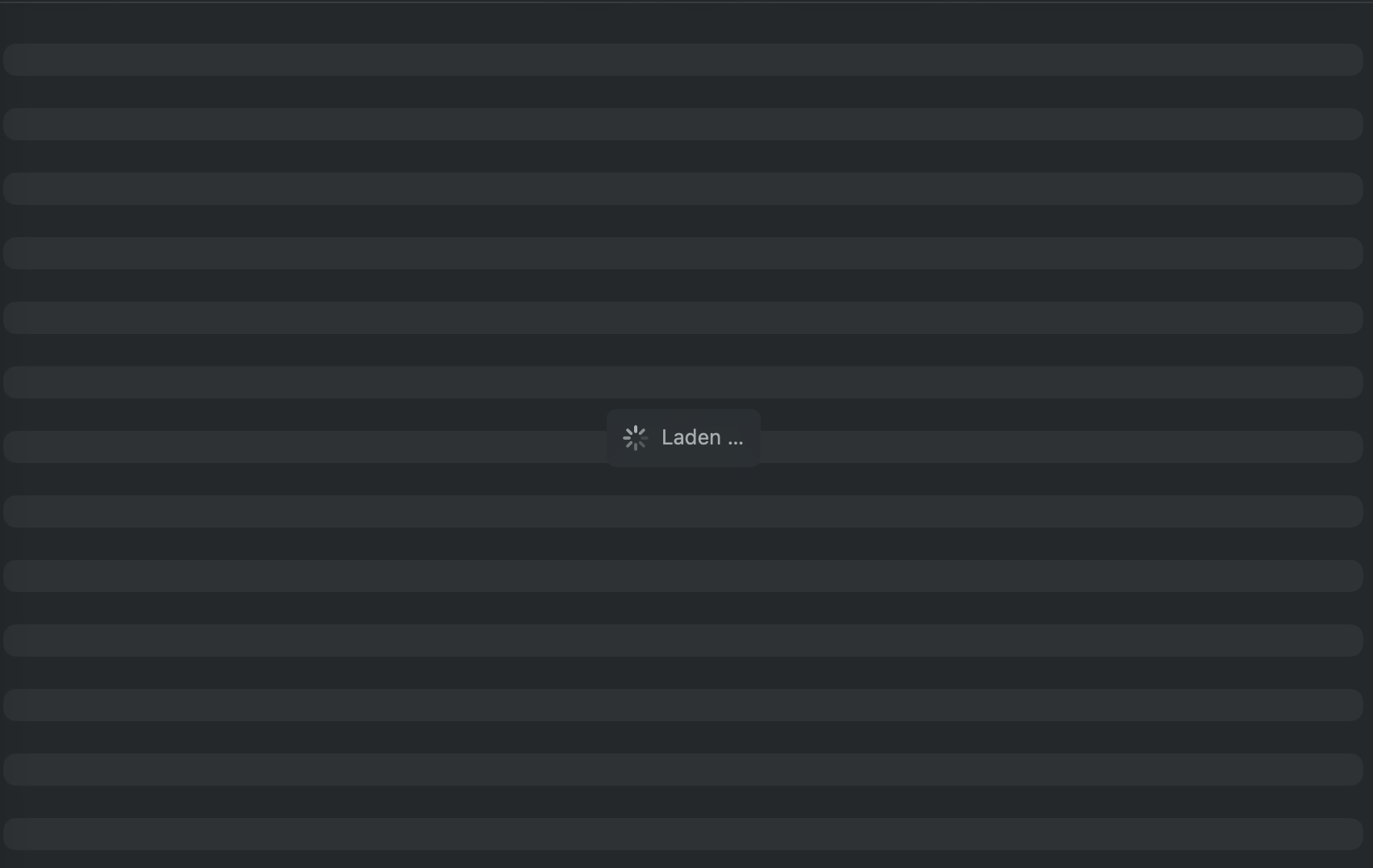
I’m new to Mac, and I’ve just installed Nextcloud on my MacBook. It created a virtual files folder under CloudStorage, but when I open most folders, they just keep loading and no files appear.
My server is hosted on Hetzner Storage Share. However, everything works perfectly on my Windows PC, so I believe a server-side issue can mostly be ruled out.
Has anyone else had the same issue, or had it in the past? If so, how did you solve it, or how would you recommend debugging it? I’m not sure whether this is related to the macOS virtual files setup, Finder, or the Nextcloud client.
Sometimes I can reproduce such a behavior and it appears to be Finder not refreshing its view, apparently. This does not rule out that our file provider extension might be the root cause.
However, entering a subfolder of a newly set up file provider domain may result in the apparently endless loading indicator. Switching back to another folder and back makes the content appear immediately as if it was already there but Finder did not refresh its user interface.
Is it like that for you, too? If not, you may peek into the logs or open a Github issue for a tracked investigation.
Unfortunately, that does not seem to work for me. Sometimes newly opened folders load immediately, but other times they just stay stuck in that loading loop.
Folders that have already been loaded once usually work fine afterwards and do not need to load again. The issue seems to affect mainly folders I open for the first time.
I’ll also take a look at the logs and open a GitHub issue so it can be investigated further.