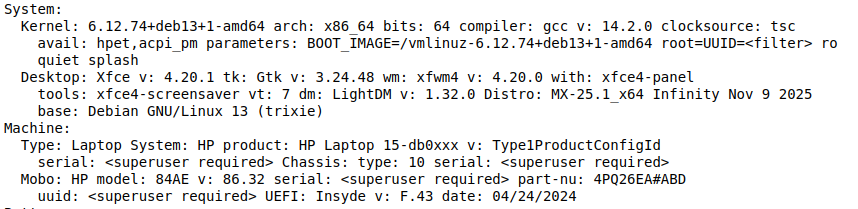
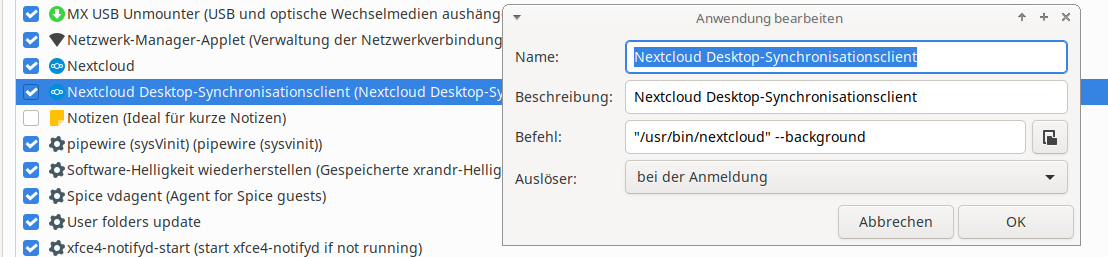
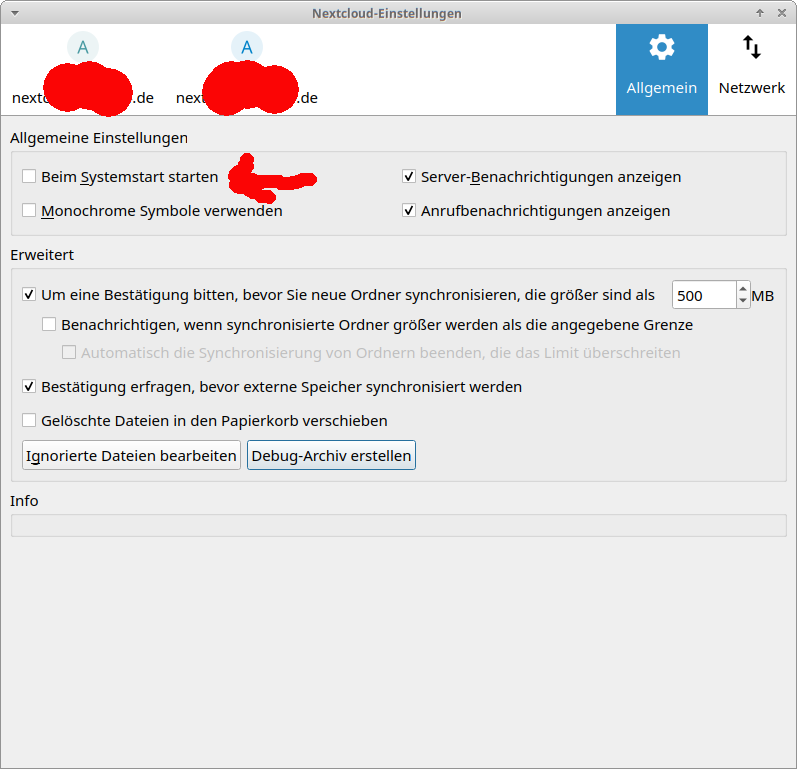
Although the Desktop Client is added to startup it won’t do so after log in. Starting the application manually the client appears in the taskbar and works flawlessly.
On another computer (MX Linux 23) everything works as it should with the follwoing settings. Copying them to this computer (MX Linux 25) does not work however.
I’d say that’s probably more of an MX Linux issue than an issue with the Nextcloud client. It also seems that MX Linux hides their bug tracker behind a login, so you can’t search for existing issues there without having an account.
If you don’t get any more replies here, you might also want to ask in their forums.