Nextcloud version (eg, 29.0.5): 29.0.2
Operating system and version (eg, Ubuntu 24.04): Ubuntu 24.04
Apache or nginx version (eg, Apache 2.4.25): Apache 2.4.41
PHP version (eg, 8.3): 8.1.27
The issue you are facing:
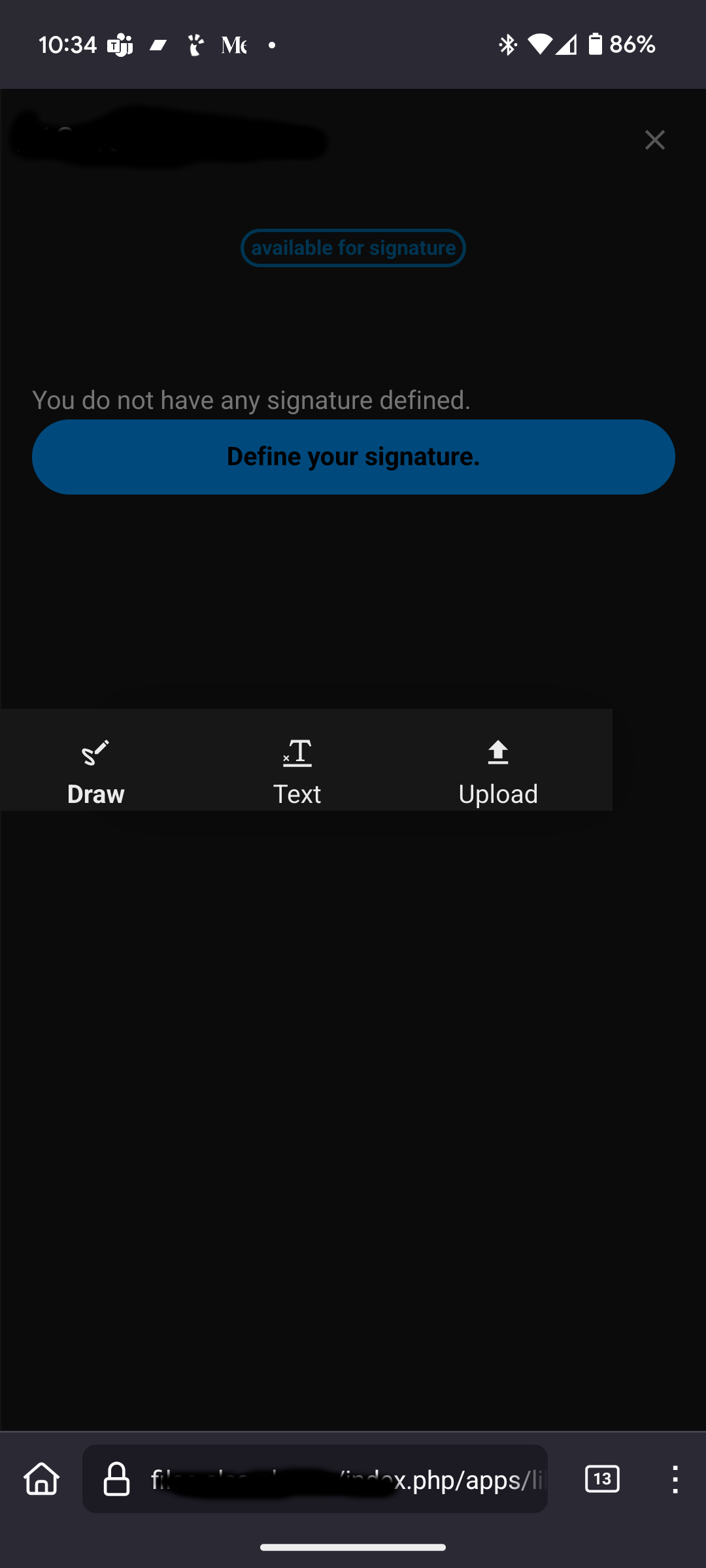
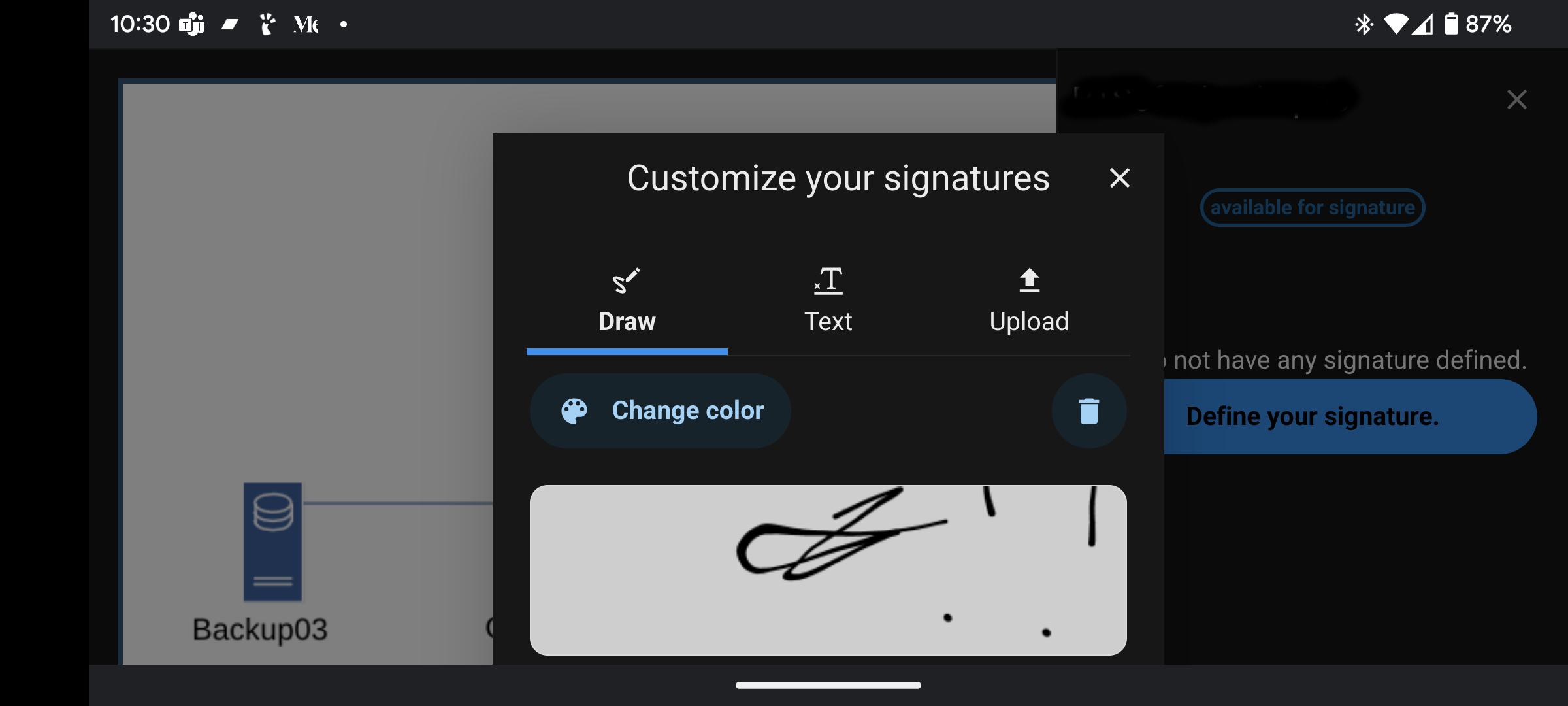
A user on a mobile device when prompted to create a signature cannot see or access the buttons to complete the task.
In profile mode, only the options of draw, text, and upload are shown. In landscape mode, the user may see the space to draw or type a signature, but cannot complete the task. Screenshots are attached. There are no means to scroll or adjust the view.
Is this the first time you’ve seen this error? (Y/N): Yes. It is a new install.
Steps to replicate it:
- Create a document for a signature.
- Invite a user to sign a document.
- When the user logs in they are prompted to create a signature.