how do I install the euro-office app? Or is it called Nextcloud office these days:
It is easy using search engines
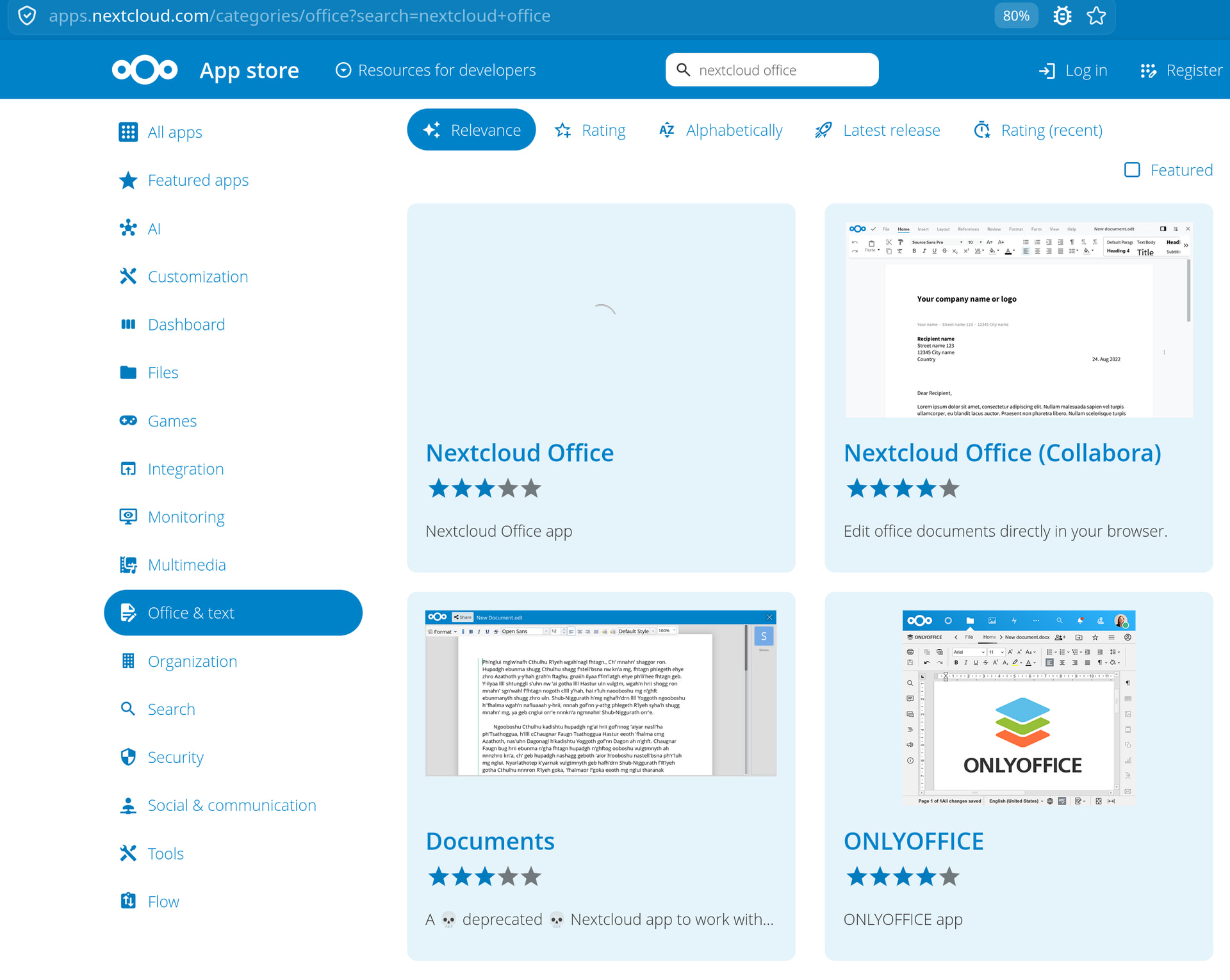
Its not because Nextcloud is messy in naming things. Search works with words
“Nextcloud Office” is the connector app for EuroOffice, while “Nextcloud Office (Collabora)” is, unsurprisingly, the connector app for Collabora. The internal app IDs, for example when installing via occ app:install, are eurooffice and richdocuments, respectively.
To avoid any misunderstandings, both are only connector apps and require a corresponding document server backend to work.
For Euro-Office, you need to install the Euro-Office document server, which is available as a Docker container or as Debian/RPM packages. As far as I know, there is currently no Nextcloud app or built-in document server available, and documentation is, as of now, only available on GitHub: https://github.com/Euro-Office/documentation/tree/main/docs/installation
The CODE server, on the other hand, is available as a built-in Nextcloud app (“Collabora Online – Built-in CODE Server”, internal app ID: richdocumentscode), as a Docker container, or as Debian/RPM packages. Documentation can be found here and here.
Thanks! For me for future reference:
| Product Name | Connector App ID | Document Server Backend | Server Installation Options | Documentation |
|---|---|---|---|---|
| Nextcloud Office (connector for EuroOffice) | eurooffice |
EuroOffice Document Server | Docker container, Debian/RPM packages (no built-in Nextcloud app) | GitHub - EuroOffice Documentation |
| Nextcloud Office (Collabora) (connector for Collabora) | richdocuments |
Collabora Online (CODE) Server | Built-in Nextcloud app (richdocumentscode), Docker container, Debian/RPM packages |
Collabora Documentation / Nextcloud Docs |
still one more thing. I use OnlyOffice as it curently works and have now time right now to tinker with it. From NC-servers perspective I assume this does not make a difference.