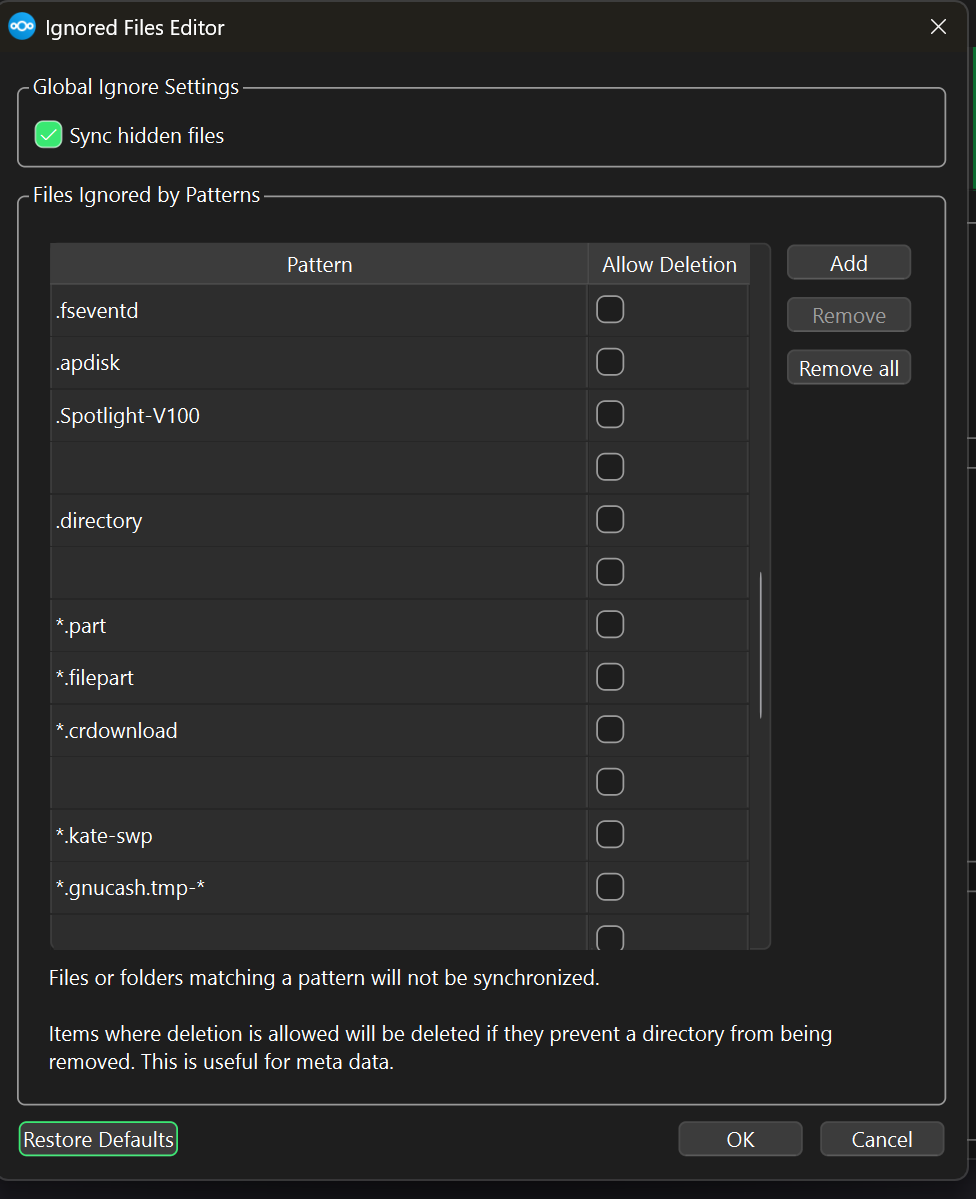
The list of ignored file patterns contains quite a number of empty on Windows 11 4.0.0 version. Is this by design?
Hi,
Yes, that’s expected behavior in version 4.0.0 on Windows 11.
Those blank entries in the Ignored Files list appear because the new desktop client merges multiple default ignore lists (global + OS-specific), and some of them are empty placeholders.
They don’t affect sync, it’s only a visual glitch in the interface. You can safely leave them as they are or click Restore Defaults to clean up the view; either way, your synchronization will work normally.
This minor UI issue has already been reported and should be fixed in an upcoming release.
1 Like
This topic was automatically closed after 90 days. New replies are no longer allowed.