I have massive problems in understanding and configuring the NextCloud App on Android for automatic upload.
On each folder, I can then the option to “synchronize “ it, which is not what I want.
I just want new photos done with the Camera App or stored from other Apps be uploaded to my NextCloud instance.
In the menu, I see “Uploads”, which are currently empty and in the right upper corner of this, is a toggle between “pause” and “play” symbols.
I assume that this pauses or continues uploads when there are some and it seems that the “pause” symbol needs to be shown for uploads to happen.
In the settings, I see a group “Synchronize” with two options “automatic upload” "and “internal 2-way synchronization”.
I disabled the second option and can only find “create your own folder” in the three-dot menu.
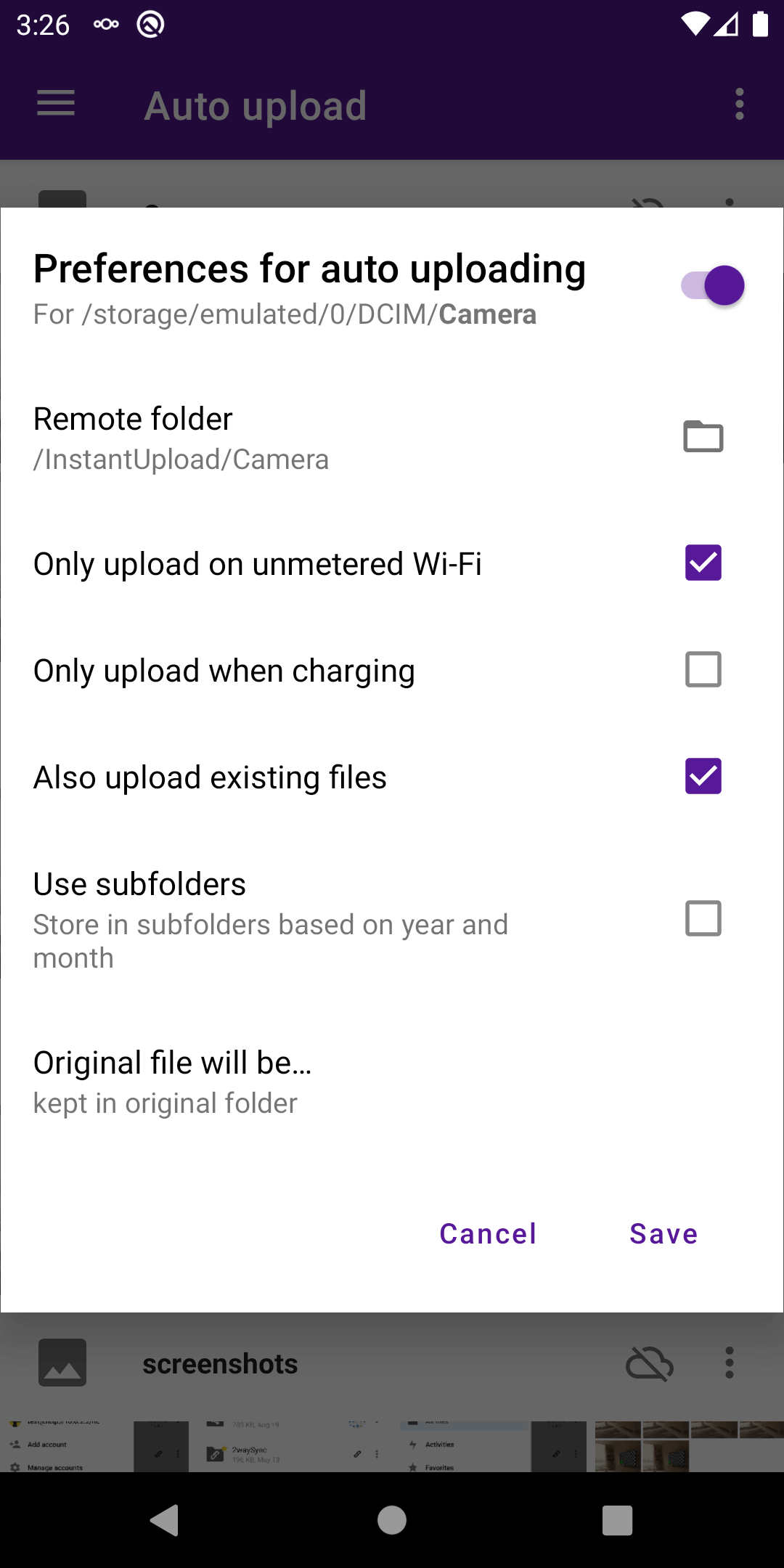
I touched that and choose the regular Camera folder for “local folder” and then also “Camera” for the remote folder on the NextCloud server.
I upload only on free WiFi and not only when charging the battery.
My questions:
a) When I try to move files from /Photos to /Camera, they will not move.
Don’t know why and what to do.
b) When I switch between folders, i always need to drag down for a reload, otherwise the folder that was shown before will still be displayed.
That is more than annoying.
c) When I open the “Media” view, I have the option to select a media folder, but as it seems, only one folder?
My older uploaded content is in /CONTENT and the automatic uploads go to /Camera - so I can never see this new uploads. On the website version of NextCloud, I can select multiple folders to be displayed. Is there some trick to do the same in the Android App?
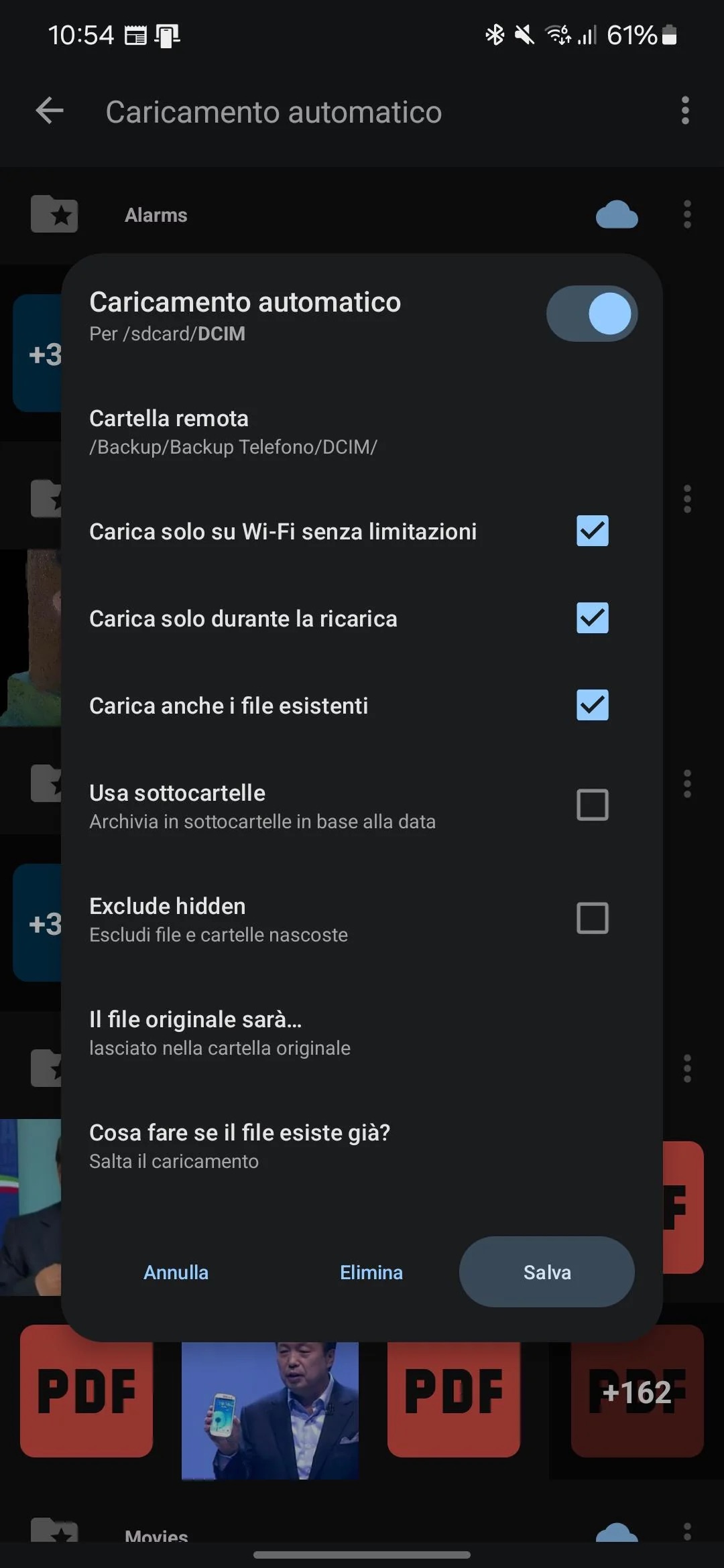
d) I find it more that strange, that in the Upload settings, I can only select to create a new folder, which then allows to select a local and a remote folder. But I cannot see, check or change the current configuration. Is that to be expected?
e) I don’t understand the option “upload also existing files” when creating such a new pair of local and remote folder. What does this mean?
Great many thank for any help!
 -icon).