In summary:
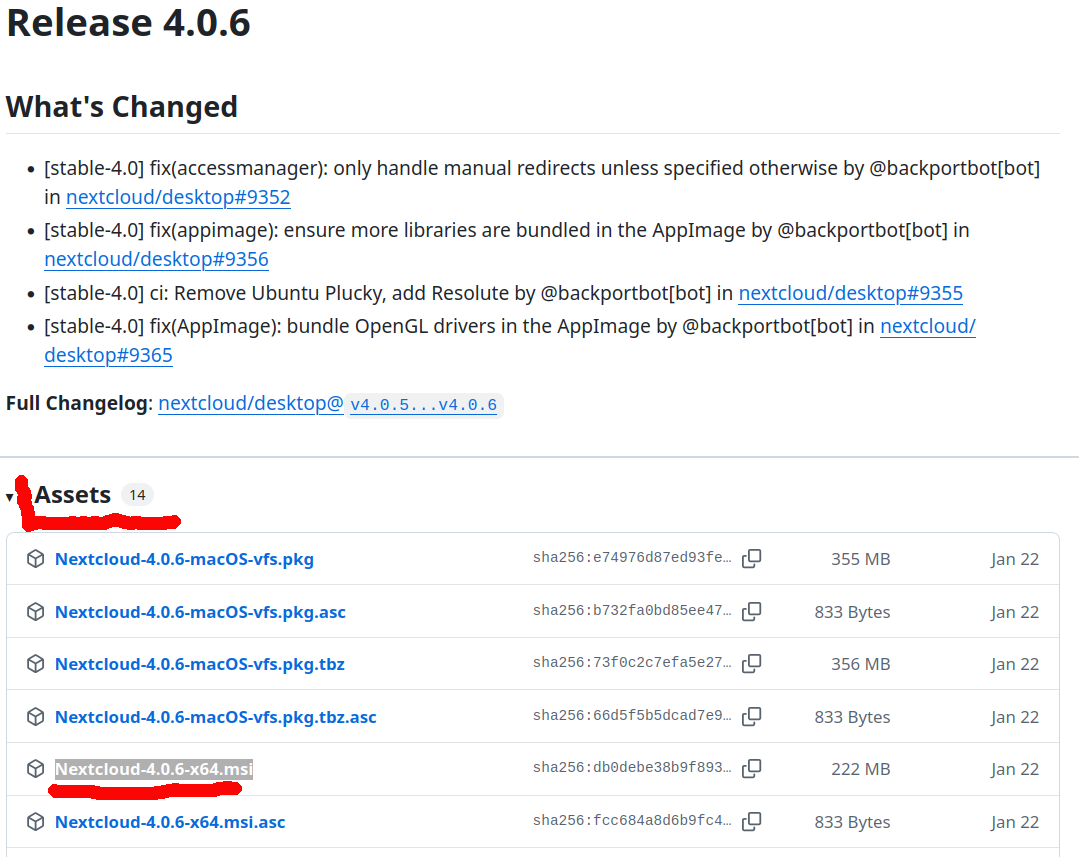
how can I roll back the Desktop client to the one-but-latest version?
There’s been an issue with the Windows and Mac desktop client. See also 1, 2 and maybe 3 .
In my case, the issue caused a few BSOD’s on Windows 10 Pro (8 GB) and grinding to a standstill on 11 Pro (16 GB) before I noticed the cause. In order to be able to continue working, I had to just turn off the client.
I went looking for the one-but-latest version, but could not find it. Server versions yes, desktop client versions no. Did I look in the wrong place? What’s the right place?
Related: local copies of shared files weren’t accessible when the desktop client isn’t running. This is highly undesirable. However, I was unable to reproduce this behaviour when trying with client version 33.0.2