I would like to upload big files to my self hosted Nextcloud AIO.
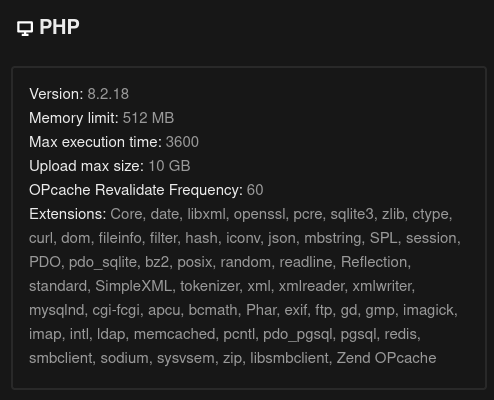
I’m looking for both general tips on how to do it as well as what to do with the default 10GB PHP max upload limit.
Nextcloud is already deployed and running on my VPS so I’d need to adjust the limitation ideally without reinstalling the Docker Image. I have limited experience with Docker, so step-by-step explanations would be appreciated!
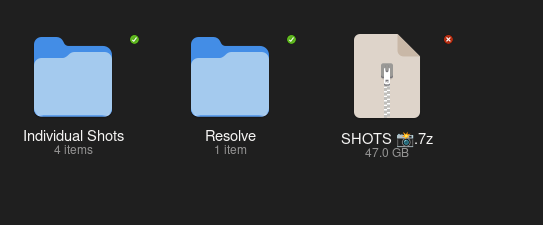
what is this default limit relevant for? I have a 55GB (archived) file I’d like to back up and ideally, not divide it into smaller limited files.
I’m just a little insecure about the next step because I’m not entirely sure how docker works.
the comment in the forum says:
As with any other docker container you need to stop it first, remove it and then adjust the docker run command by adding this environmental varilable to the docker run command. (but before the last line nextcloud/all-in-one:latest).
so as I have NX AIO already deployed and running, what does ‘remove’ mean in this case?
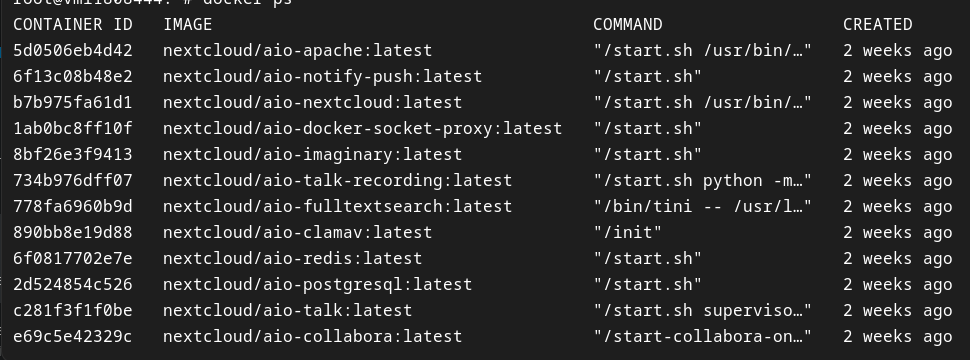
I have several containers running at the moment, which I can stop in the AIO interface. but this is still not the main container referred to in the comment right?
so would you first stop the containers and then which container would you remove and how (before running the docker run script again with the relevant env vars)?
and also, what are the consequences the aforementioned instructions? by rerunning the new docker script, is it like reinstalling NX altogether and then recreating my user or is it info being kept?
first I’ve tried uploading this file from the built-in Gnome-NX integration, through Gnome’s Files. it stopped imedietly, claiming that the file is too large (I think this is a standard WebDAV?).
then I tried again via in Firefox using NX web client. there the upload started and was running for some time (I’ve tried 3-4 times every time it’d run anywhere from 15 mins to an hour) but then it’d eventually stop, providing no reason. so I started reading the uploading large files NX article and found the max upload limit.
so what you are saying, since I’m the admin user, I should have no problem uploading files larger than 10GB?
the only option I haven’t tried yet is via the official NX desktop client. I suppose I could do that by placing the file directly in the synced directory on my drive?
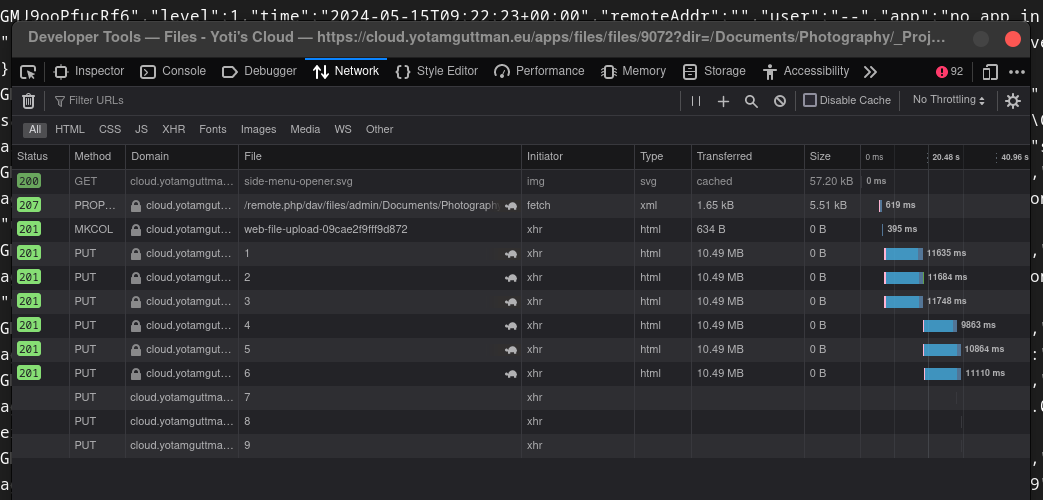
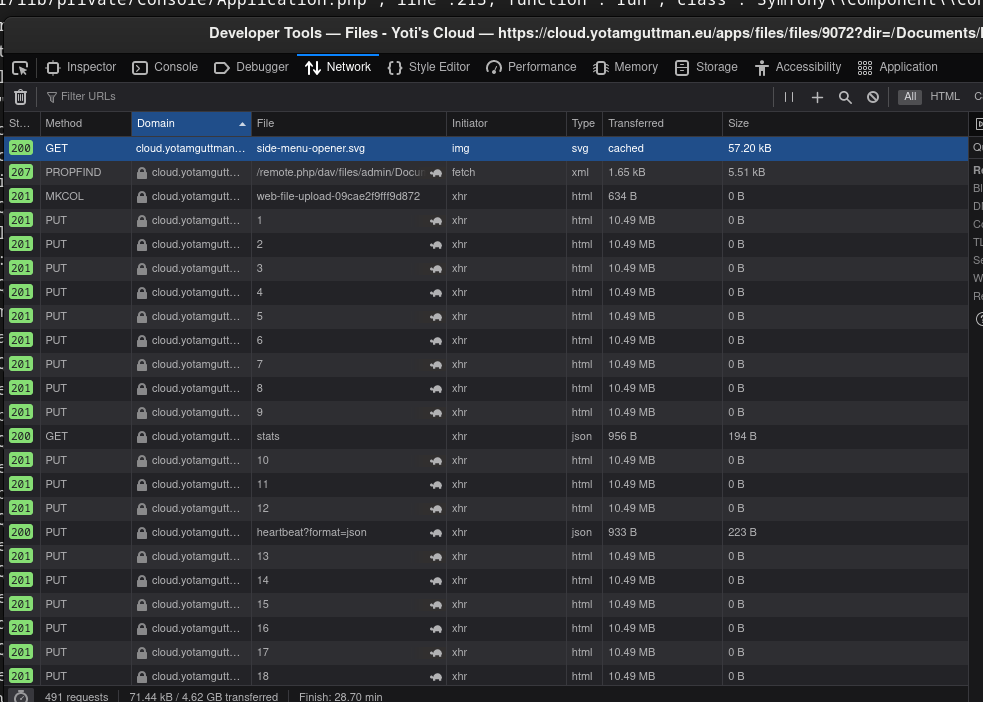
Please check your browser console (Inspect) and network tabs. Also check the Nextcloud Server log. There should be some hint about what’s going wrong somewhere in there.
so what you are saying, since I’m the admin user, I should have no problem uploading files larger than 10GB?
Correct, at least from the NC Web Client UI or any any other official NC client app, it should work. Though there are other variables. For example, if you’re using S3 underneath/etc.
The GNOME Files built-in WebDAV client though doesn’t know anything about the chunking approach AFAIK. That one failing makes sense (I use GNOME regularly for most day-to-day stuff, but not for super large files).
I don’t know what you’re use case is. But if you can’t get the chunking capable clients to work, than non-chunking WebDAV clients are even less likely to work.
So I’d focus on figuring out why the Web UI client isn’t working for you first.
ok. let me try to upload it once more and this time I’ll keep an eye on the console. the browser network console is simple but how do I access to the NC console?
Nextcloud Server log is in the Web UI under Administration settings->Logging or on-disk in your configured datadirectory in nextcloud.log (at least by default).
what did you mean by ‘chunking capable clients’?
All of the Nextcloud maintained client apps (Web, Desktop, Android, iOS, etc.) have essentially an extension to WebDAV implemented in them to make uploading large files more reliable and faster. The client breaks the file up into chunks of >= 10MB then the uploads the chunks in parallel. Nextcloud Server re-assemblies the chunks automatically into a single file.
I see! so maybe this is where it failed. since the upload always started and seemed to be running nominally for a while. I’d leave my PC and come back to check on it occasionally and it’d be running just until the progress bar would no longer be present. so it seems that the breaking down process was taking place up until a certain point.
generally: is there a logistical difference between uploading one large compressed file and the original unarchived folder?
I’m having the consoles open right now and it’s seems to be running in order. I’ll check on it in a bit. I’m not quite sure what sort of signs I should look for in the console/inspect>network
@jtr so it keeps failing. I’ve tried it with the desktop client and the behaviour seems to be similar.
it takes a moment to star syncing and then the syncing progresses seemingly in order until it eventually fails and shows an error.
I’m suspecting it’s something to do with my VPS provider. if the PHP max_upload_limit isn’t the issue, there might be some kind of limitation applying by them. I just have no idea how to verify it.
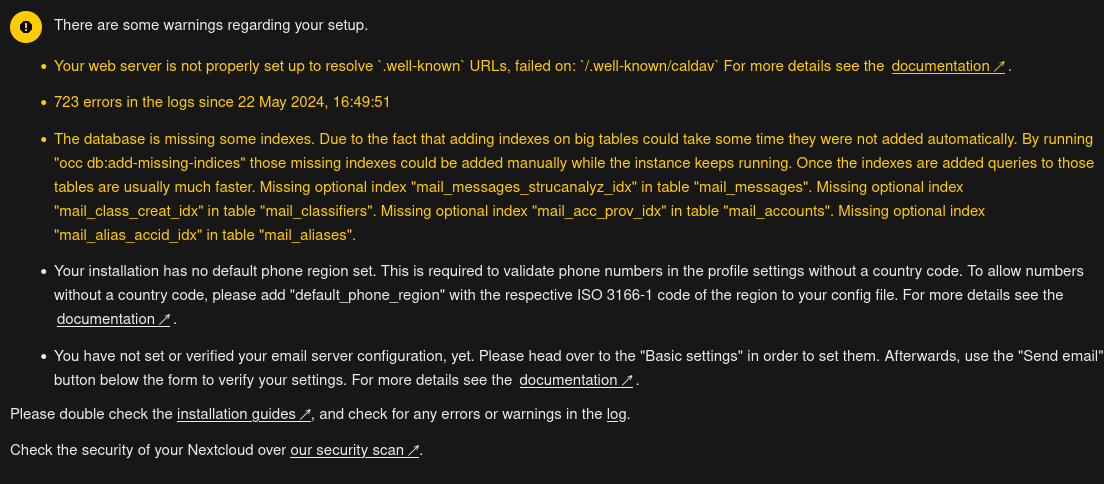
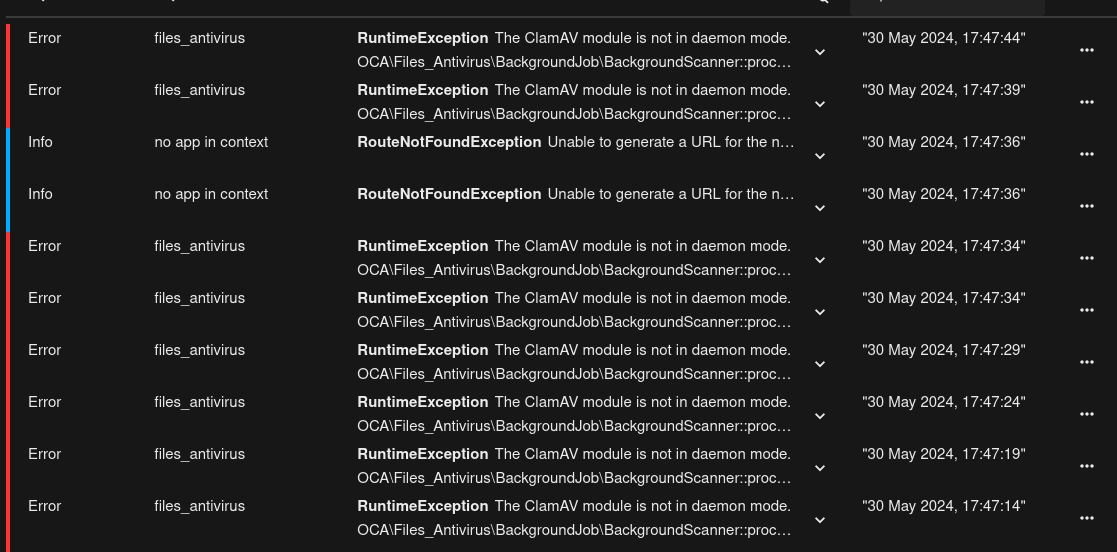
I’ve stopped the whole container. these logs that I shared yesterday are from when the container was stopped.
I’m afraid I was asking too much from my VPS actually. I think the bandwidth they provide won’t allow me to push such a heavy file and it’s nothing to do with NC itself…
If you disable the ClamAV container, you still need to disable antivirus in Nextcloud itself. That’s why I provided that doc link. It’ll, at a minimum, get rid of that error.