Hi, today I found out that on my filesystem I have lots of old (three year old) Filename.ocTransfer.part files. It seems that this was fro the time when I was setting up my Nextcloud again and all my uses were uploading files using the Desktop App.
How can I delete them?
I already run a occ:files cleanup but they did not go away.
So my questions are:
How can I delete them? Just a normal delete command on filesystem area? Or do I need to delete them from the database as well?
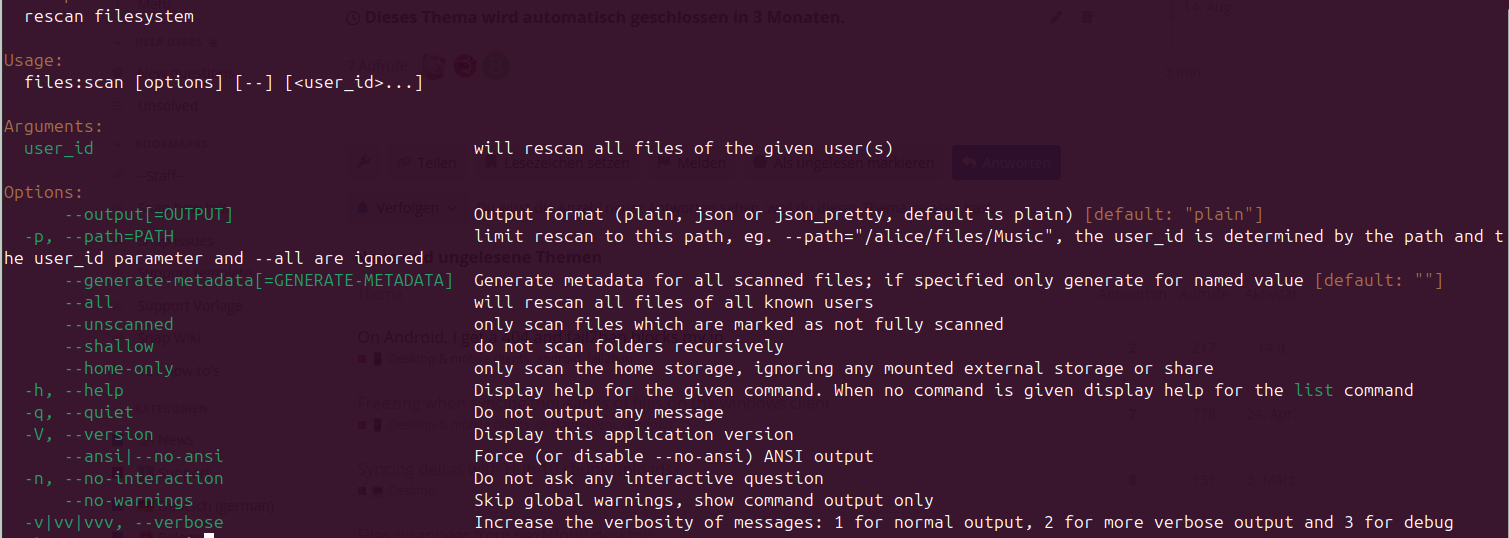
I remember that in the past it was said when running a occ files:scan all existing shares will be obsolete. I am having lots of shared files and folders - do the remain when running a occ files scan or are they getting lost?
If something like that were to happen after running occ files:scan --all, there must definitely have been other issues in play there. Under normal circumstances, such a scan should be completely safe to perform.