Operating system and version (e.g., Ubuntu 24.04):
Debia 13
Web server and version (e.g, Apache 2.4.25):
Apache
Reverse proxy and version _(e.g. nginx 1.27.2)
Pound 4.2
PHP version (e.g, 8.3):
8.2
Is this the first time you’ve seen this error? (Yes / No):
Yes
When did this problem seem to first start?
after upgrade
Installation method (e.g. AlO, NCP, Bare Metal/Archive, etc.)
archive
Are you using CloudfIare, mod_security, or similar? (Yes / No)
no
Summary of the issue you are facing:
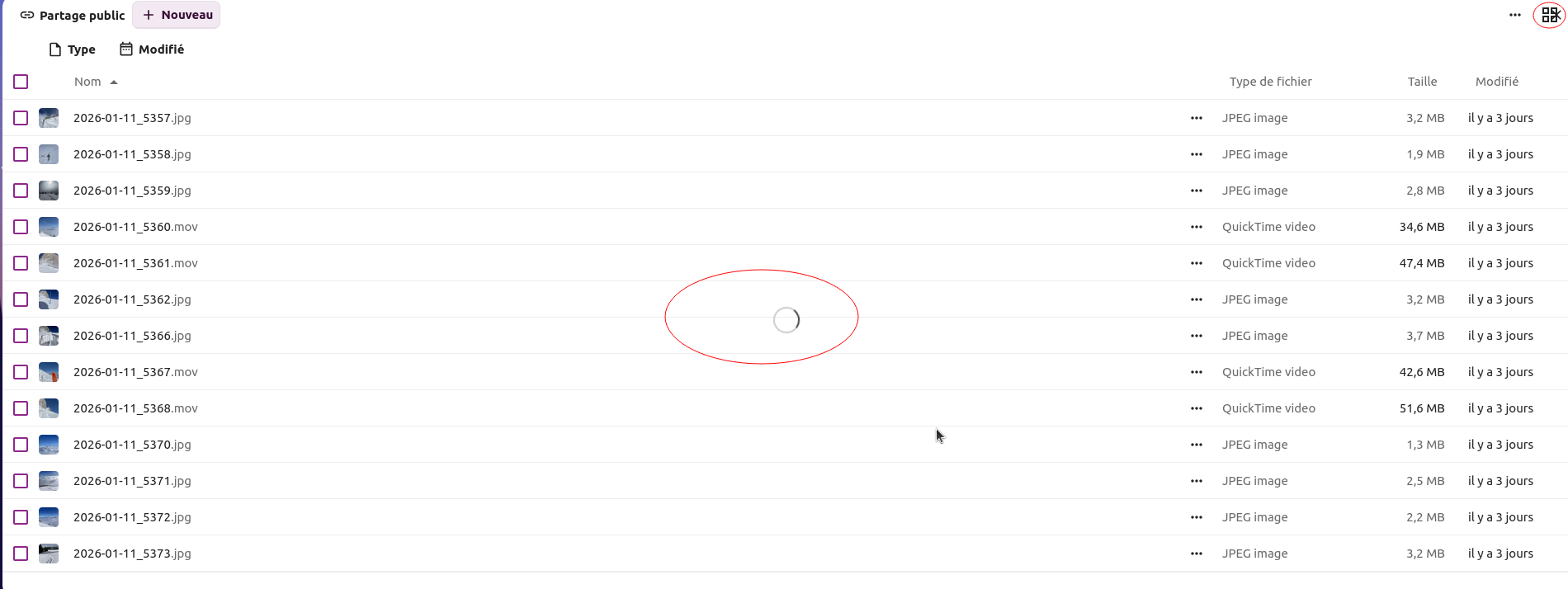
When an external user opens a public link with an Office file or a PDF, Nextcloud automatically opens the editor instead of just showing the download page.
This started happening after upgrading from version 30 to version 32. How can I disable automatic editing?
The trick of adding /download to the URL does not work.
Confirming this fix — disabling the Whiteboard app resolved the spinning/blank public share issue for me. I had been chasing this for a bit and didn’t realize it was tied to Whiteboard. Thanks for calling it out, much appreciated!
Whiteboard 1.5.2 was just released and fixes this issue. So when you got this version installed, you can enable it again and public shares still work as expected.
As far I know, the automatic preview for single files can not be disabled. If there is a viewer registered for the MIME type of the file, it will be used.
Edit: at least direct download links work for me, when I add “/download”. In this case there is no viewer but the browsers will try to download the shared file.
the automatic preview that I’m talking about is the collabra view. When someone click on a public link, the Nextcloud automatic open the editor with the file. I just want to show the download page. The “/download” workaround does not work all the time
I’ve already tried with several browsers and different operating systems. The problem affects external users accessing via public links.
In Nextcloud, without /download, it automatically opens Collabora to view the file — even for PDFs. The issue is that in some situations the /download URL returns an error.
If the share is an entire folder, it shows the download page.
All I can say is, that https://share.infarmed.pt/s/Rdo4GJ2Dpfdc3gQ/download works for me every time I try it. I have no idea, why it fails sometimes. In such cases you should also check the browser developer console if there are any JavaScript errors.
Yes, that’s the workaround we use, although I don’t understand why it sometimes fails. But the original problem remains: is it possible to disable the automatic Collabora preview every time a public link to a document is opened?