I’m having an issue with files versions. I’m not sure if it’s a bug or I’m missing a step somewhere.
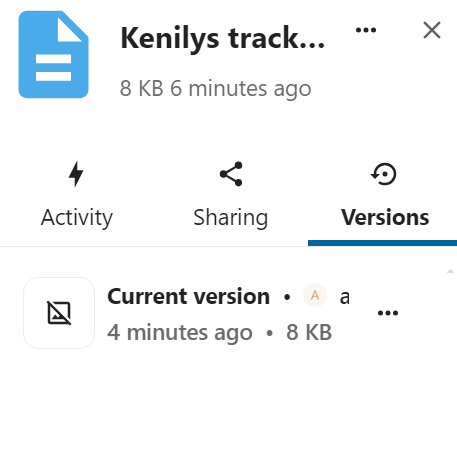
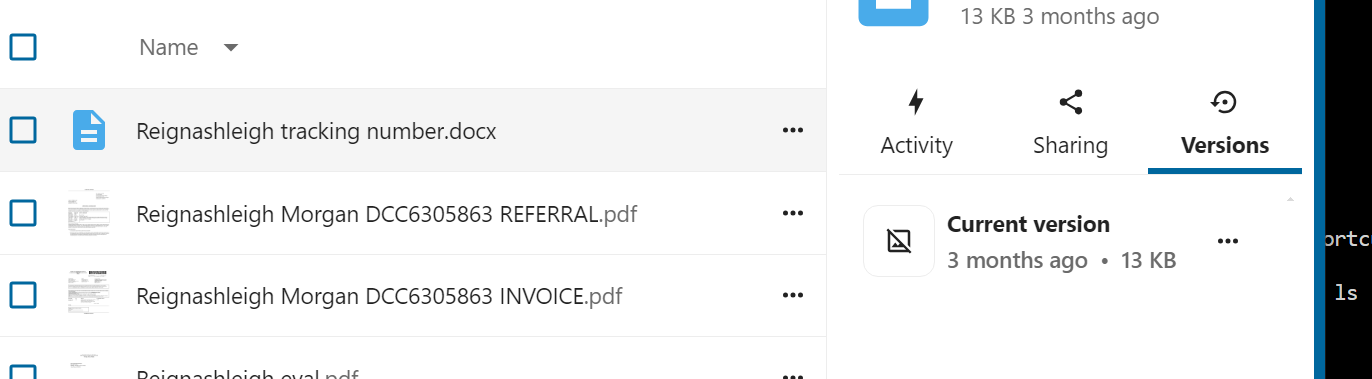
If I open a file, make a change, then look at the versions, it shows one version “current version”. There’s nothing to revert back to.
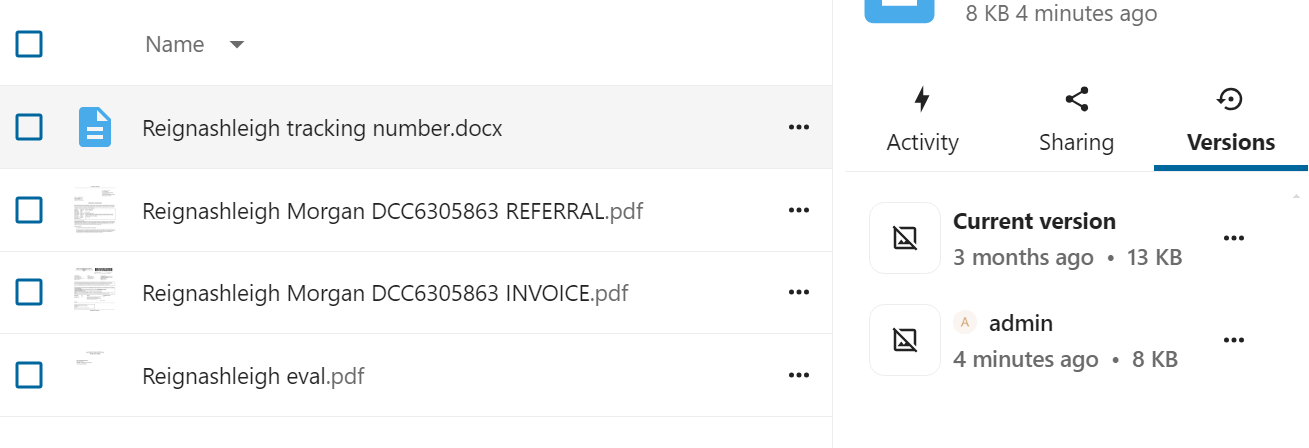
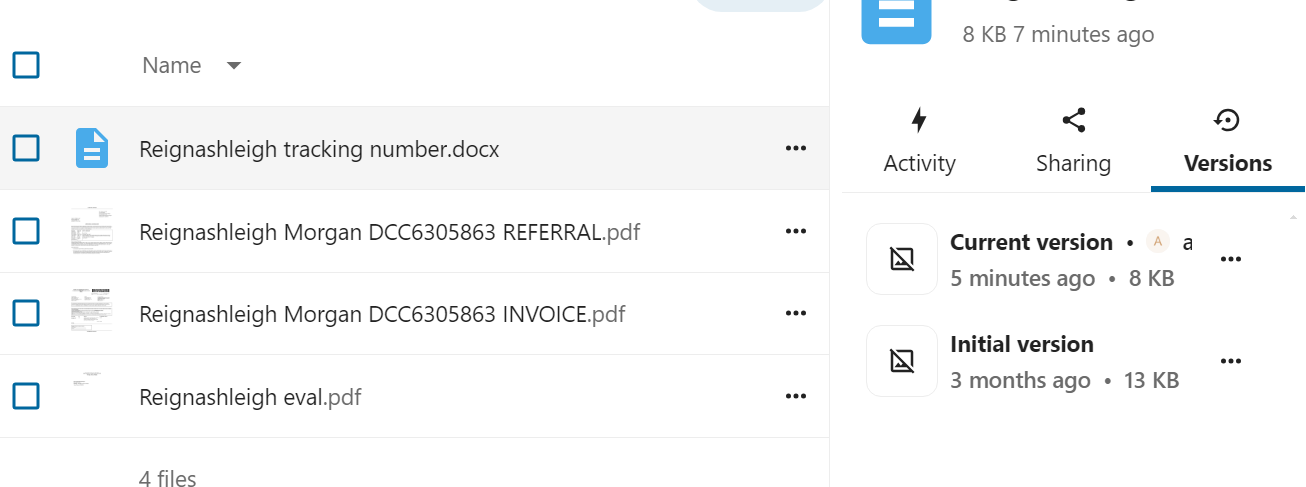
If I first click on the modified column for a file, it also shows the available version of “current version”. However, if I repeat previous attempt I have 2 entries for version. “Current version” and “Initial Version”.
–In the second scenario I am able to revert back to the original version before my change.
It doesnt matter whether the file was last updated a couple of days ago or a year ago.
This is a newly created docker install of nextcloud aio (29.0.2) on an unraid server.
I copied all the files from my “old” nextcloud server (not aio), scanned and indexed the files.
There are no external mounts/files.
The behavior is consistent and repeatable.
Hoping somebody can help point me in the right direction.
Thanks!