External storage app is missing

I have a fresh install of Nextcloud AIO running on docker with a Caddy reverse proxy.

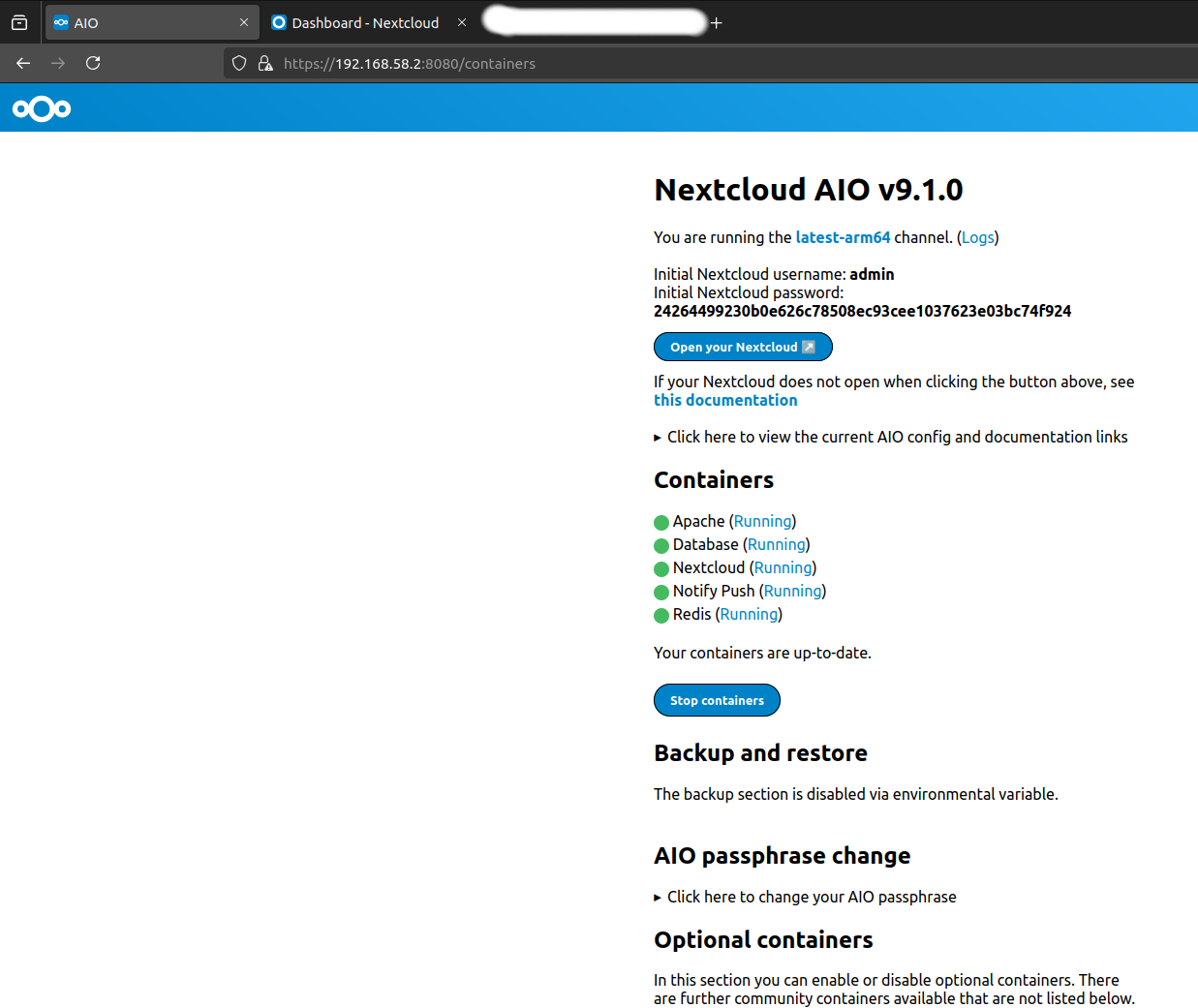
Here we can see the latest version number (9.1.0) and all containers are running:

Next I open the Nextcloud interface and log in as the admin user. Here we can see the default files from the fresh install (note that clicking “Open your nextcloud” redirects me to the FQDN so I have hidden it because it is a private NC instance):

As we can see in next screenshot, there is no app for External Storage, there are external storage apps for Google Drive and OneDrive, but I am want to mount a local folder from the Nextcloud host machine, and according to the documentation I need to use the External Storage app for this, but it’s missing from the app store:

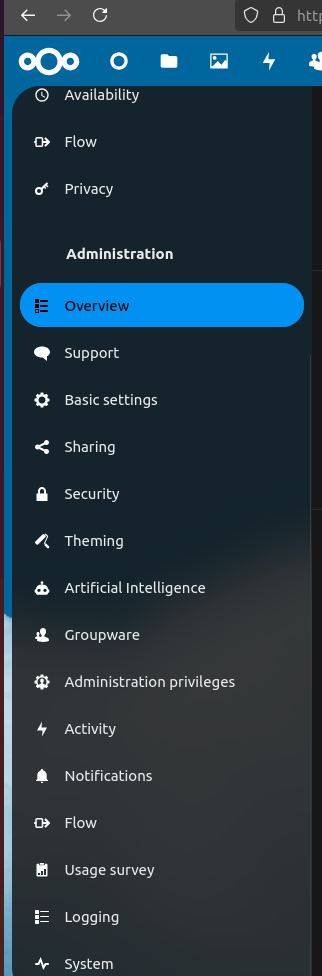
We can also see that under the admin settings, it isn’t installed by default, there are no external storage options:

We can also see that there is no external storage app when manually browsing the app store: All apps - App Store - Nextcloud

Has the app been removed?

How can we add a local folder to a NC instance without this app?

Any help with this problem would be kindly received.

It’s a shipped app. It came with the installation. It does not come from the app store. You will likely find it under Disabled apps.

3 Likes

Thank you for your response.

You are correct, it turns out it’s a build in but disabled app.

I did try to s3arch for the app in the past and couldn’t find it. Now I see the s3arch feature is fundamentally broken.

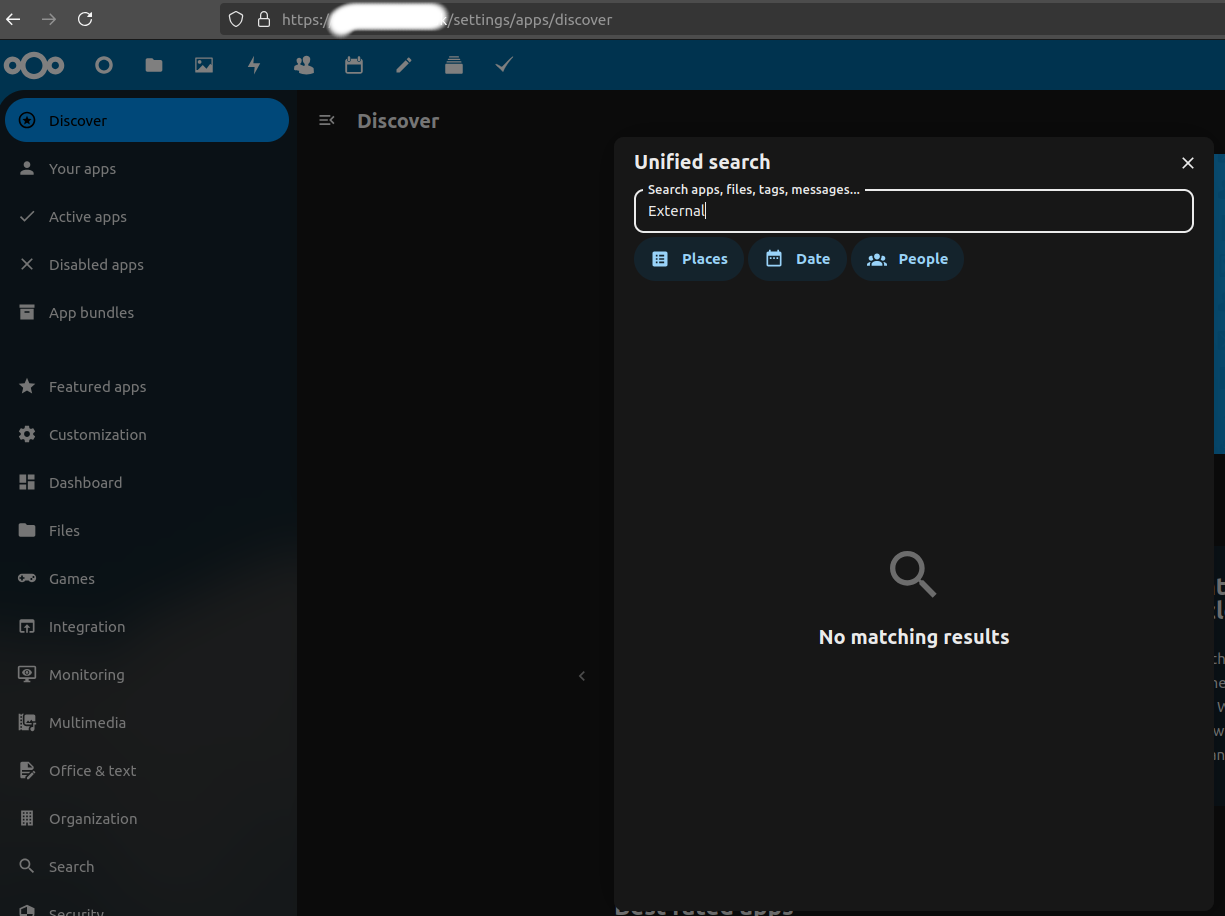
In the below screenshot, I have gone to Apps, then tried to s3arch for “External”, we can see there are no results…

Next I add “Apps” as a place to s3arch (the UI gives no indication if Apps are being s3arched or not). Again, no results:

Only when navigating to Disabled Apps does the s3arch find the app. But if I already know where to look (Disabled Apps) I don’t need a s3arch. This has been a frustrating introduction to NC as I spent many hours on this before posting.

Not your fault I’m sure so thank you for saving me.

If you are wondering why I have written “s3arch” instead of “search”, it is because this forum is auto converting the word “search” into a link to the Nextcloud help search page. I type “that word” more than four times, and new members are only allowed to include a maximum of 4 links in a post. There is no option to stop converting that word into a link, so basically, new users can’t use certain words more than four times :man_facepalming:
Yes, we realized as well that the search feature is very broken and are going to improve it with Nextcloud 30: feat: In app search by marcoambrosini · Pull Request #41609 · nextcloud/server · GitHub