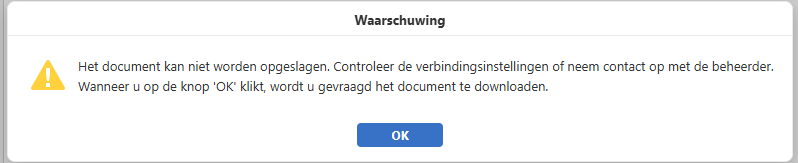
Thus all these AI tools advised me to make tons of changes to the config.php of NextCloud, made me make changes to the PHP ini, to the nginx, to the local.json of EuroOffice
Right so.. this is what is was causing. The built in node.js that is doing magic things on the modern MS Office stuff (with the X).
My setup is behind a reverse proxy (nginx) on IP xxx.xxx.xxx.001
My nextcloud, on a vhost in Virtualmin on IP xxx.xxx.xxx.002
My eurooffice (no docker!) on IP xxx.xxx.xxx.003
Now in the hosts of nextcloud I had eurooffice point to the nginx reverse proxy IP
In eurooffice I had nextcloud point to the nginx reverse proxy IP
so in both servers hosts file (on debian “/etc/hosts”)
xxx.xxx.xxx.001 ``nextcloud.domain.com`` ``eurooffice.domain.com
Then in the admin settings of the NextCloud EuroOffice app.
Nextcloud Office address: https://euroffice.domain.com
Do not disable certificate verification
Secret Key: The key you got when installing EuroOffice document server
Advanced server settings:
Authorization header: Authorization (default or whatever you decided)
NextCloud Office address for internal requests from the server: http://xxx.xxx.xxx.003/ (*)
Server address for internal requests from Nextcloud Office: https://nextcloud.domain.com
(*) as the hostname in hosts directs to the reverse proxy
Some thoughts; the description of the configuration fields in the NextCloud Office app, leave too much room for misinterpretation. The routing leaves room for a lot of improvement. http/s:// IP addresses, hostnames…
And I needed following added in my nginx reverse proxy to shutdown the welcome page from the eurooffice server.
in my listen .. :443 block:
location /welcome {
return 404;
}
Hope this helps the next one