Deploy for Context Chat in Nextcloud

Support intro

Sorry to hear you’re facing problems. :slightly_frowning_face:

The community help forum (help.nextcloud.com) is for home and non-enterprise users. Support is provided by other community members on a best effort / “as available” basis. All of those responding are volunteering their time to help you.

If you’re using Nextcloud in a business/critical setting, paid and SLA-based support services can be accessed via portal.nextcloud.com where Nextcloud engineers can help ensure your business keeps running smoothly.

Getting help

In order to help you as efficiently (and quickly!) as possible, please fill in as much of the below requested information as you can.

Before clicking submit: Please check if your query is already addressed via the following resources:

(Utilizing these existing resources is typically faster. It also helps reduce the load on our generous volunteers while elevating the signal to noise ratio of the forums otherwise arising from the same queries being posted repeatedly).

Hi Community

The Basics

  • Nextcloud Server version (e.g., 29.x.x):
    • nextcloud 32.0.5
  • Operating system and version (e.g., Ubuntu 24.04):
    • ubuntu24.04
  • Web server and version (e.g, Apache 2.4.25):
    • Apache2.4.58
  • PHP version (e.g, 8.3):
    • 8.3-fpm
  • Is this the first time you’ve seen this error? (Yes / No):
    • yes
  • Installation method (e.g. AlO, NCP, Bare Metal/Archive, etc.)
    • Bare Metal
  • Are you using CloudfIare, mod_security, or similar? (Yes / No)
    • no, all in my own network

Summary of the issue you are facing:

I want enable nextcloud AI assistant for context_chat, and I was read the offical method like: https://docs.nextcloud.com/server/latest/admin_manual/ai/app_context_chat.html , everything looks good,but when I check the status of “Context chat Backend“ in Active apps and it show me 0% initializing….
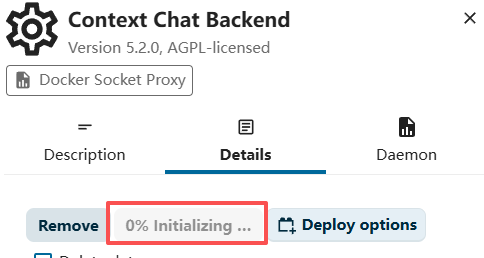
After maybe 40mins the status change to “Exapp context_caht_backend initialization time out (2400m)“

image

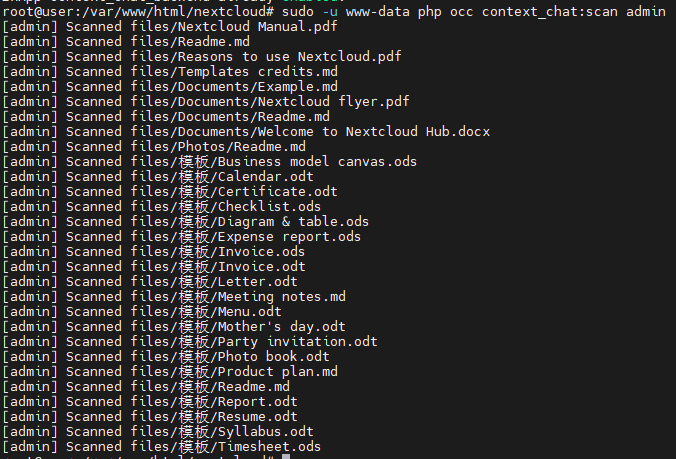
But when this time I try to scan my folder use this command “sudo -u www-data php occ context_chat:scan admin”, its show me works fine, everything can index.
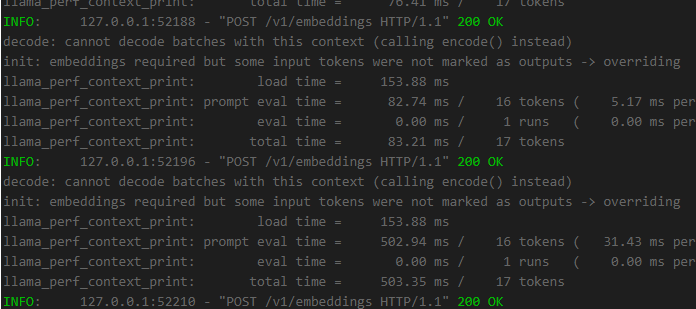
Also the status of Context chat backend container in Docker is running normally like this
I’ve been stuck on this for over a week. I’ve searched everywhere and even asked various AI tools, but nothing has worked. Can anyone help me out? Many many thanks!

System logging infomation:

A TaskProcessing context_chat:context_chat task with id 27 failed with the following message: Error received from Context Chat Backend (ExApp) with status code 503: unknown error

RuntimeException
Error received from Context Chat Backend (ExApp) with status code 503: unknown error


I dealt with a very similar issue yesterday, but on Nextcloud AIO, not a bare-metal installation.

The symptoms were almost identical:

  • An ExApp (in my case Context Agent) got stuck during update

  • The GUI showed the app as active / initializing

  • AppAPI reported a different state than the runtime

  • Operations toward the backend failed even though the container existed at some point

In my case, the problem was a desynchronization between AppAPI registry ↔ Docker runtime ↔ GUI state.
The ExApp container state did not match what Nextcloud believed. As a result, the UI waited for a backend that was not in a valid initialized state → endless “initializing”, timeouts, or 503 errors.


Difference in your case

I was on AIO, you are on bare metal, so command syntax may differ slightly, but the logic is the same: this is an AppAPI ExApp state problem, not a normal PHP app issue.

First, I would verify what state Nextcloud thinks the backend is in:

sudo -u www-data php occ app_api:app:list

Check whether:

  • the backend is marked as enabled

  • the version looks correct

  • anything appears inconsistent

Then check the AppAPI runtime layer:

sudo -u www-data php occ app_api:daemon:list

This shows whether the AppAPI daemon/runtime is working correctly.


Next step is looking directly at the ExApp container logs, because a 503 means Nextcloud can reach the backend but the backend does not return a valid response during initialization/health.

docker logs --tail=200 -f <context_chat_backend_container_name>

If the backend crashes or fails during startup, the GUI will stay stuck in “initializing”.


If registry state and runtime state don’t match (which was my case), the AIO-side solution was:

  • disable the ExApp via AppAPI

  • if that didn’t fix it → unregister the ExApp

  • then deploy it again cleanly

I cannot guarantee the exact syntax for your bare-metal setup, but the direction is clear: this is an AppAPI/ExApp state consistency issue, not an indexing problem and not directly related to context_chat:scan.

Thanks for your reply

this is my situation
sudo -u www-data php occ app:enable context_chat: works
image

sudo -u www-data php occ app_api:app:list: works
image

sudo -u www-data php occ app_api:daemon:list: works
image

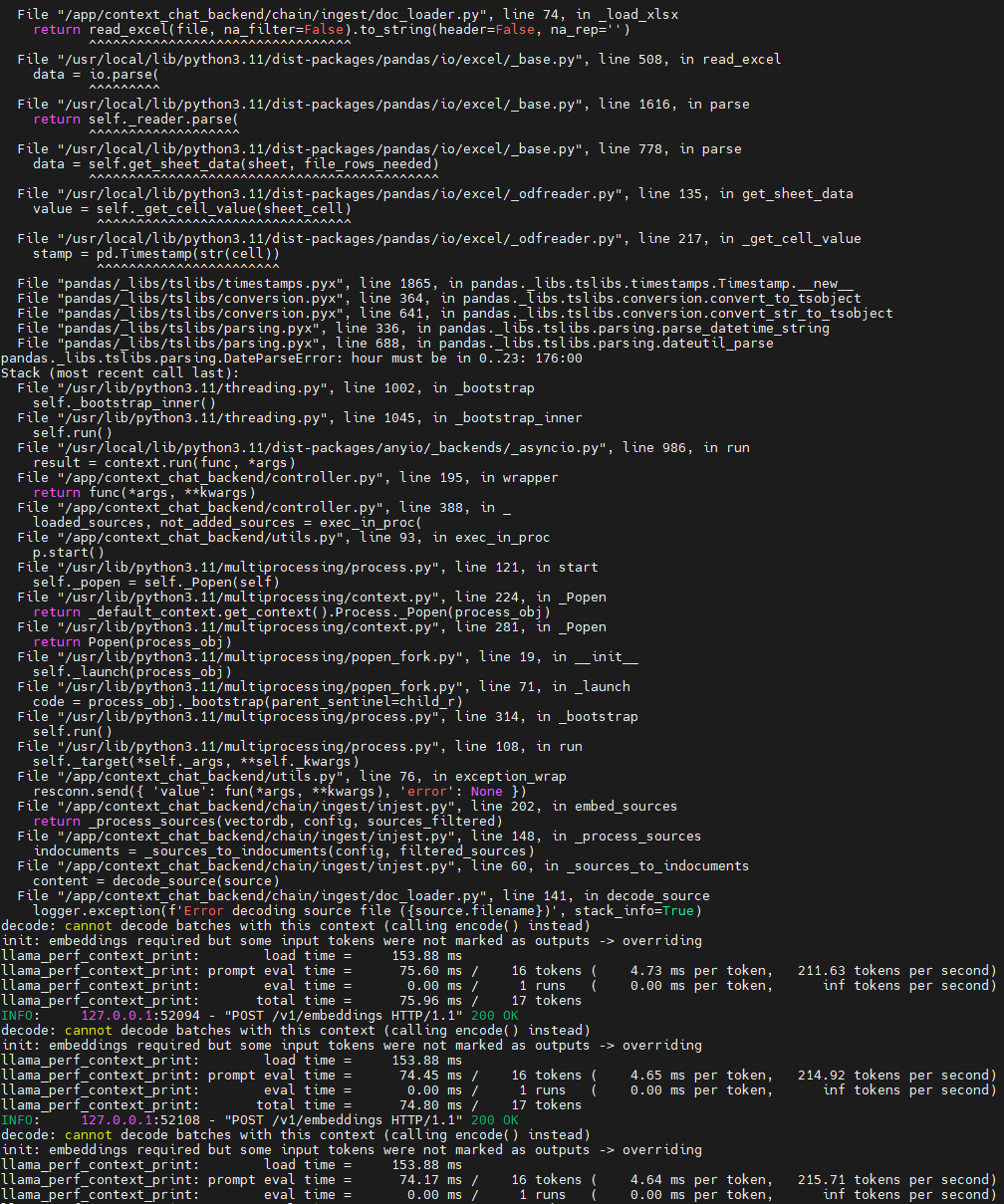
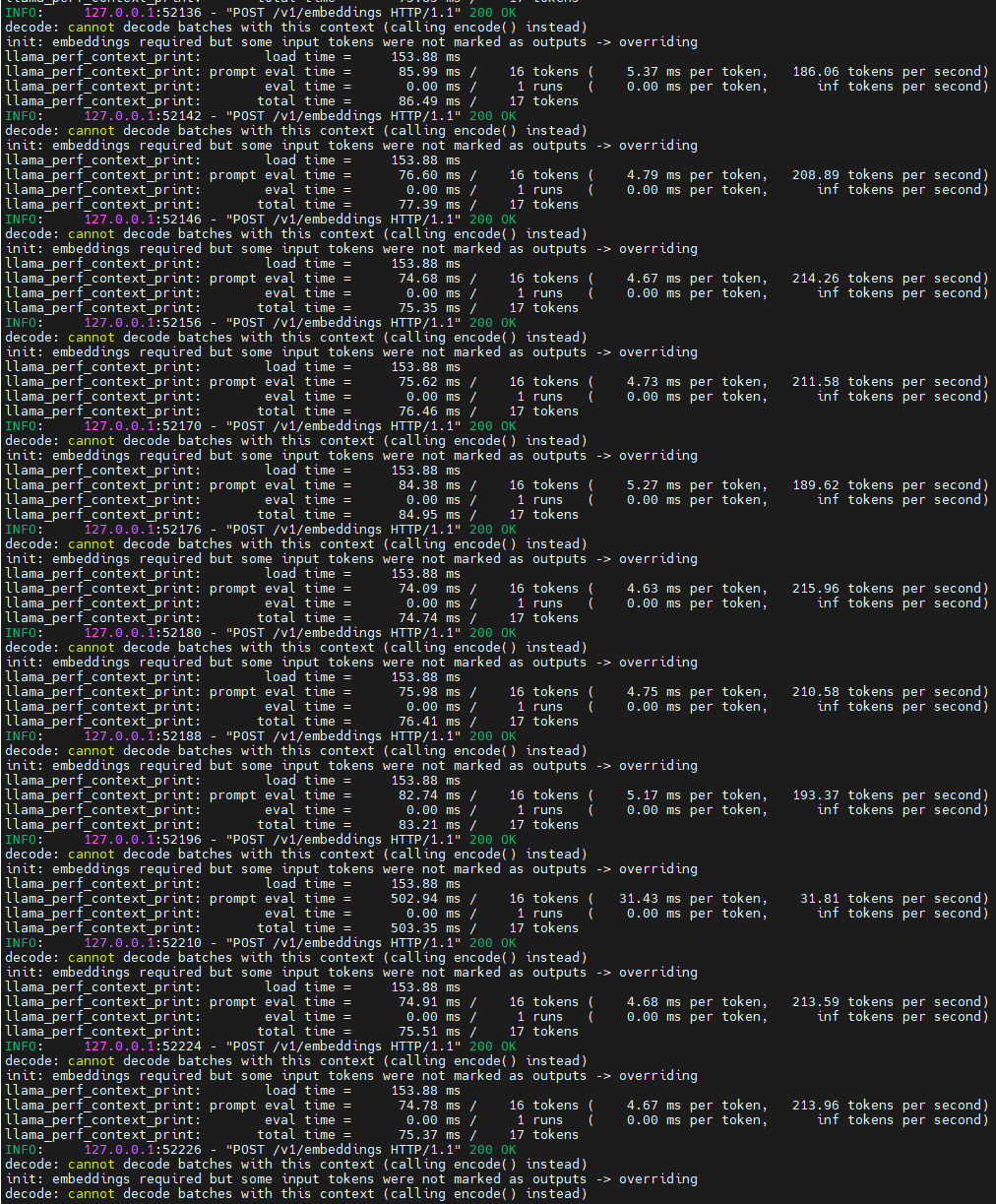
docker logs --tail 200 -f “nc_app_context_chat_backend”:looks should be fine but not sure.

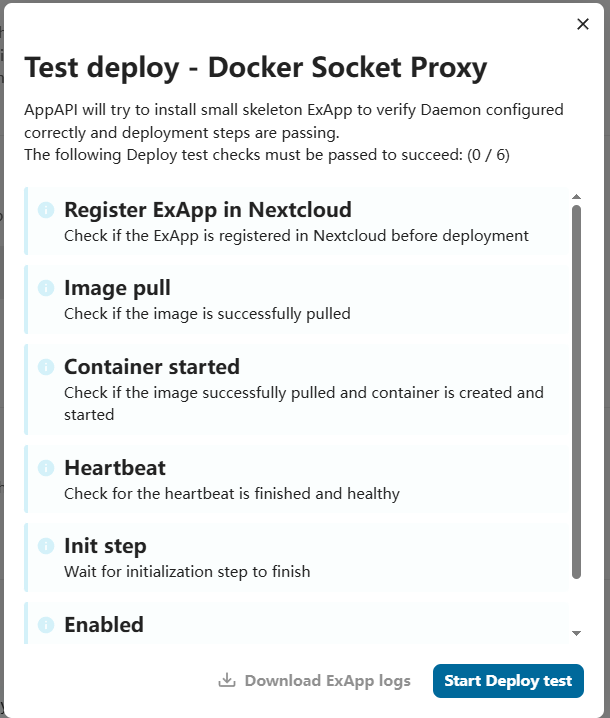
I not see the menu as your said, maybe is different with aio and my. but in “Deploy Daemons” has “Test deploy - Docker Socket Proxy“.

now I try to start Deploy test and see what will be happen. May be I need a new version or some spical verion of “Docker Socket Proxy“? Thanks again !

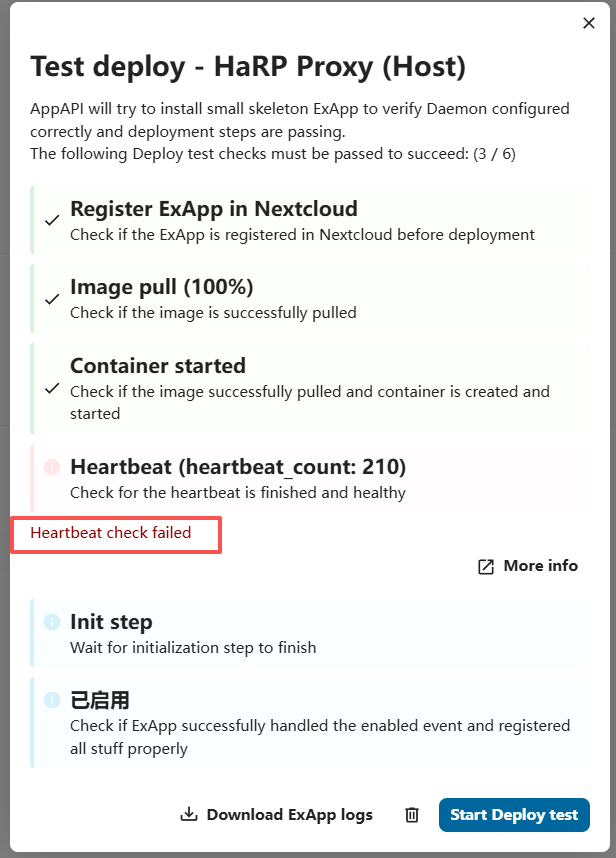
Today I try to creat a new Daemon by Harp prxy and gave up old docker method.Everything is ok but when I try to do “Test depoly“ then show me :Heartbeat check failed.:rofl:

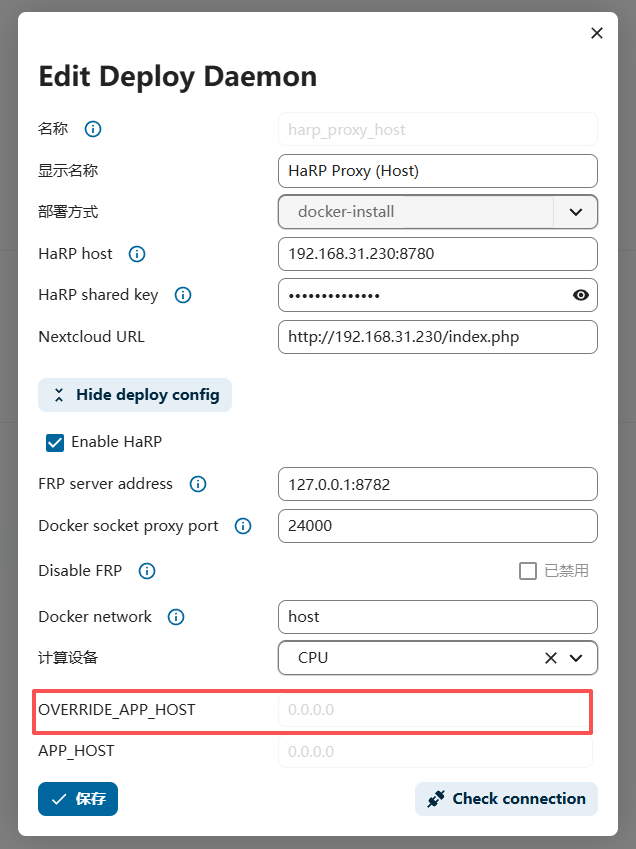
I read the offical document about this error and tell me need do Additional options in Harp, so I add new option in this daemon, the key and words is OVERRIDE_APP_HOST = 0.0.0.0 but still error. So what I can do now? (forget the APP_HOST=0.0.0.0 ,just a backup solution).

The log is:

HP_SHARED_KEY is set, creating /frpc.toml configuration file…
Directory /certs/frp not found. Creating configuration without TLS certificates.
Starting frpc in the background…
Starting main application…
e[1;34m2026-02-04 08:17:44.169 [I] [sub/root.go:142] start frpc service for config file [/frpc.toml]
e[0me[1;34m2026-02-04 08:17:44.169 [I] [client/service.go:295] try to connect to server…
e[0me[1;33m2026-02-04 08:17:44.170 [W] [client/service.go:298] connect to server error: session shutdown
e[0me[1;34m2026-02-04 08:17:44.170 [I] [sub/root.go:160] frpc service for config file [/frpc.toml] stopped
e[0mlogin to the server failed: session shutdown. With loginFailExit enabled, no additional retries will be attempted
Started
INFO: Started server process [1]
INFO: Waiting for application startup.
TRACE: ASGI [1] Started scope={‘type’: ‘lifespan’, ‘asgi’: {‘version’: ‘3.0’, ‘spec_version’: ‘2.0’}, ‘state’: {}}
TRACE: ASGI [1] Receive {‘type’: ‘lifespan.startup’}
TRACE: ASGI [1] Send {‘type’: ‘lifespan.startup.complete’}
INFO: Application startup complete.
INFO: Uvicorn running on unix socket /tmp/exapp.sock (Press CTRL+C to quit)
HP_SHARED_KEY is set, creating /frpc.toml configuration file…
Found /certs/frp directory. Creating configuration with TLS certificates.
Starting frpc in the background…
Starting main application…
e[1;34m2026-02-04 08:17:56.762 [I] [sub/root.go:142] start frpc service for config file [/frpc.toml]
e[0me[1;34m2026-02-04 08:17:56.762 [I] [client/service.go:295] try to connect to server…
e[0me[1;34m2026-02-04 08:17:56.773 [I] [client/service.go:287] [ebee305fdeccc3ca] login to server success, get run id [ebee305fdeccc3ca]
e[0me[1;34m2026-02-04 08:17:56.774 [I] [proxy/proxy_manager.go:173] [ebee305fdeccc3ca] proxy added: [test-deploy]
e[0me[1;34m2026-02-04 08:17:56.775 [I] [client/control.go:168] [ebee305fdeccc3ca] [test-deploy] start proxy success
e[0mStarted
INFO: Started server process [1]
INFO: Waiting for application startup.
TRACE: ASGI [1] Started scope={‘type’: ‘lifespan’, ‘asgi’: {‘version’: ‘3.0’, ‘spec_version’: ‘2.0’}, ‘state’: {}}
TRACE: ASGI [1] Receive {‘type’: ‘lifespan.startup’}
TRACE: ASGI [1] Send {‘type’: ‘lifespan.startup.complete’}
INFO: Application startup complete.
INFO: Uvicorn running on unix socket /tmp/exapp.sock (Press CTRL+C to quit)