Hello everyone, hope you are all doing well.
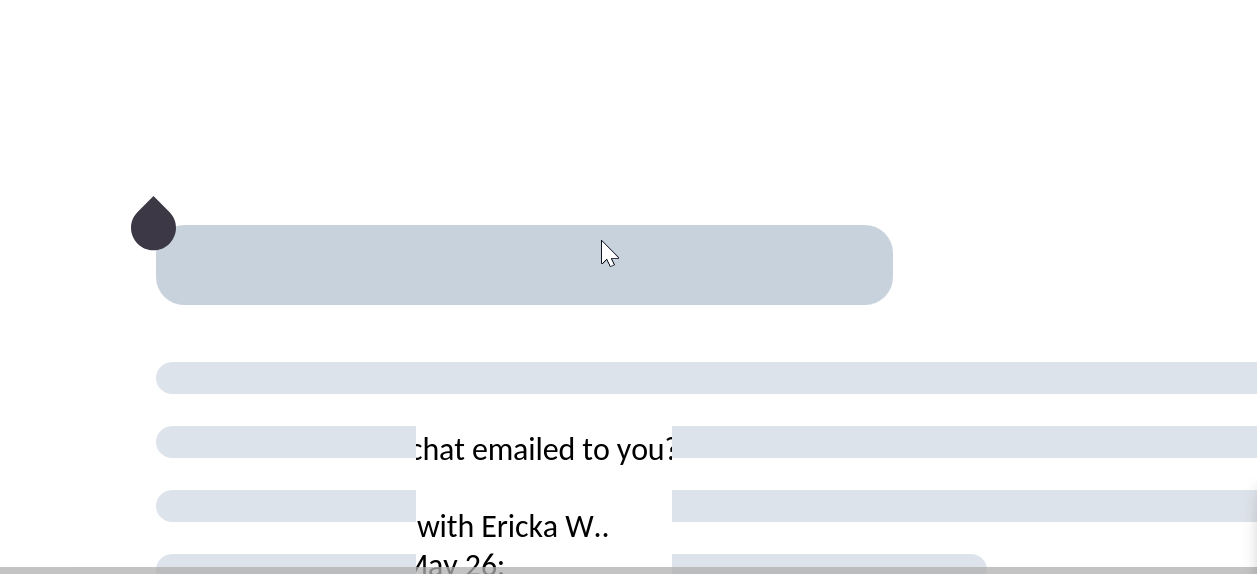
I am hitting a frustrating issue with Nextcloud Office after updating my instance to 34.0.x. Since the upgrade, the Collabora Online Built-in CODE Server is either extremely slow, freezes entirely, show black square shapes around or gets stuck on a blank “ghost” screen where no document content populates.
This happens across all file types, including Microsoft Office formats and OpenDocument files. Everything worked perfectly with no issues on version 33.0.x and earlier. I’ve attached a screenshot of the blank screen. Is anyone else experiencing this since the update?
Thanks!
The version boundary is a useful clue: since Nextcloud 33.0.x was fine and 34.0.x shows slow, frozen, black-square, and blank ghost-screen behavior across Microsoft Office and OpenDocument files, this points more toward the built-in CODE/Collabora path than a single file format. Before changing server settings, compare the built-in CODE container logs and browser console around one failed open, then retry the same document in a private window to separate stale browser assets from a server-side regression.
Thanks for the insights! The version boundary details and the suggestion to check the browser console are definitely great clues.
Just to clarify my instance is a standard, bare-metal installation rather than a Docker setup, so I don’t have a built-in CODE container or container logs to pull from. Instead, the Built-in CODE Server is running via the native AppImage binary managed by Nextcloud’s PHP process.
I will test the document in a private window to see if it isolates any stale browser assets from the upgrade. In the meantime, since I don’t have container logs, are there specific errors or flags I should look out for inside the standard nextcloud.log or the browser network tab (like proxy.php or WebSocket timeouts) that would point to this being a server-side regression on Nextcloud 34?
In nextcloud.log, useful clues would be repeated proxy.php 502 or 504 entries, or WebSocket handshake timeouts at the same timestamp. If those are absent, the browser console’s first failed request is stronger evidence than the blank screen alone.
For your bare-metal AppImage setup, look for CODE startup or permission errors in nextcloud.log; repeated 502/504 or WebSocket failures in the browser network tab would support a server-side path issue.