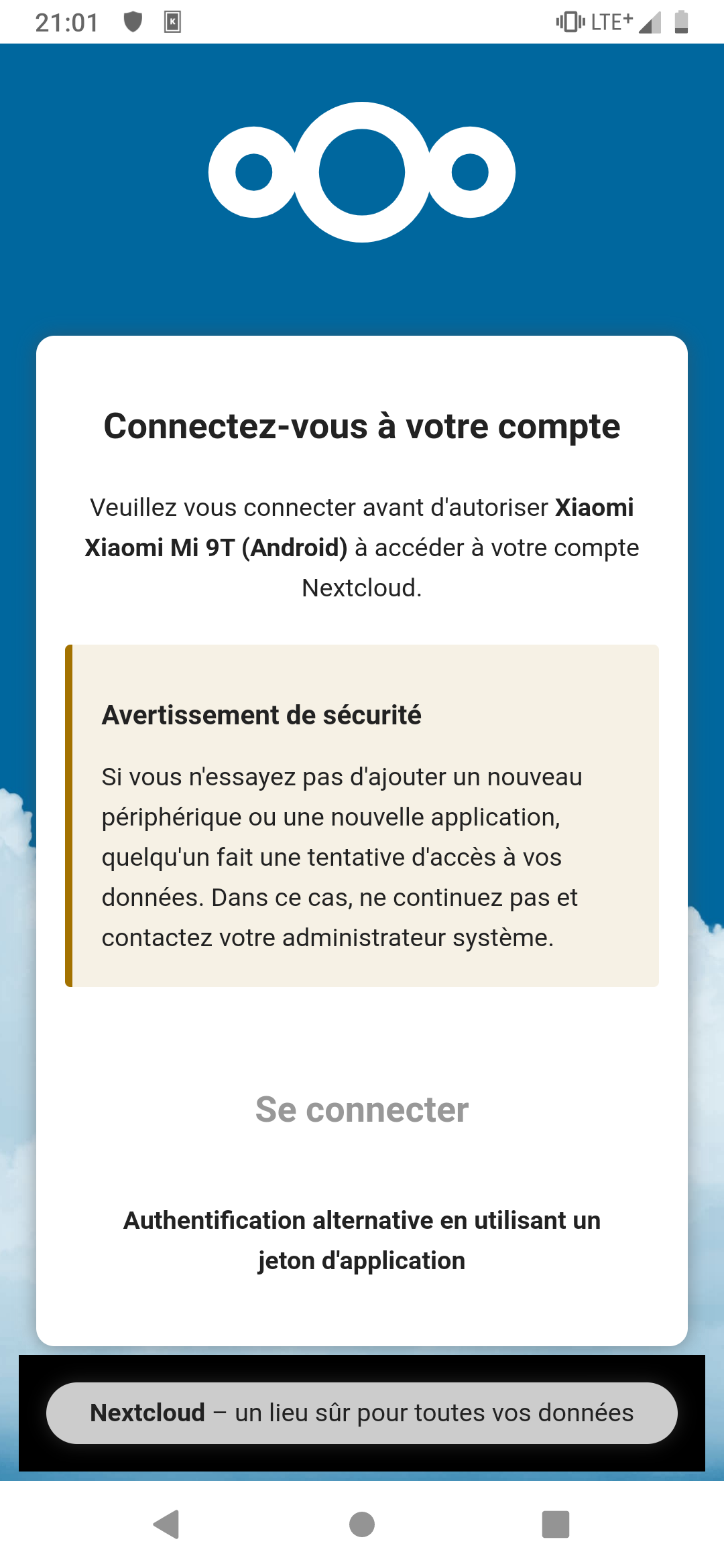
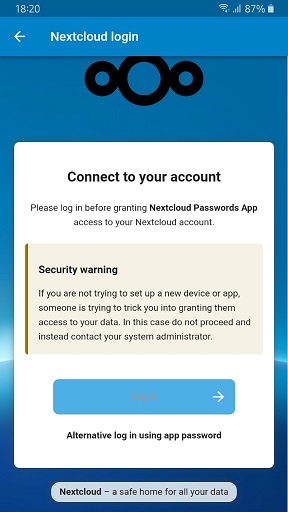
I reinstalled Nextcloud on my Debian server with Nginx and everything seems to be working fine. However, when I attempt to connect from the app, I can’t allow the connection:
Server details:
Nextcloud Hub 10 - 31.0.6 — I have just updated it to see if that fixes the problem.. it didn’t.
Passwords 2025.5.21
Android App versions:
Nextcloud Password by Héctor Godoy
Version 1.0.11
NC Passwords by Jonas Blatt
Version 23.2.2 — I have tried many version with no difference.
It doesn’t seem to matter what Android app and version I am trying to use, none of them are able to connect to setup the app for the first time.
The [Log In] button is always disabled on the connection screen.
It does feel like this is only since I have updated Nextcloud Server to version 30 or so..
I have only just now bought another phone, and just can’t get the Password to connect to the Passwords Server.
Yet, my old phone works with it perfectly fine.
It is able to get all my passwords from the server, but that was setup a long time ago.
What am I missing?
SFry, what do you mean by webview version?
I have just checked in the list of installed apps on the server, and there is no module called ‘webview’..