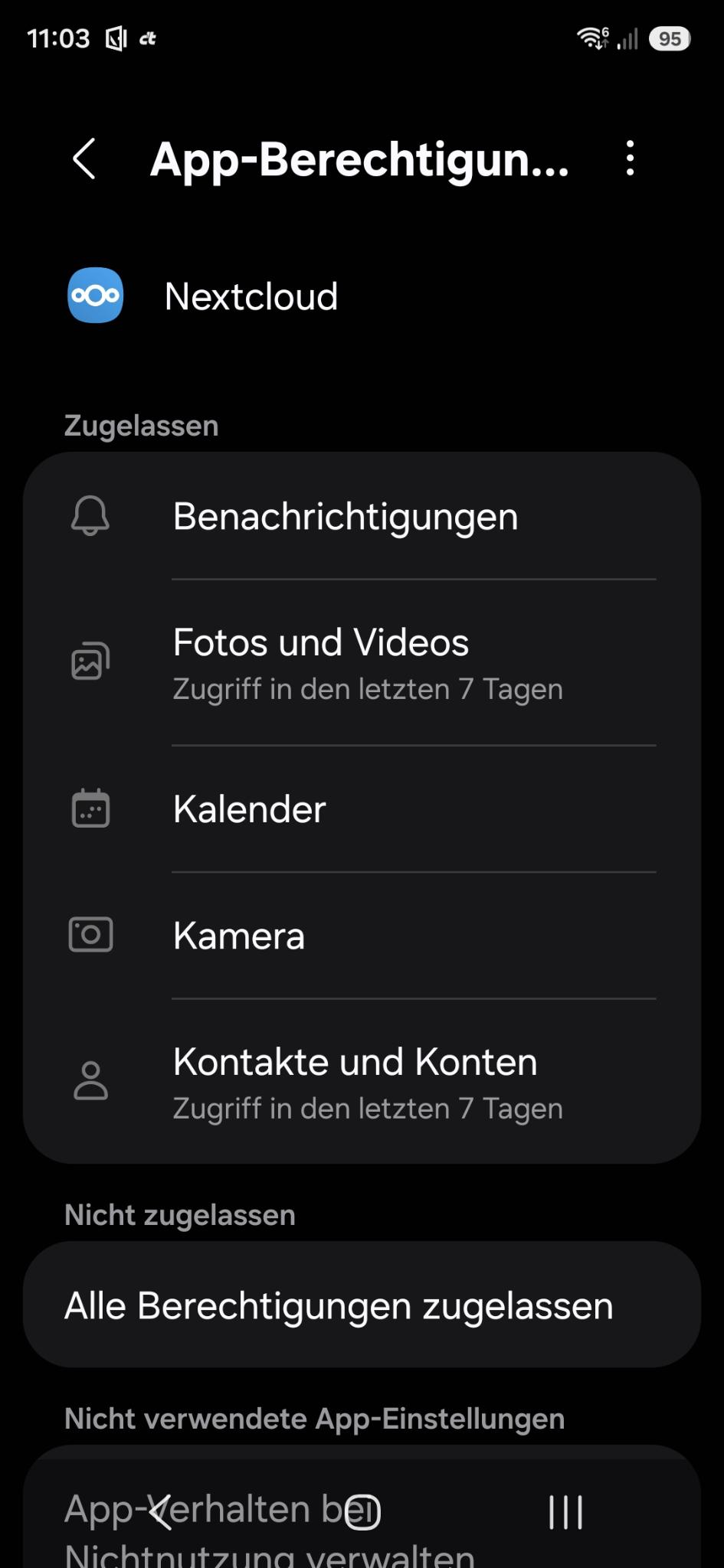
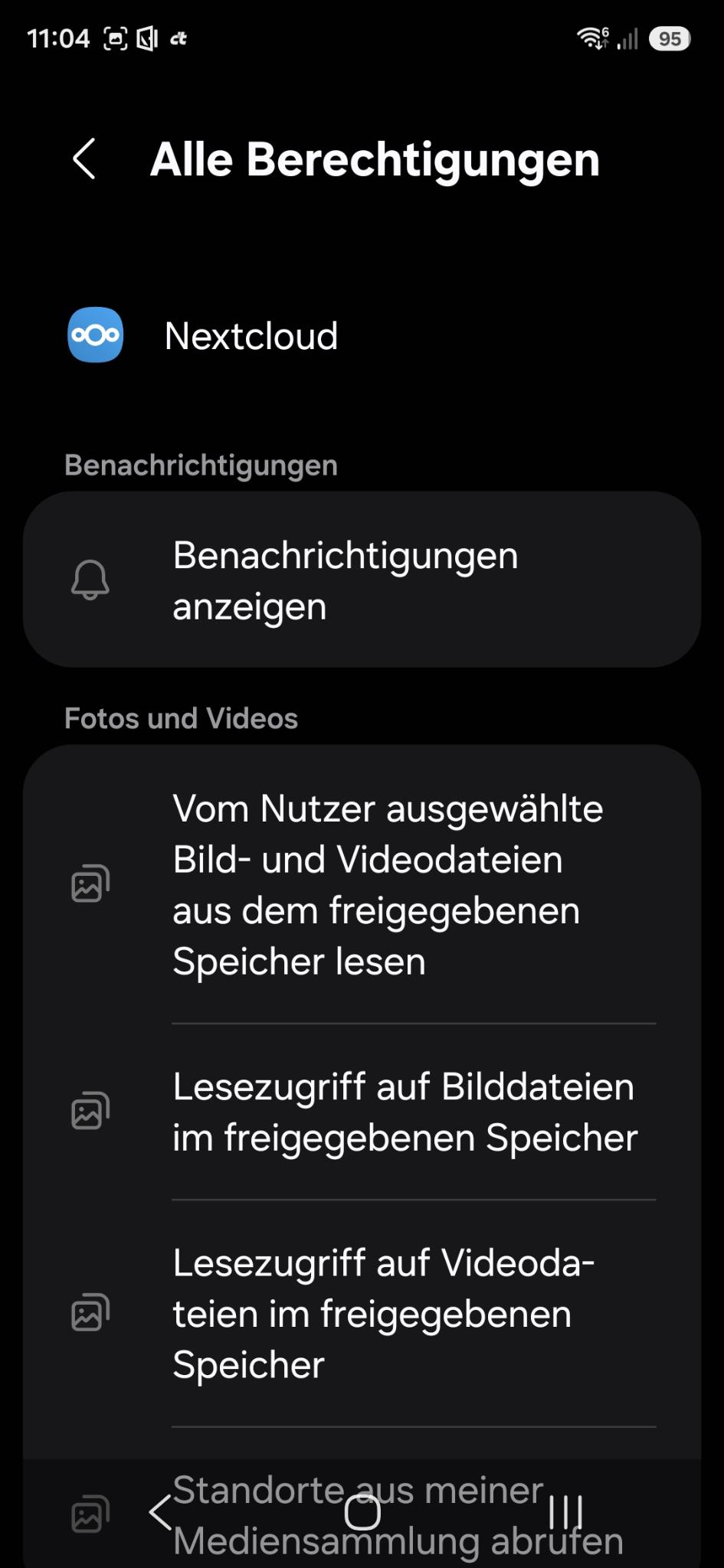
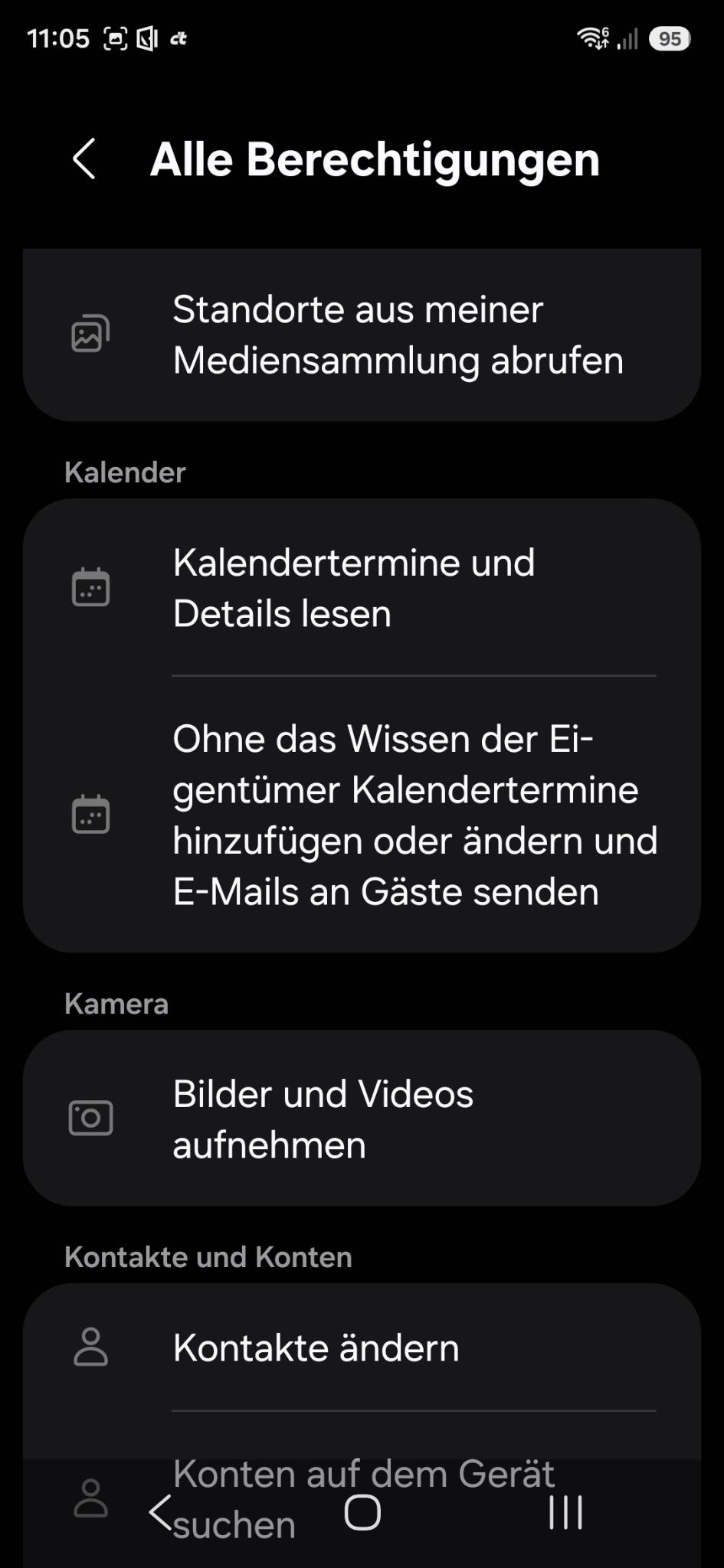
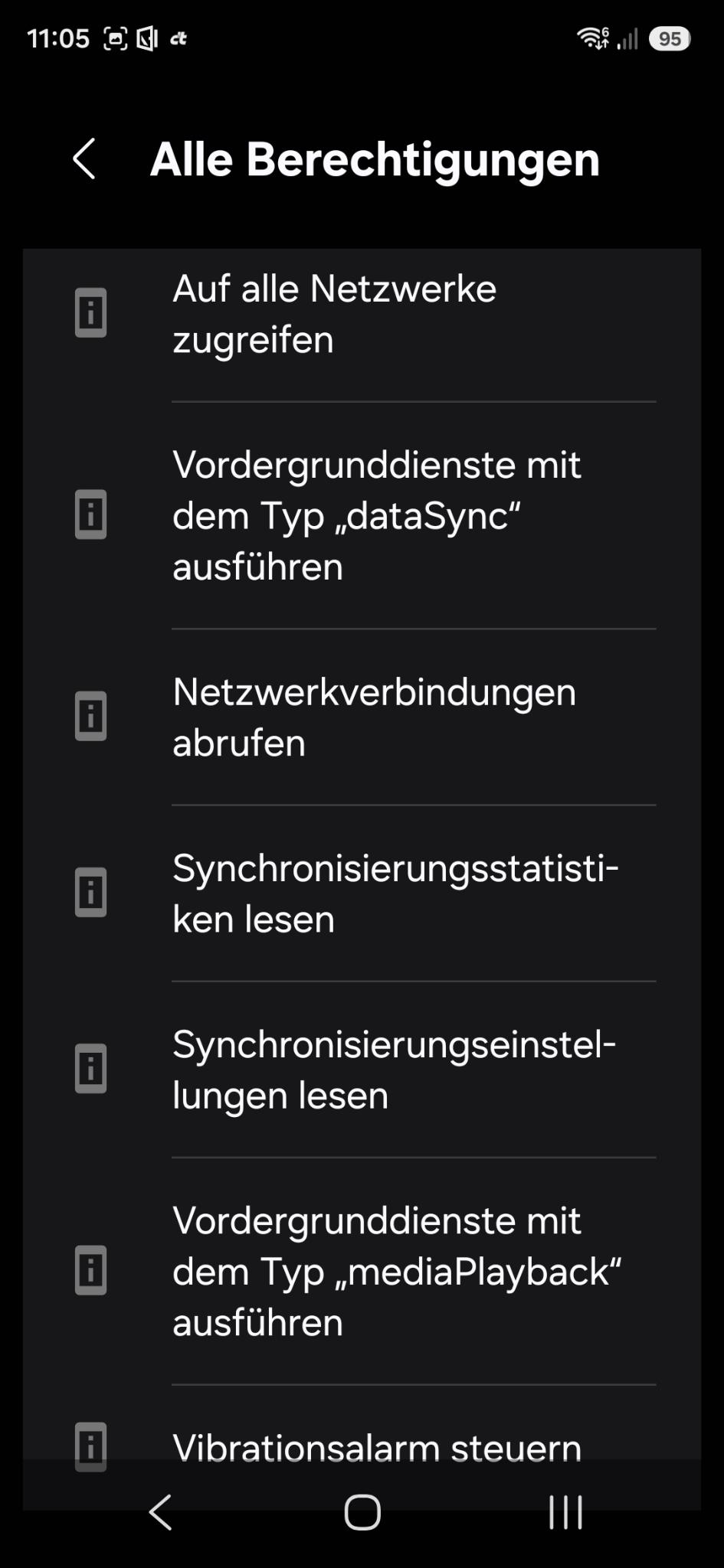
I have 3 Android instances running on a server. I hat the following error originally running Nexcloud 31.0.4 on the server, but now after upgrading also with 33.0.5. On Android I am running the actual v 34.0.0 from F-Droid, but my family has the same problem with the version from google play store.
When I try to download files, the downloads seems to start. For big files it also takes some time where it seems to download data (I tried it with some files up to some hundret MB). Nevertheless, at the end I always get an error message that the download failed at 100%.
I do not see any entry about the download in the Server Logs, neither in Nextcloud logs nor in Apache. Is there any way to get more infos from the nextcloud App? I am able to get an ADB connection to my phone, if I have to use logcat. I would just need to know what to do then. Or are there some “instrumented” debug versions of the app, that give me more information?
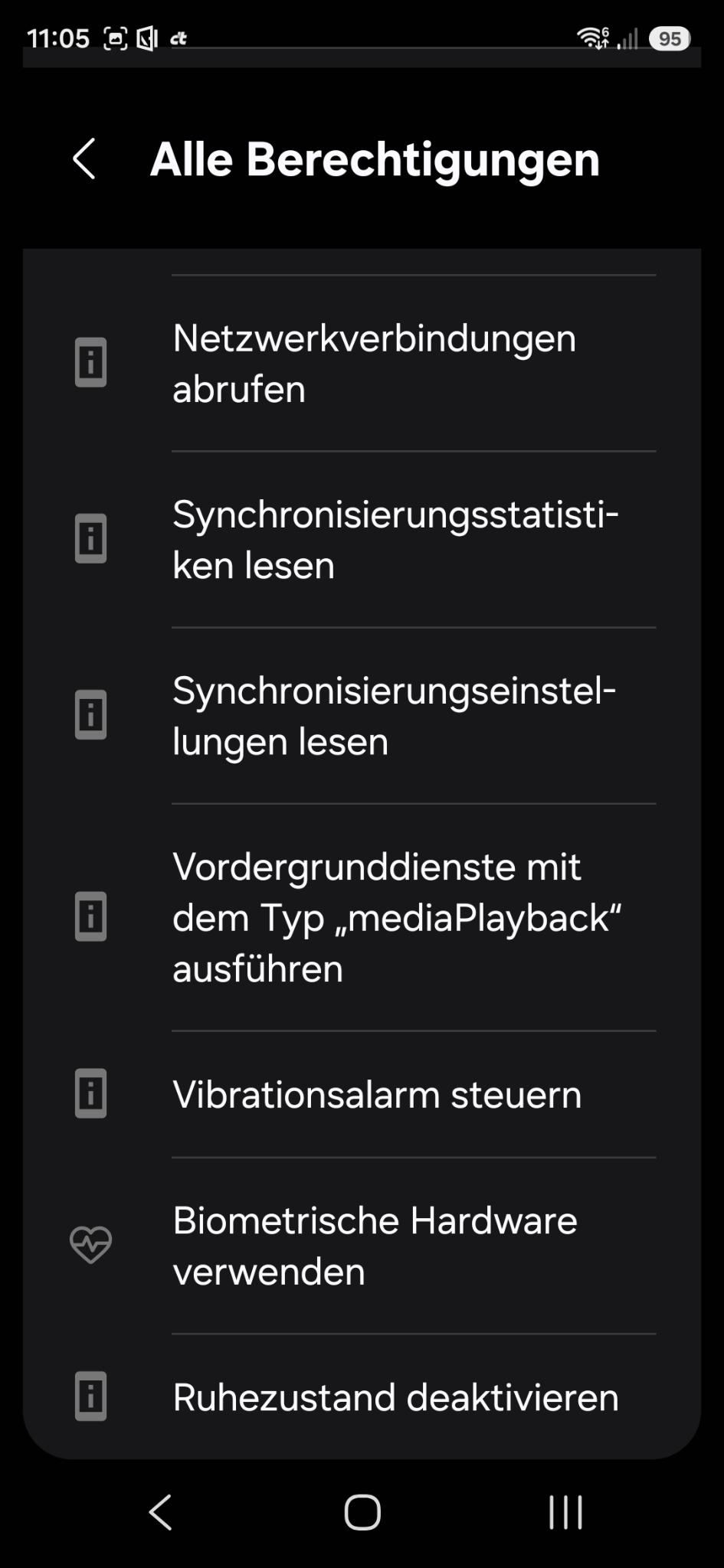
I guessed first it might be an issue with the access right, but according Android settings it has all requested access rights. Nevertheless, attached are the access rights from my phone, unfortunately in german. I see access rithts fpr pictures and videos but for my feelings something about general file access might be missing…
I am experiening the same issue. Noticed this issue first after upgrading to V.33.1.2 and it is still persisting in V.34.0.0.
When trying to download files or folders, I see that the client actually downloads the files, and it creates a respective folder but the content of this folder is empty. I suspect, that that files, after being succefully downloaded, get not moved from its temp. download location to the actual destination folder.
I have the exact same problem on my phone (Pixel 9 Pro) and Samsung Tablet (Tab S9), both with the current Play Store Client versions of nextcloud. Server is running the Spring 26 update and I already tried cleaning the cache and data approach - with no luck.
I also checked the admin logs but I don’t see anything related to those problems, so my guess is an Android app problem that was introduced with one of the latest versions. :-/
Seems going back to 33.1.0 solves my problem also. Is there any way to make this some kind of bug ticket? So there is a chance it finds its way to developers?
One observation: Also with client 33.1.0 it show me for many directories that they are avaiable offline, also after clean install. The directories are available in my local filesystem. They are already shown to be there in the NC App directly after connecting the app to the server, while the folder in Android/media/com.nextcloud.client is still empty. I am sure to look into the right directory, because after downloading other files and directories end up there…