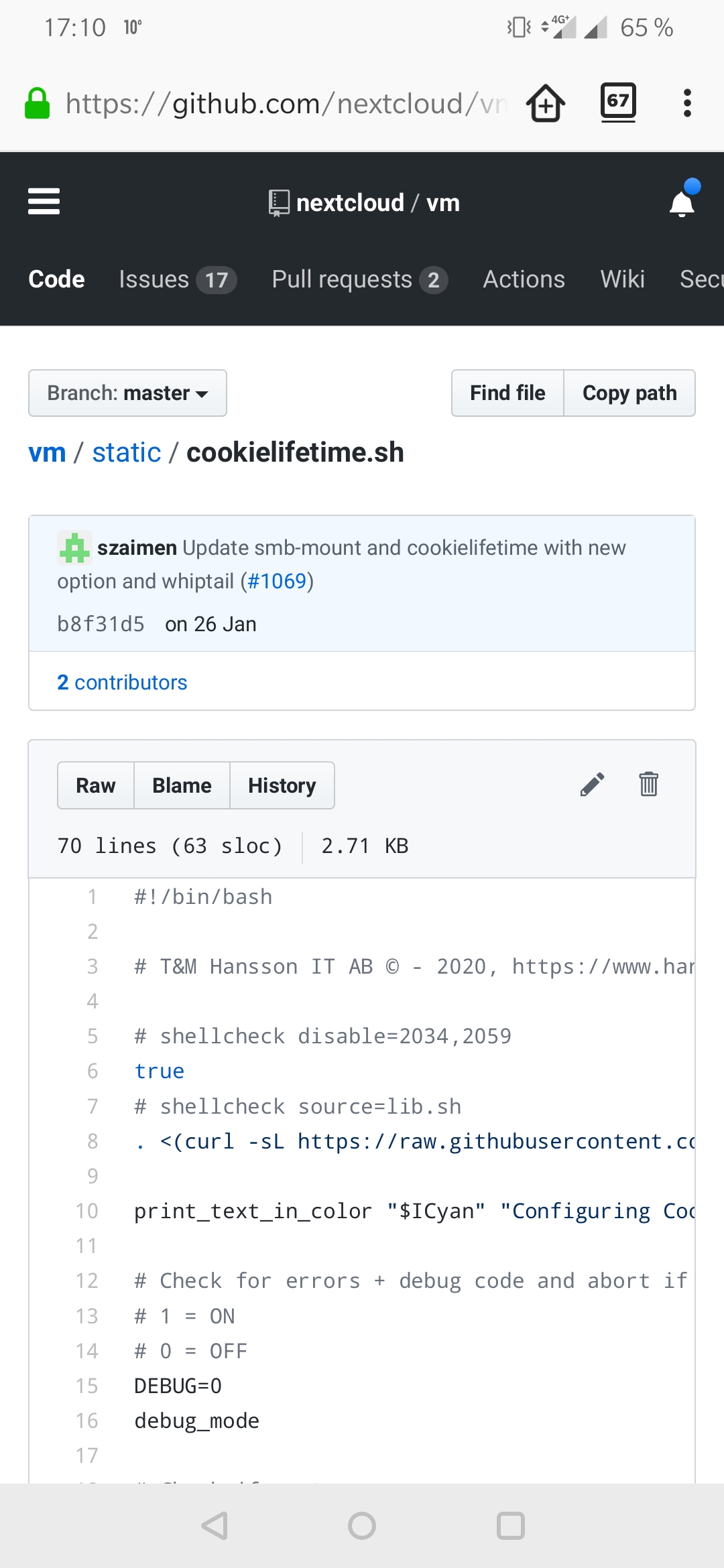
Hi there,
How can I set up automatic log out for web session ?
Thansk in advance,
Cr9c
Hi there,
How can I set up automatic log out for web session ?
Thansk in advance,
Cr9c
Have you tried the solution from Log out on idle time ?
Thanks but is there another way to set up log out time outside config.php ?
Have a look at this:
And wich is the best way “cookielifetime.sh” or “Idle time” ?
If it’s the first one, where do i have tu put this script ?
Do you mean I’v to create the following directory : …/vm/blob/master/static/
and the the SH file in it ?
Thanks you
Hi, @enoch85 I’m very much interested in that cookielifetime shell file but it appears to have been removed.
Is there anything you can do to make it available again ?
Thanks in advance.
Regards,
WB
Edited the original post.
Two important observations:
It looks like tracking prevention from Firefox (or other browsers) are too strict and block the settings, leaving the session logged off after a very short period of time. This one took me a lot of searching, as the most browsers have tracking prevention as a default (tested with Firefox and Edge). I just discovered this one, if it still fails, I will give an update.
in docker, the nextcloud_occ command does not exist:
The real commands (almost last three rows), changing config.php need to be changed as below (this is the aio setup, container name is fixed, determined by the aio install)
docker exec -u www-data nextcloud-aio-nextcloud php occ config:system:set remember_login_cookie_lif>
docker exec -u www-data nextcloud-aio-nextcloud php occ config:system:set session_lifetime --value=>
docker exec -u www-data nextcloud-aio-nextcloud php occ config:system:set session_keepalive --value>
And it does not work.
After disabling tracking in Windows in Firefox and Edge, it still autologoffs after about half an hour. No other tracking preventions are active.
Very strange this does not work, looks like a bug, considering a ran the script in my docker AIO (checked the config.php it was changed), and tried it earlier allready without the script.
I am really puzzled, looks like these features are really a pain to configure.
I am running Nextcloud Hub 8 (29.0.4) AIO
I haven’t tested it myself, but I think to actually enable auto-log off, you also need to set the following parameter in addition to the parameters you have already set:
'auto_logout' => true,
See also here: https://docs.nextcloud.com/server/latest/admin_manual/configuration_server/config_sample_php_parameters.html#auto-logout
Correct, this is also set, but still not working with the settings below from the config.php, logged out after about half an hour in windows using both browsers, also tested firefox also in linux, same result, suggesting something serverside should be wrong:
‘remember_login_cookie_lifetime’ => ‘43200’,
‘session_lifetime’ => ‘43200’,
‘session_keepalive’ => ‘false’,
‘auto_logout’ => true,
I looked at the admin guide and the keepalive setting is puzzling.
In most cases I see the advise to disable it, but if I read the description, it seems it should be enabled.
I get the feeling these are bug related, hope to get answers as this looks like running in circles to me with AIO (maybe AIO specific).
Filed a bug report, we’ll see.