I installed the Assistant Talk Bot (version 3.1.2) app on my Nextcloud 32 .0.1 (AIO installation).
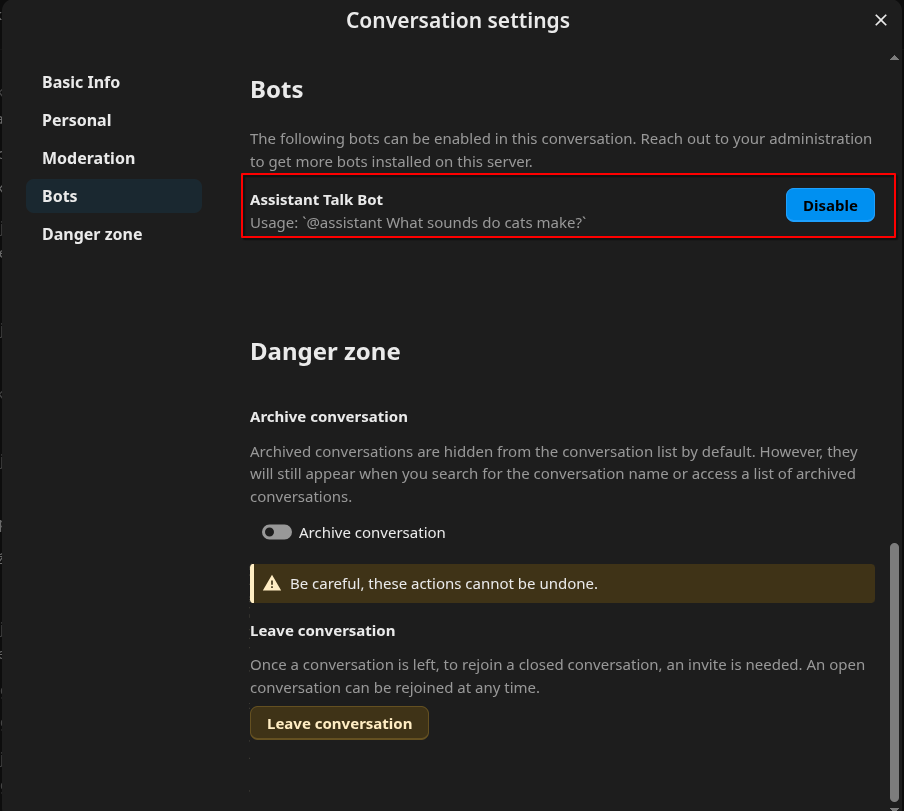
The bot appears normally in Talk settings under Bots, and I enabled it inside a conversation —
but it doesn’t react at all.
I tried writing @assistant hello … and several other messages, but nothing happens — no reply, no error message, just silence.
My OpenAI API key is configured and works fine; the regular NextcloudAssistant app outside Talk responds normally.
Only the Assistant Talk Bot in conversations is completely inactive.
Does it need to be started manually or enabled somehow through AppAPI / a daemon?
Has anyone else experienced this issue on Nextcloud 32 AIO?
Hey,
just to update the situation — I now have the Assistant Talk Bot visible and active in the system.
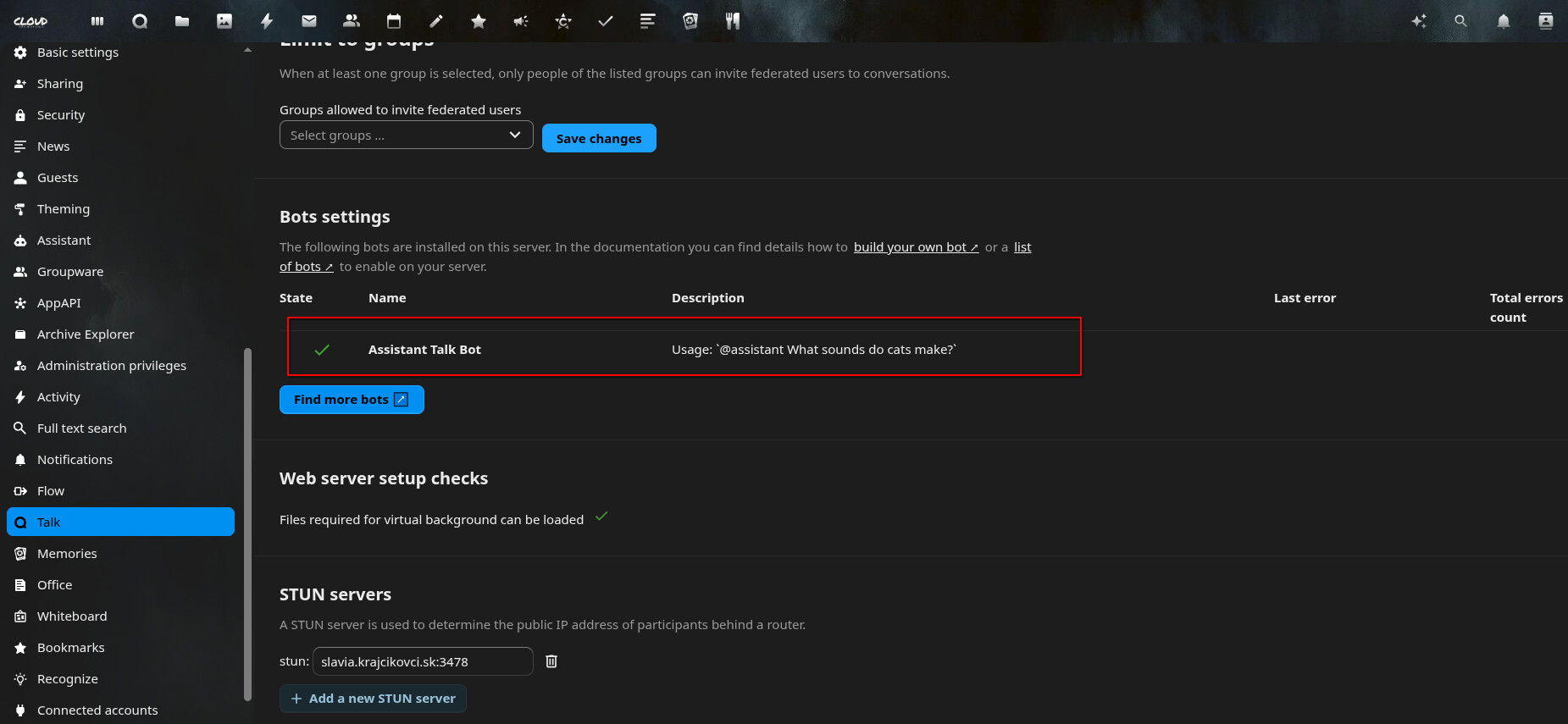
It shows up correctly under Administration → Talk → Bots and I can enable it inside conversations.
However, it still doesn’t respond to any messages.
Even when it’s enabled in the room and I mention it with @assistant, there’s no reply or reaction at all.
No error message either.
So the issue is no longer that the bot isn’t available — it’s that it’s installed and visible,
but completely silent in the chat.
If anyone already got it working in Nextcloud 32 (AIO), I’d really appreciate a hint on what else might be missing.
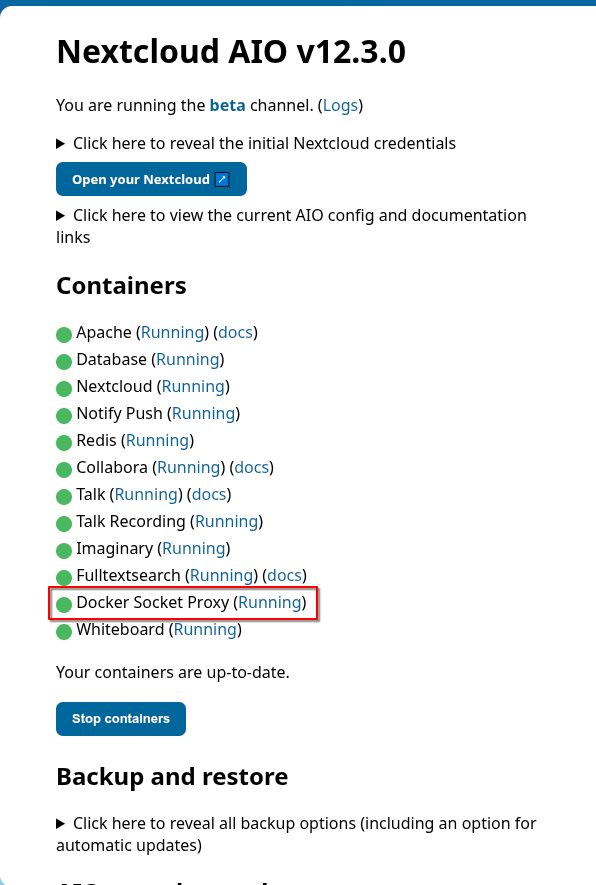
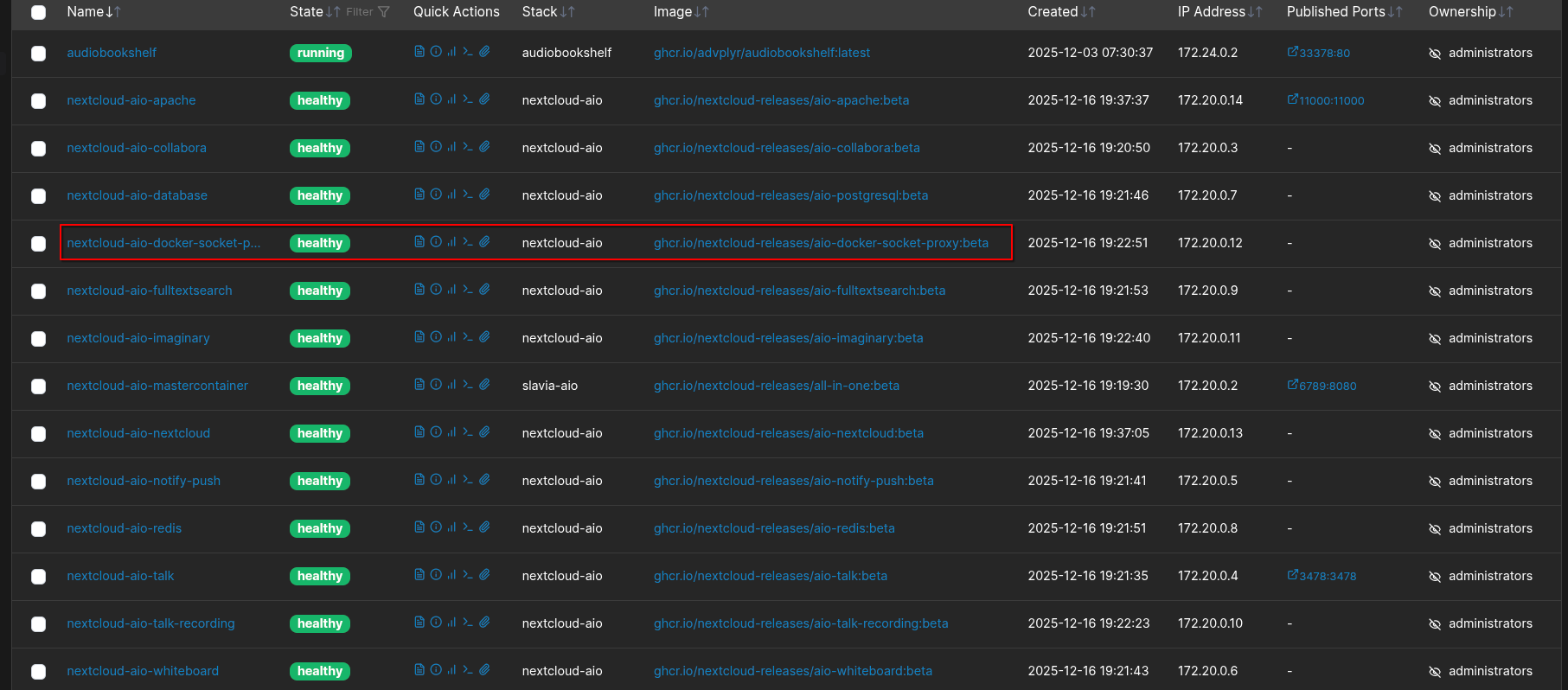
I’m continuing my testing with another Nextcloud AIO installation on a test server, where I used the latest Beta version 12.3.0 (Nextcloud 32.0.3). I applied the exact same settings, the same containers, and have the Docker Socket Proxy (Running) module enabled on both servers.
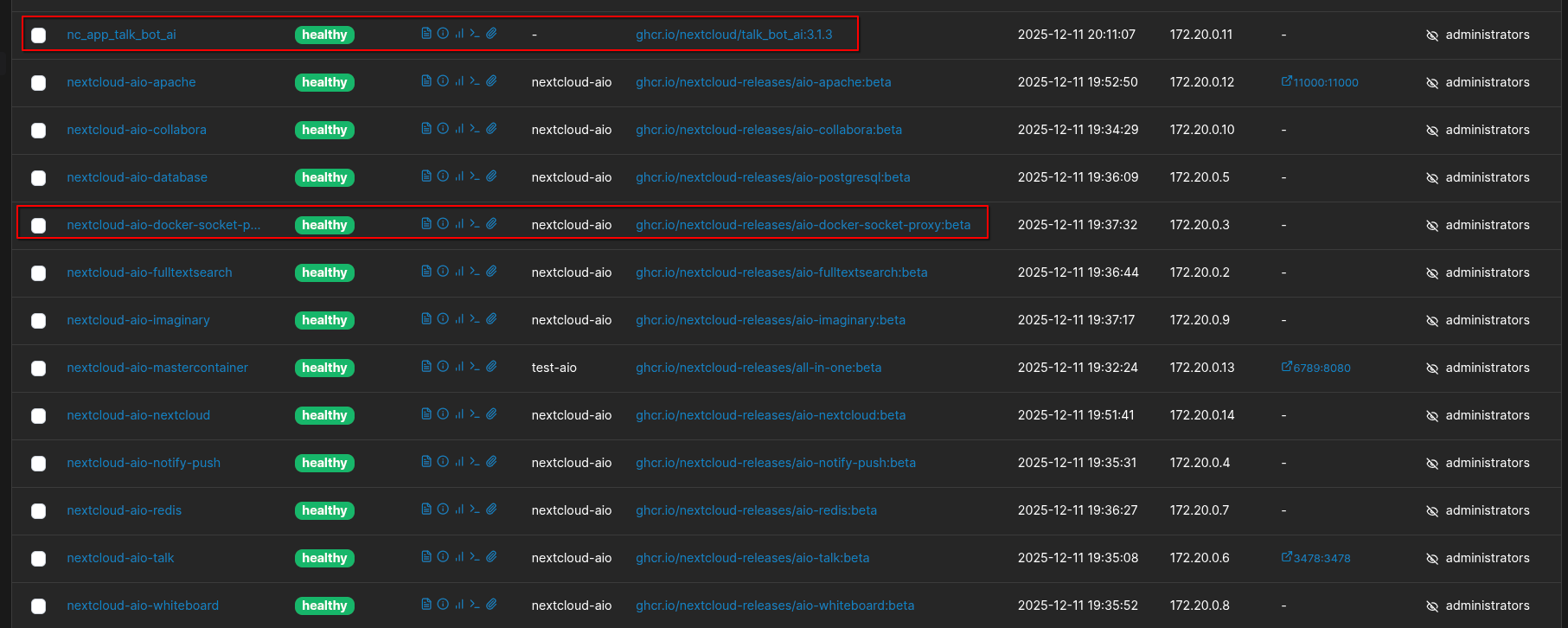
After installing and testing, I found that on the test server, a new Docker container named nc_app_talk_bot_ai was created and is running in a healthy state. However, this container did not get created on my home server, which could be the reason why the bot is not functioning properly.
The current version of Assistant Talk Bot is 3.1.3 on both instances, and the containers are running without any issues in Portainer. After comparing the running containers, I discovered that the presence of the nc_app_talk_bot_ai container on the test server could be the cause of the problem with the bot not working on my home server.
Could anyone advise why this container isn’t being created on my server? I’d like to figure out the cause and how to resolve this issue.