I have installed Nextcloud on my Home FreeBsd server and everything is working 100%
I have a number of android nextcloud apps installed on my android 12 cellphone and they too work just fine.
However, I am not able to connect the “Bookmarks” android app with the NextCloud Server.
I do make use of self signed certificates and the setup is connecting just fine from my android cell to the server. Not the Bookmarks app though. It specifically warns me that it can’t connect because it does recognise the self signed certificate. Even if I click on the offered TRUST SERVER button, nothing happens…

Which Android app for Bookmarks, specifically? There are several.
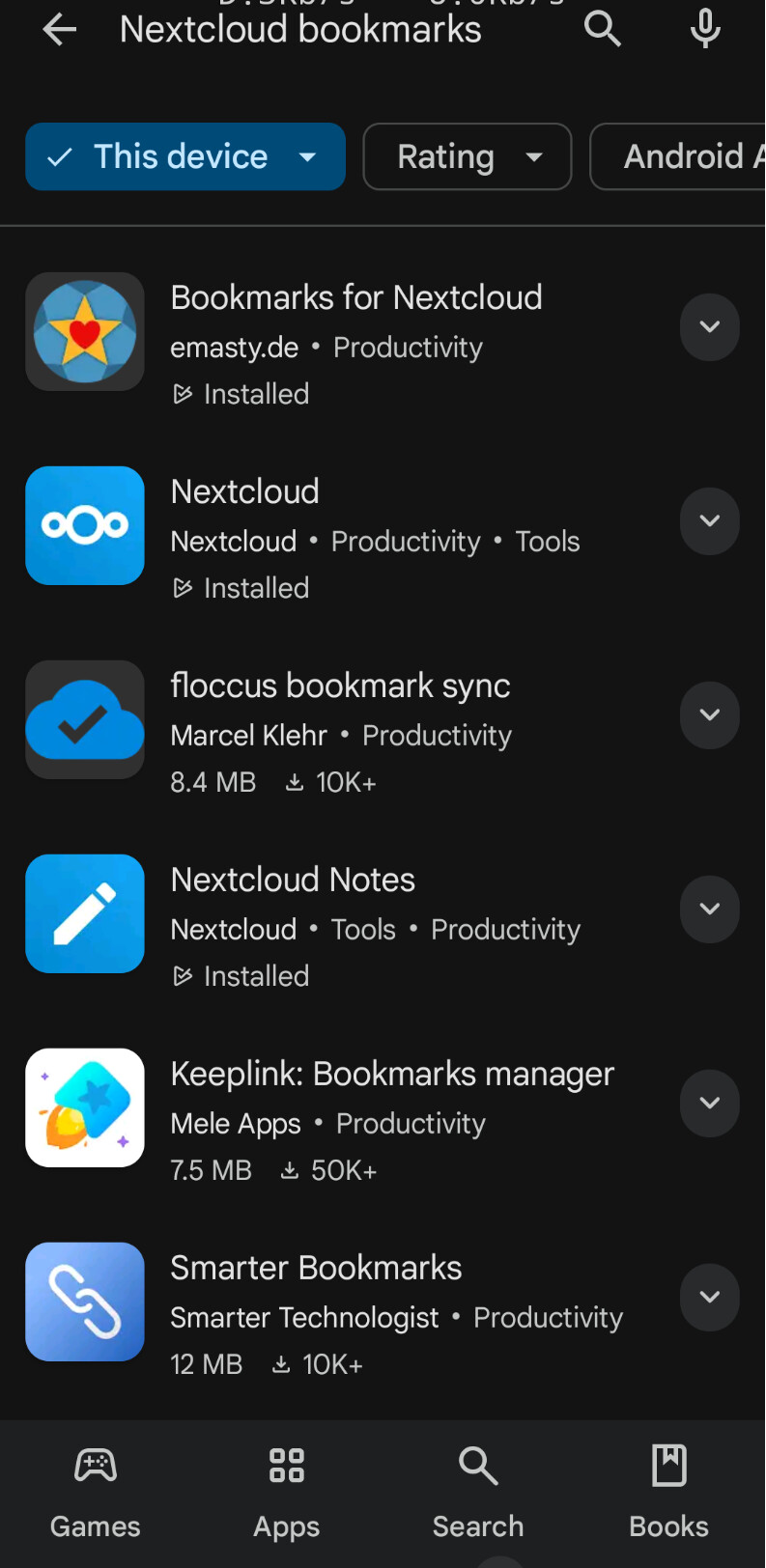
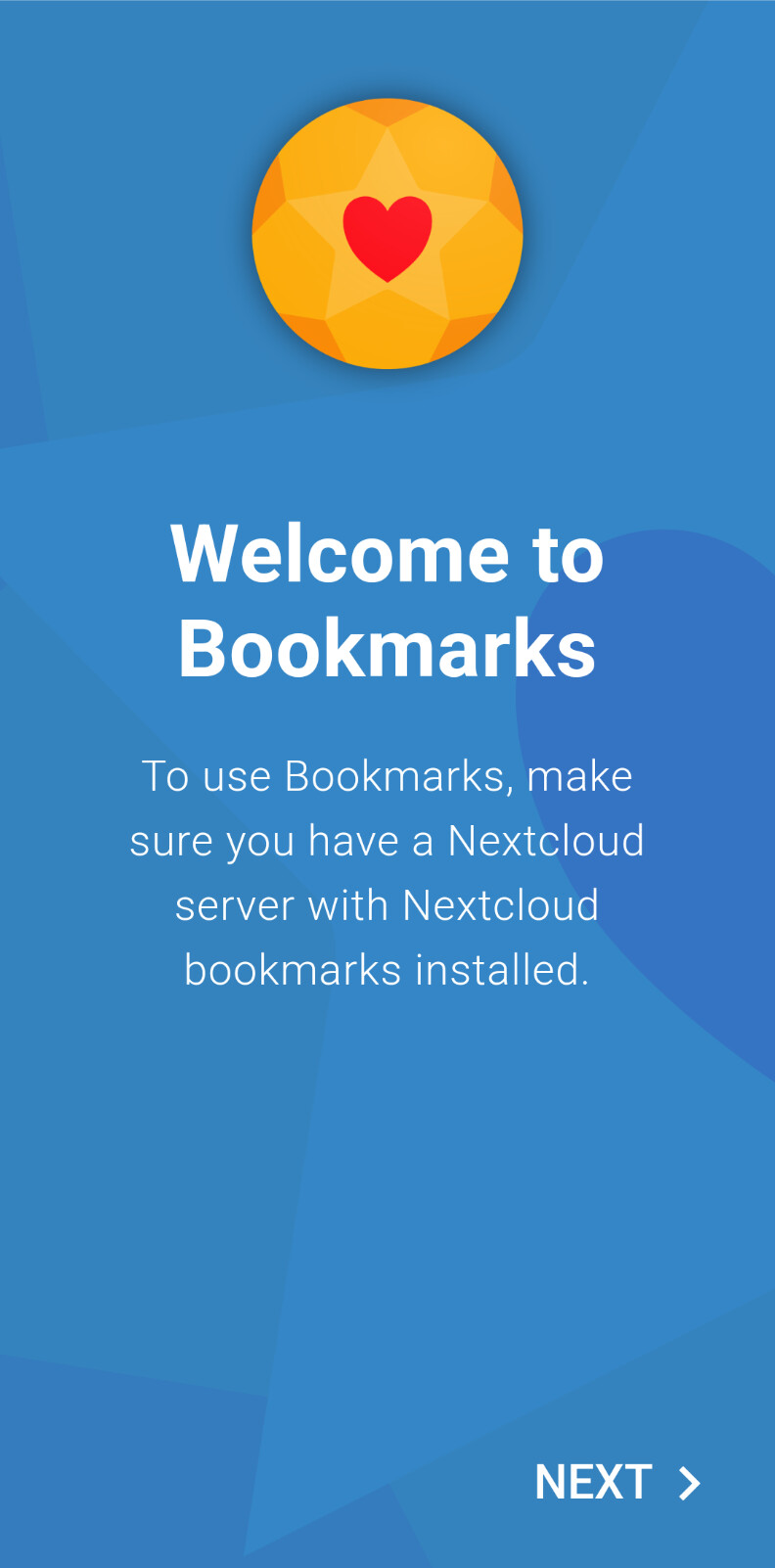
A standard Android bookmarks app for Nextcloud doesn’t exist as @jtr mentioned and none comes with the installation of the Nextcloud server. The Android app you are referring to has been developed by some independent app devopers. Therefore any requests related to this app should be addressed in the related GitLab repository.
The missing self-signed certificate issue has already been reported in the past and the devopers said that they are not planning to support self-signed certificates: