Just to make it clear: we did not block this inside the php code. Maybe something in the nginx config blocks this instead.
Maybe something in the nginx config blocks this instead.
I can pretty much rule that out. I’ve been using nginx for a long time and hadn’t any problems with POST requests being blocked.
I rather suspect that it has to do with plausibility checks. Usually one uses a subdomain and forward requests to this subdomain to a localhost port in the reverse proxy. The host header is usually transmitted, which then corresponds to the subdomain. The PHP code might expect an IP address instead of a host name, for example 127.0.0.1, and fails with the request. (BTW: The status code in the network protocol was 400, using the port 8084. I had to use the port 8080.)
I think if you were to play around with the request headers you might come up with a solution that works. If such a solution were documented, it would be a great relief for all reverse proxy users.
Since I dont have such a setup, I asked Opus 4.6. to find a fix for this. We’ll look into a possible fix with Fix: nginx reverse proxy read timeout blocks AIO from starting consecutive containers by Copilot · Pull Request #8016 · nextcloud/all-in-one · GitHub going forward.
Based on the suggested fix it looks like the timeout might not be high enough in your nginx config but we’ll also try to provide a fix for this directly in AIO.
@szaimen That sounds like a reasonable explanation. I’ll experiment a little more with timeout values when I have some spare time. Currently I’m fine with direct access to port 8080.
Hi,
I can confirm that I’ve just experienced the exact same behavior during an upgrade from AIO v12.9.2 (stable) to v13.0.0 Beta.
This is the first time I’ve encountered this issue — I’ve been running Nextcloud AIO long-term and never had any problems with updates before.
My setup has been unchanged for a long time:
-
running behind Nginx Proxy Manager
-
same reverse proxy configuration as before
-
no recent system or infrastructure changes
So this does not seem to be caused by any modification on my side.
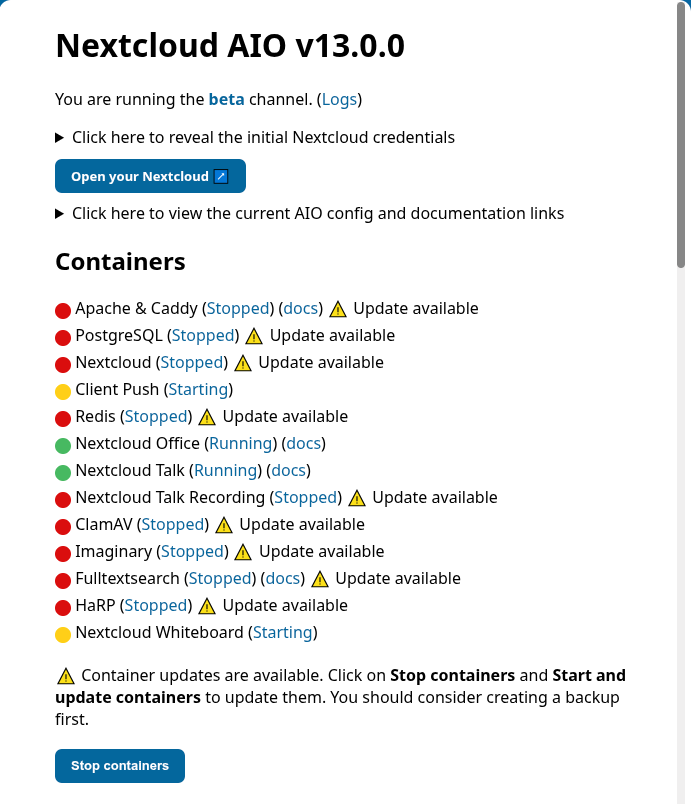
Portainer
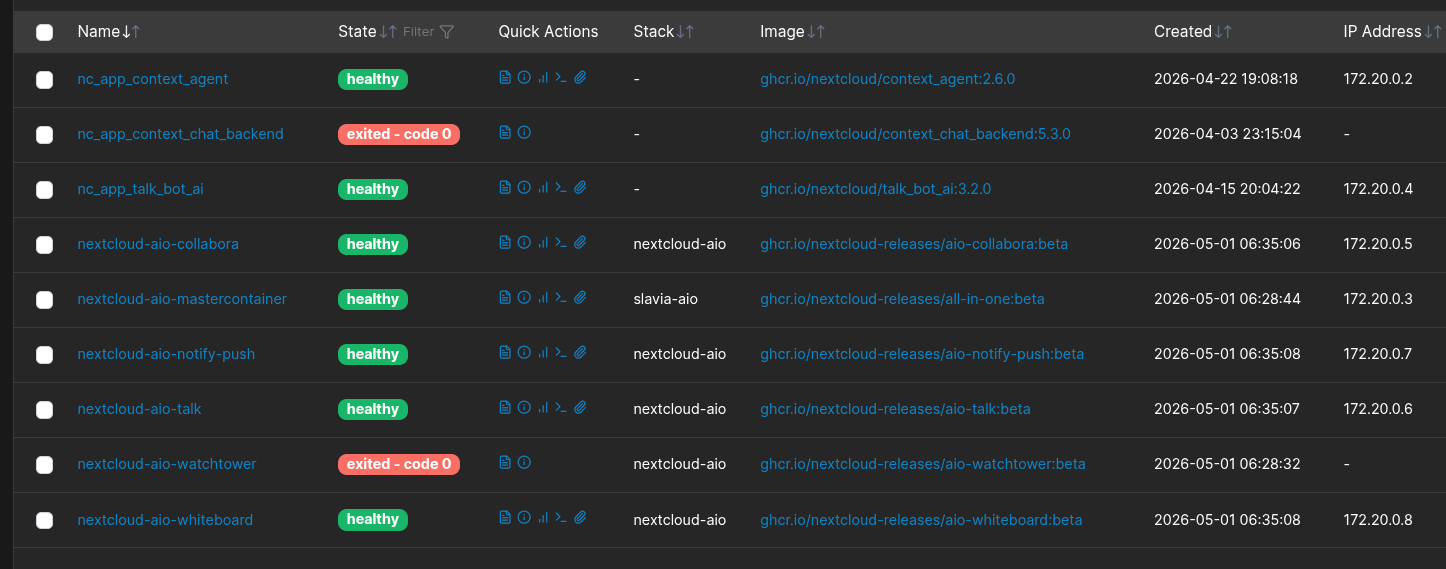
Had exactly the same issue.
In my case, I’ve checked logs and it seems that there was an issue with Proxmox VM CPU settings that I’m using to run AIO.
After changing this to the one supporting AES and manually updating to Nextcloud 33.0.3 via phar update method I was able to download all missing (not updated in initial run) containers.
Only one thing left… FulltextSearch container is in boot loop failing to start.
Hi @vawaver i think your prpblem has a different cause. Lets continue in https://github.com/nextcloud/all-in-one/issues/8040
Just a small follow-up from my side.
I’ve now updated to AIO v13.0.2 Beta and the whole upgrade process completed successfully this time.
All containers started correctly and the instance came up without problems after clicking “Start and update containers”.
So at least in my case, the issue seems to be resolved in the newer Beta release.
This is now released with AIO v13.3.0 Beta. Testing and feedback is welcome! See GitHub - nextcloud/all-in-one: 📦 The official Nextcloud installation method. Provides easy deployment and maintenance with most features included in this one Nextcloud instance. · GitHub