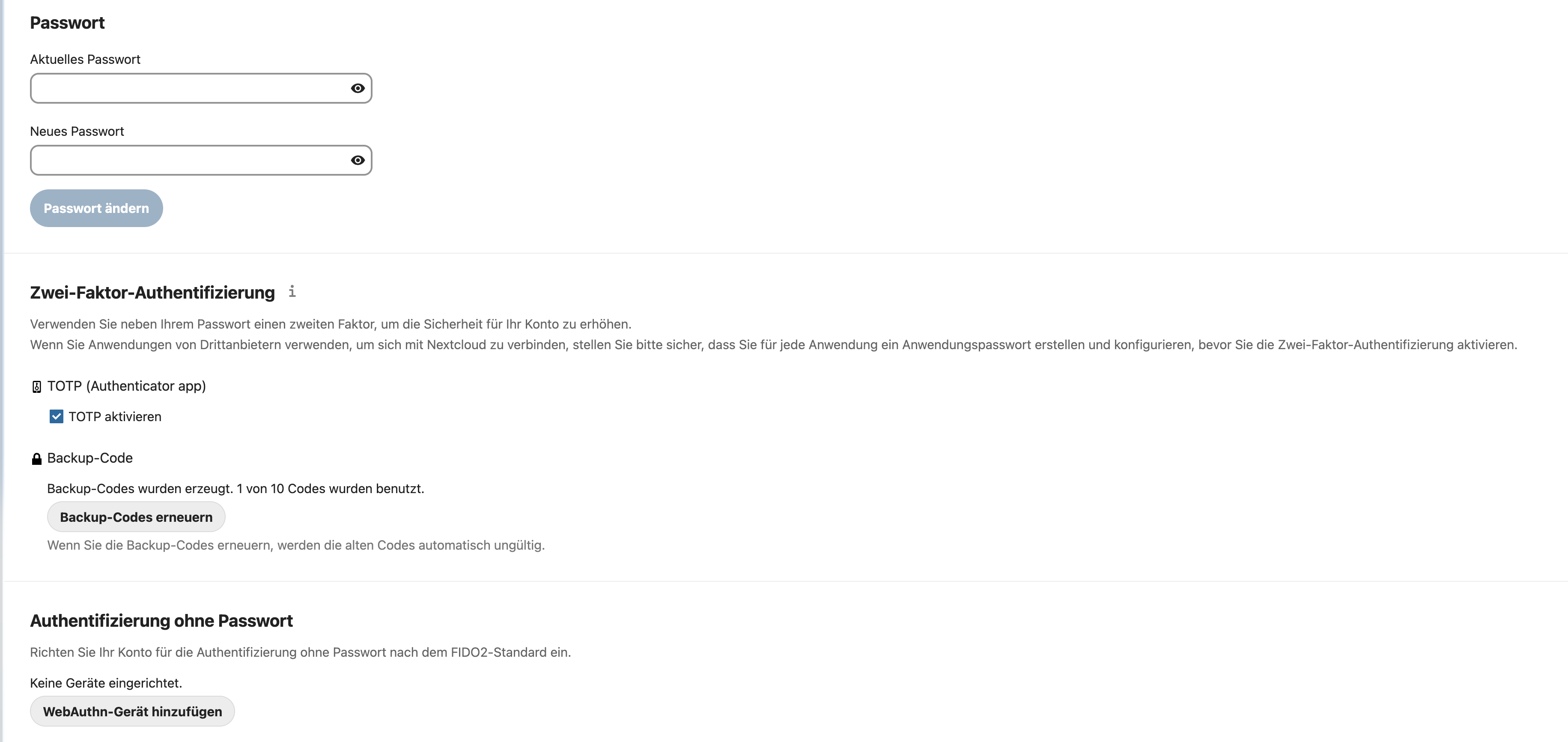
I run the latest version of Nextcloud (25.0.5) and want to enable 2FA for the admin group. After doing so, I can see the backup code section in the personal settings of the admin user and I’m able to download the codes, but no QR code is displayed to be scanned by Google Authenticator App. Any idea, how to get this working?
As Admin → Uper right corner klick on your profile picture → Apps → Disabled apps → Enable Two-Factor TOTP Provider
There is a manual that explains everything in detail . It is nice and a sign of respect if one reads it before asking. Or have you searched and feel that the manual is unclear?
Yes, I did look through the manual. It did not help. What needed to happen was turning on two-factor authentication in the Umbrel settings. Working now. It would be good if the nextcloud software settings indicated what the issue was.