Add picture in app Polls or app Forms

Hello, I would like to launch a vote of some item.
I was thinking using Forms app or Polls app but I only succeed to perform a vote of text item.
Is there a way to add on the side of the text a picture ?

I was some year using framadate for that but the project is now no more active …

Thanks

PS : The picture are of course hosted on naxtcloud

You can at least add images to question description in forms. Just use Markdown and the URL of that image (e.g. share the image as public link and then you can use its DAV URL).

I try to put ‘![My picture](https://link-fro-NC)’ but it does not works
what do you mean by “you can use its DAV URL”

The DAV URL of the file. E.g. if you download the image and copy the URL it should look like:

domain/remote.php/dav/files/name/folder/file.jpg

Same for public shares where it looks like:

domain/public.php/dav/files/token/folder/file.jpg

This URL works when used as images in the markdown description of a forms question.

We also have an open feature request for Forms to allow adding images to multiple choice questions:

Thanks for help susnux but I did not suceed
1rst, I try both but are you talking on a way on polls? or Forms ?
2nd, for Forms I put in the field “description” the path of my picture “https://nextcloud.mydomain.com/remote.php/dav/files/name/folder/file.jpg” but I only see the link in the Forms not the picture

And it seem’s logical as if I put "“https://nextcloud.mydomain.com/remote.php/dav/files/name/folder/file.jpg” in a web browser it does not find the picture…

Do I need to activate a particular option to allow the webdav to works ?

@ Chartman123 thanks but as the feature seem’s to be ask since 2020, not sure it is a priority :wink:

No, but you need to add the link to the file using Markdown syntax: https://markdown-it.github.io/

Yes I was initialy using the syntax ![text](link) without success…
I try with the exemple : ![Stormtroopocat](https://octodex.github.com/images/stormtroopocat.jpg "The Stormtroopocat")

And the cat is not diplay, I only see the text “Stormtroopocat”

External images won’t work due to the Content Security Policy set by the Nextcloud server, please try this syntax with your (public) webdav link.

I try the internal link or the external link or with webdav “by hand” (but url seem’s not to be webdav)

Your missing a closing ) in your last link… And I think that only public share links work

Oups indeed, but adding the ‘)’ does not works neither…
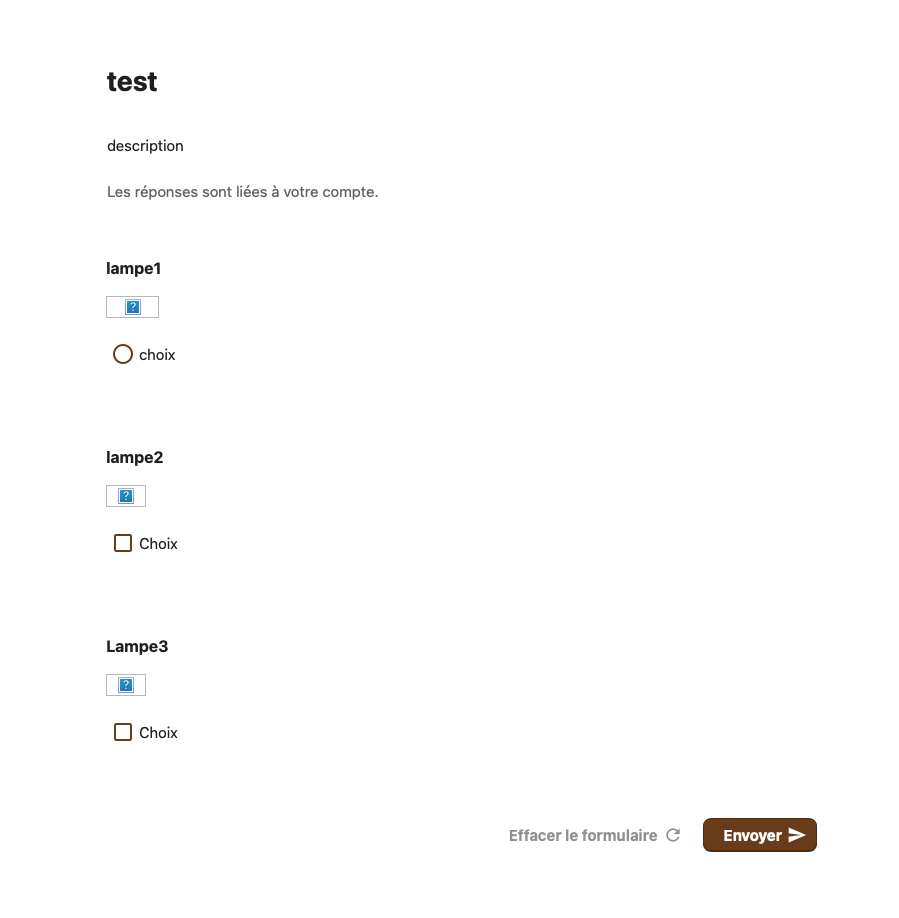
The public link is the “lampe2” and does not works neither.

Any idea why the link does not display ? any NC option or configuration ? any missing pluggin ?

Maybe an idea…
I am using Firefox.
And with safari i get this page :

It may be a image display error…
I will try to reduce the image size, and try with IE also…

I get the solution !!! Thanks for help.
I had to add after the URL of the public link a “/preview”

Thanks again for this app :slight_smile:

1 Like