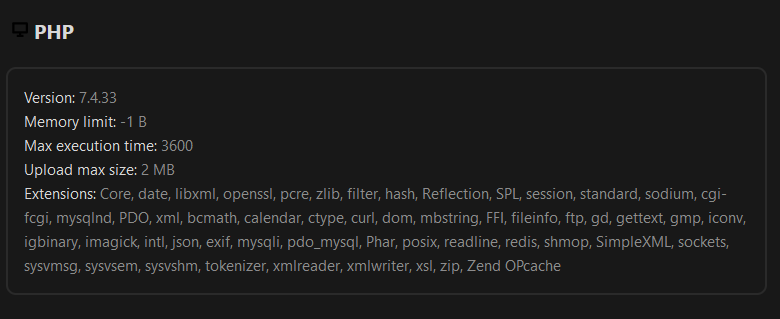
Great worked but suddenly I’m on PHP 8.0.2
root@nextcloud ~# grep --include=.ini -rnw ‘/etc/php’ -e “memory_limit = -512”
/etc/php/8.2/cli/php.ini:430:memory_limit = -512
root@nextcloud ~# grep --include=.ini -rnw ‘/etc/php’ -e “memory_limit = -512”
root@nextcloud ~# sudo -u www-data php /var/www/nextcloud/occ db:add-missing-indices
This version of Nextcloud is not compatible with PHP>=8.2. You are currently running 8.2.0.root@nextcloud ~# sudo -u www-data php /var/www/nextcloud/occ db:add-missing-indices
Secondly then OCC uses PHP CLI and Nextcloud uses whatever NOT CLI PHP engine you have choosen (Apache2/NGINX, whatever-webserver-you-have-choosen PHP modul or PHP-FPM) to execute PHP.
Run this command using the system installed and default PHP package as the www-data user.
So if you have updated PHP using apt-get upgrade, it will have installed newest PHP version, hence version 8.2 is the default goto for PHP command. So this error message is correct. Nextcloud is not compatible with PHP 8.2. However you have several PHP versions installed on your system, so all you needs to do is to specify which version to use: