I tried again yesterday to create a new session, but got a “session with that name exists” message. So I created one with another name and uploaded all the data from uLogger that I have linked. Everything shows up fine and and updates as long as the tab is kept open. But as soon as I have to reload the tab, the session is once again gone.
From the “name exists” error message, as well as the fact that uLogger is continuing to upload, it seems clear that the sessions are in fact still present. But the web UI does not have access to them to display (no sessions are visible in the “manually add point” section either)
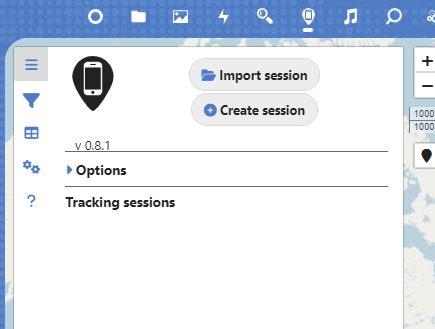
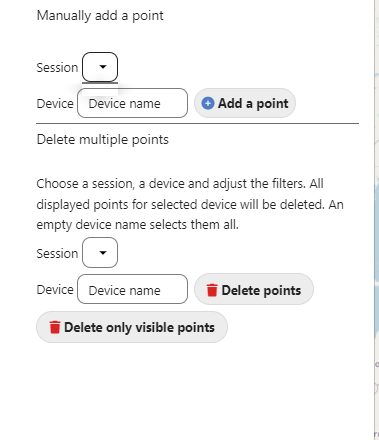


The screenshots above look like there simply is no session, but there is an active session, syncing from uLogger is working fine, and daily exports are (mostly) working.
But I can’t view the session, I can’t modify it or change properties, I can’t delete it, and I can’t export any of the data.
I have tried multiple times to delete the app, but obviously not all data is deleted and something is persisting between these installs that keeps creating this issue.
Does anyone know how I’d go about manually purging the app’s data, database, or any other settings? Or know of some other method of getting around this?
Update 2025-01-24. I do not actually want to delete or purge all PhoneTrack data without first exporting the couple months of saved data there. Though I have daily exports enabled, there are gaps in the days where PhoneTrack wasn’t connecting to my server (those days aren’t exported) and some issues with dates on some of the exports. So I’d like to export everything there before starting again.